Repair Corrupt Video Files Free
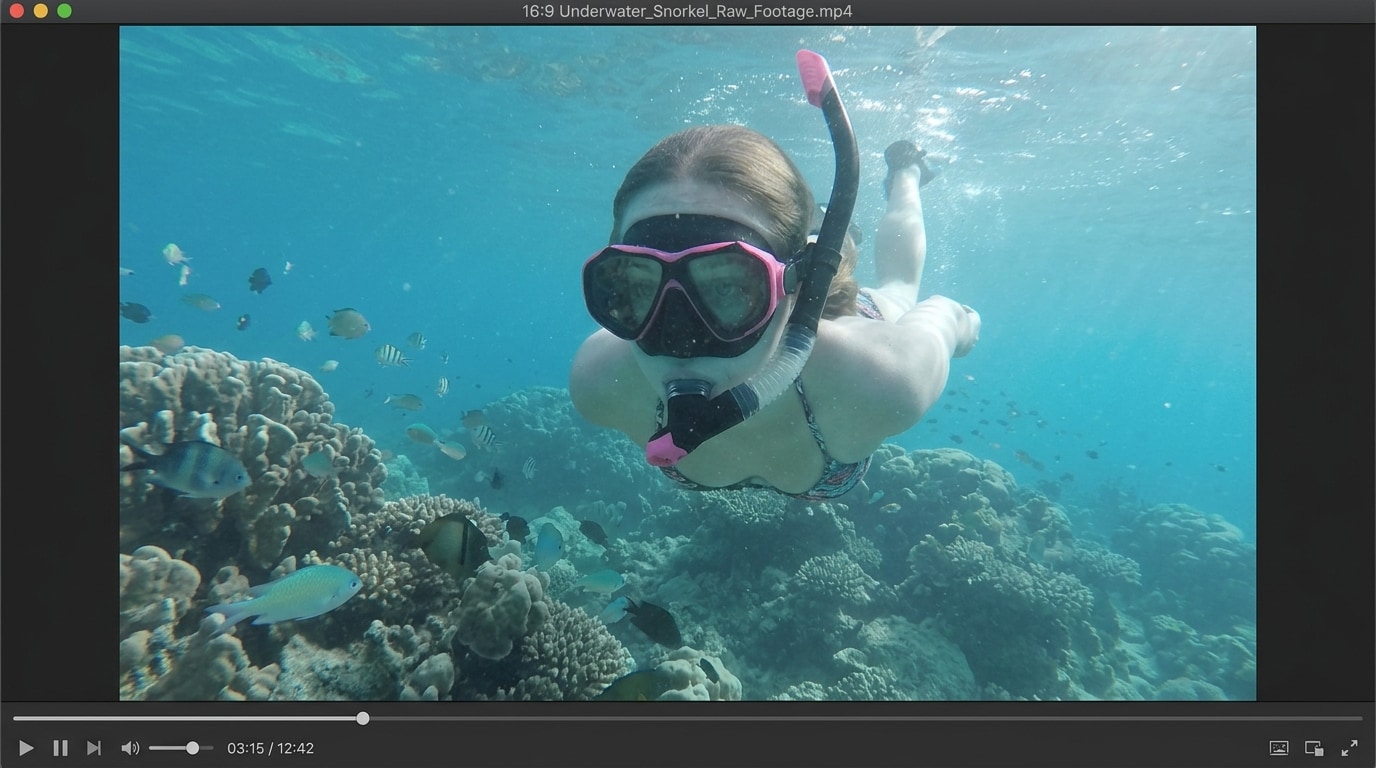
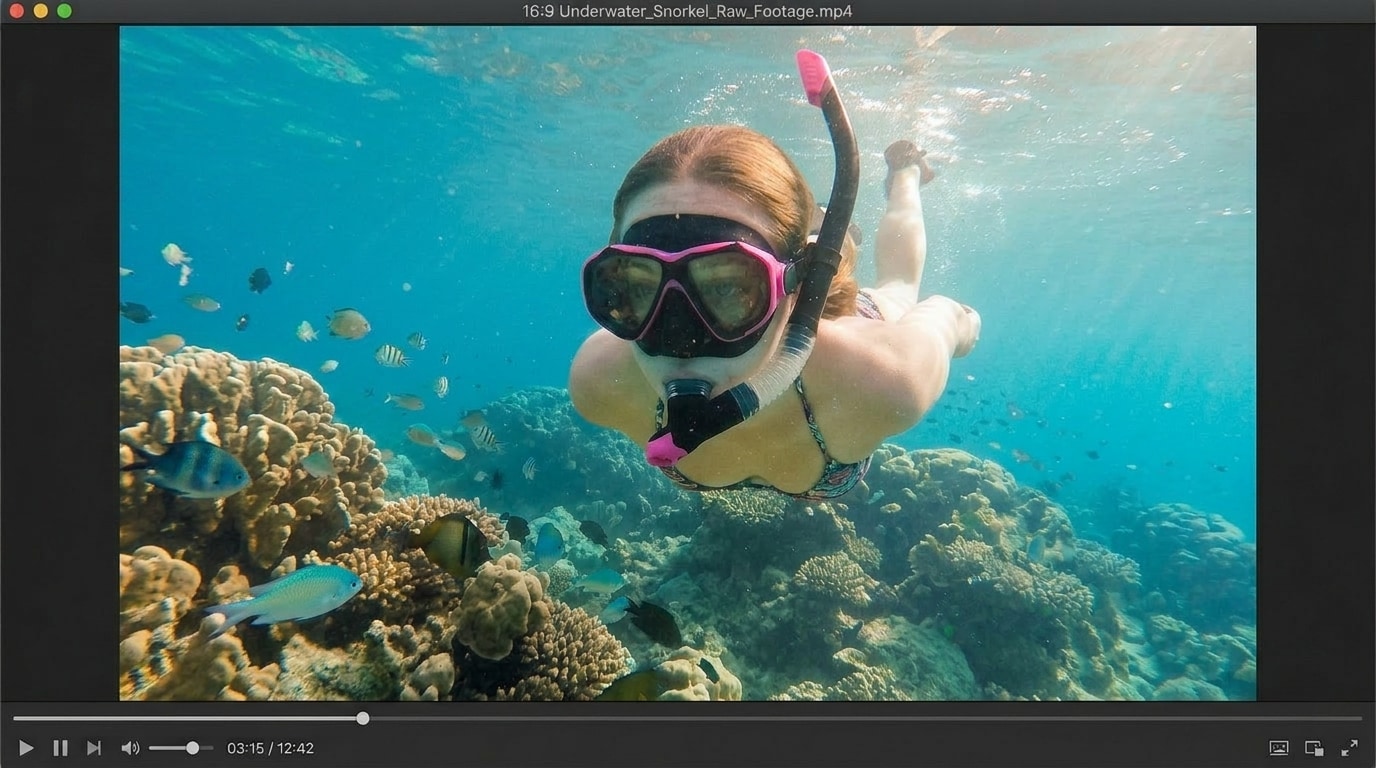




Fix Corrupted Video Files Free After Cloud Sync or Backup Errors
Videos stored in Google Drive, iCloud, Dropbox, OneDrive, or external backup folders can become corrupted when syncing stops halfway, the network drops, or the file is downloaded before fully completing. Many users only notice the problem when a video shows “file cannot be opened” or plays for a few seconds and then fails. Repairit free online helps fix corrupted video files free by analyzing damaged video data and rebuilding the file for smoother playback, so backed up memories, work files, and shared clips are not immediately lost.
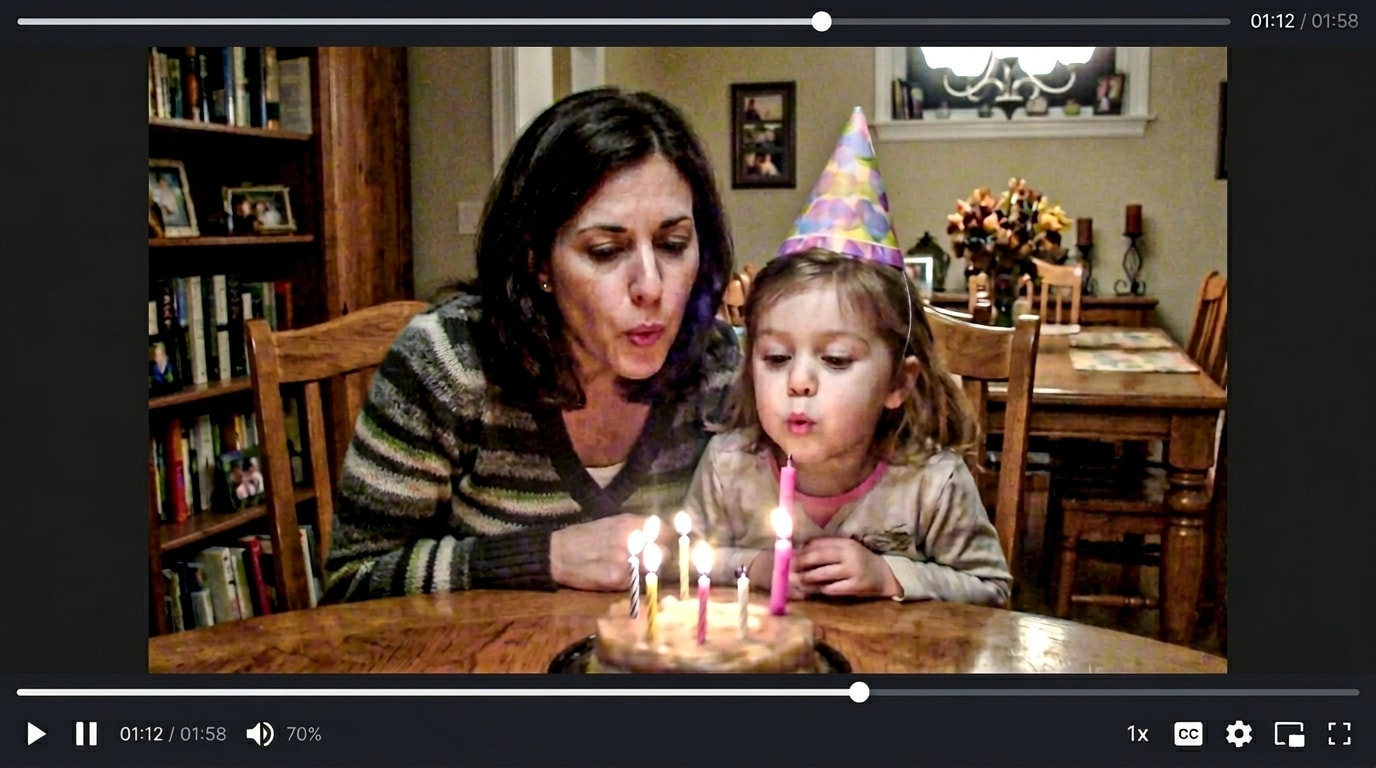
Corrupted Video File Repair Free for Downloaded and Shared Videos
Downloaded videos, shared project files, and clips received from file transfer platforms can break during interrupted downloads, unstable Wi Fi, browser crashes, or incomplete file packaging. Instead of searching through technical forums for complicated command line fixes, you can use Repairit for corrupted video file repair free. It helps repair damaged video files online and recover videos that fail to open in common media players after being downloaded or received.
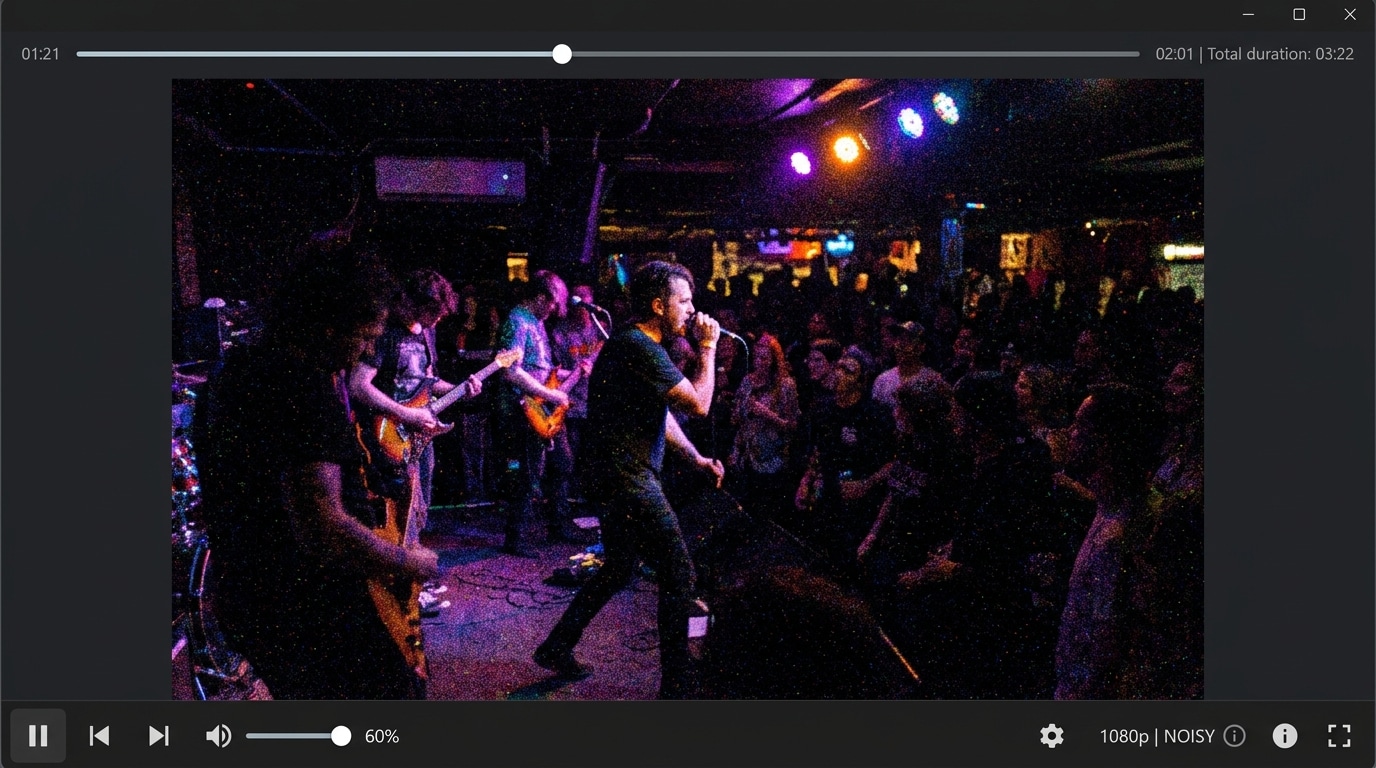
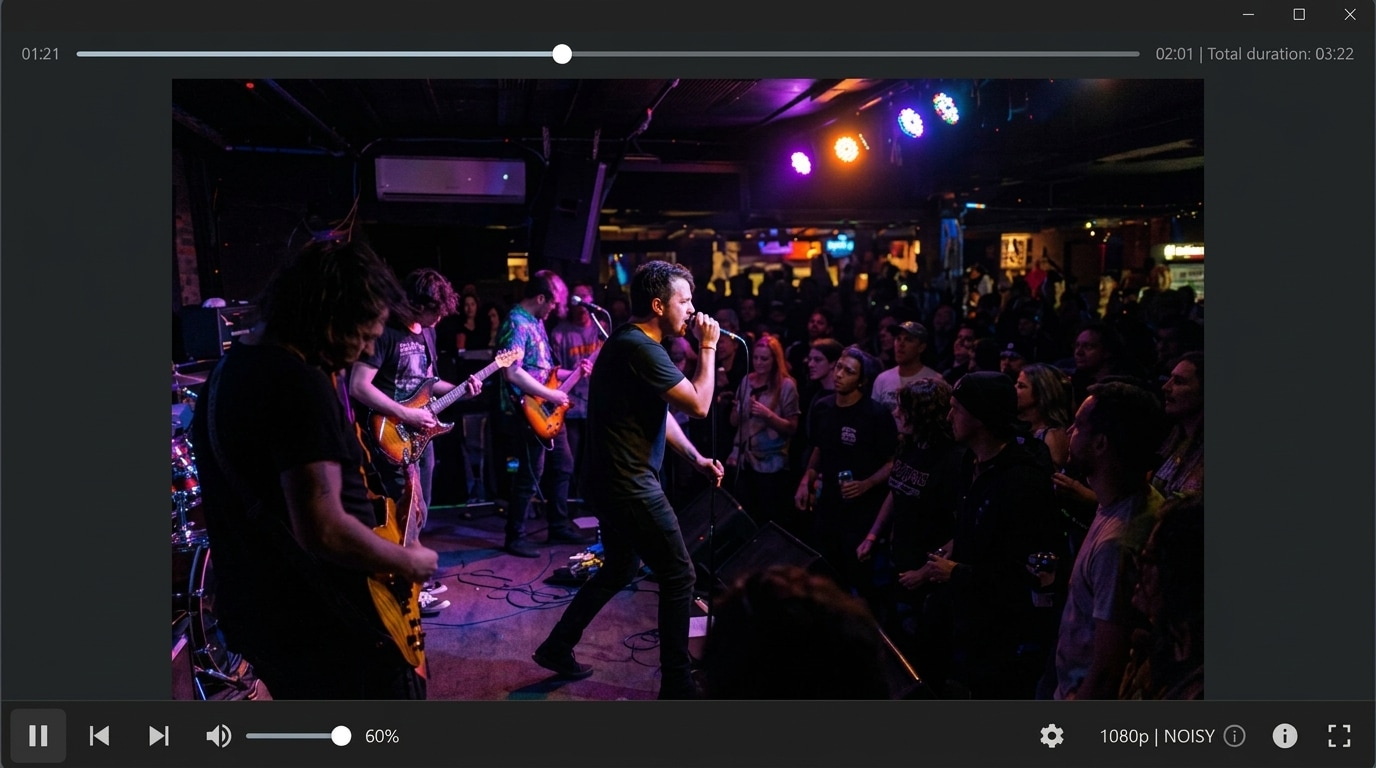
Repair Corrupted Video Online Free for Work, School, and Client Files
A corrupted video can become stressful when it is part of a class presentation, training material, client review, product demo, interview recording, or marketing draft. Users on forums often describe the same problem: the video was fine earlier, but after saving, uploading, exporting, or moving it between devices, it suddenly becomes unreadable. Repairit helps repair corrupted video online free so students, creators, marketers, and professionals can recover important video files without starting over from scratch.


How to Repair Corrupt Video Files Free with Repairit

Step 1
Upload Your Video
Upload a corrupted, unreadable, incomplete, or playback error video from your computer, phone, cloud download folder, external drive, or shared project folder. Repairit supports popular formats such as MP4, MOV, AVI, M4V, MKV, and more.

Step 2
Let AI Repair the Corrupted Video
Repairit automatically scans the damaged video file, identifies broken structures, restores playback data, repairs corrupted frames, and rebuilds key video information with AI powered repair technology.

Step 3
Preview and Download
Preview the repaired video result online and download a playable version that is ready to watch, submit, share, or archive.
Why Choose Repairit's Free Online Corrupt Video File Repair Tool?
Compare Repairit with traditional video repair methods

Repairit
|
Traditional Repair Methods | |
|---|---|---|
| Target Users | 🎯 Everyday users, students, office workers, creators, marketers, and anyone who needs a quick corrupted video file repair free | 🧩 Technical users who know codecs, file headers, command tools, and manual troubleshooting |
| Repair Approach | 🤖 AI powered repair for damaged video structure, playback errors, broken metadata, corrupted frames, and incomplete file data | 🛠️ Manual conversion, codec repair, player tricks, or repeated export attempts |
| Learning Curve | ⚡ Easy online workflow with upload, repair, preview, and download | 📚 Often requires trial and error with multiple tools or settings |
| Cost | 💝 Free to start online with no complicated setup | 💼 Many advanced repair tools require paid desktop software or plugins |
| Time Investment | ⏱️ Designed to repair corrupt video files free in just a few clicks | ⌛ Manual troubleshooting may take much longer and still fail |
| Automation Level | 🌟 AI assisted corrupted video repair workflow from detection to recovery | ⚙️ Mostly manual with limited automation |
| Best For | 🎥 Cloud synced videos, downloaded clips, shared work files, school projects, compressed videos, converted files, and broken playback videos | 🎞️ Better suited for advanced forensic recovery, full editing projects, and complex post production repair |
Explore More Online Video Repair Features
Repair corrupted video files, fix blurry videos, and restore MP4 formats instantly online for free.
Frequently Asked Questions
Yes. Repairit gives you a simple browser based way to repair corrupt video files free. You can upload a damaged video online, let AI analyze the corruption, preview the repaired result, and download the restored file without learning a professional video editor.
Yes. Repairit can help fix corrupted video files free when the video is damaged after an interrupted download, unstable connection, browser crash, incomplete transfer, or cloud sync issue. The repair result depends on how much usable video data remains in the file.
Repairit can help repair videos that cannot open, show playback errors, lose audio, display broken thumbnails, have missing duration, freeze during playback, or fail after sharing, downloading, compressing, converting, or moving between devices.
Yes. Repairit offers corrupted video file repair free online, allowing users to repair damaged videos directly in the browser. It is suitable for users who want a quick repair option without installing desktop software first.
Yes. Repairit helps repair corrupted video online free for many types of project files, including class videos, training clips, client previews, interview recordings, product demos, presentations, and marketing drafts.
Repairit supports many popular video formats, including MP4, MOV, AVI, M4V, MKV, FLV, MXF, 3GP, MTS, M2TS, INSV, and more. This makes it useful for videos from phones, computers, cameras, downloaded files, shared folders, and cloud storage.
Hot Topics
Comprehensive How-to Guides
Want to repair corrupted video online free? Click to enter the Video Repair Workbench and fix corrupted video files easily!


