Relumi - AI Photo Retake Editor
Nano Banana Pro
Relumi - AI Photo Retake Editor
Nano Banana Pro
Relumi - AI Photo Retake Editor3D Angle Retake:
Low Angle Selfie Retake for More Flattering Self Portraits



How Relumi Fixes Low Angle Selfies and Improves Perspective
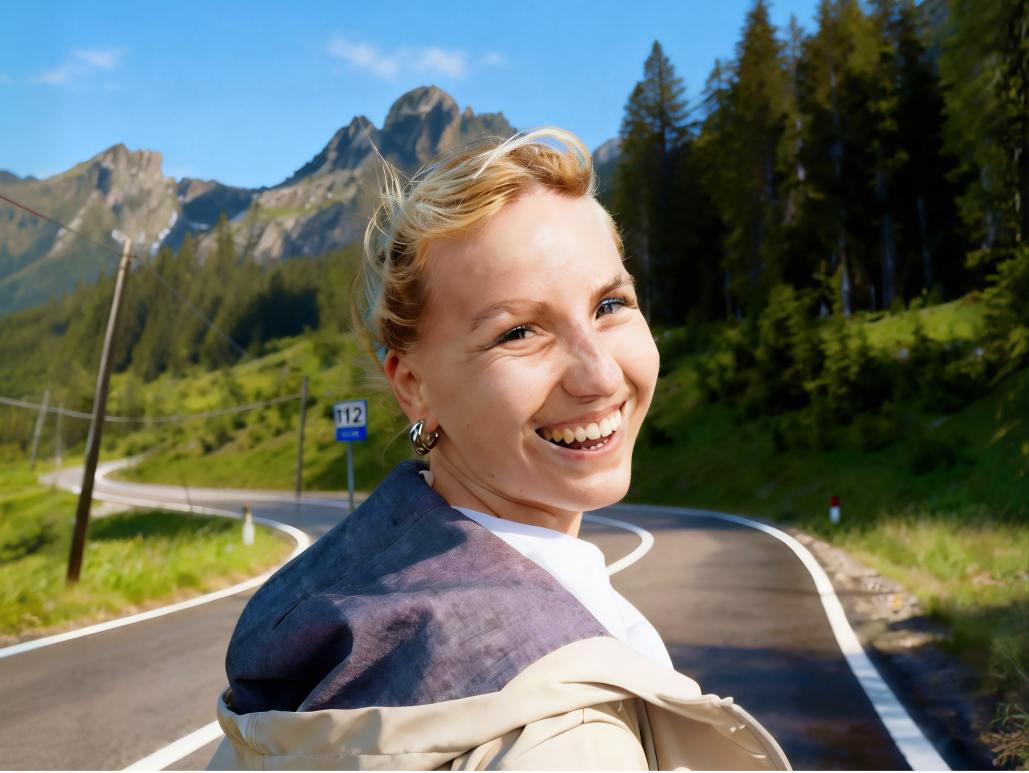
Relumi helps you rescue selfies that feel awkward because the phone was held too low. With 3D Angle Retake, you can correct awkward selfie angle issues, rebalance facial perspective, and make the final image feel more flattering without losing the original mood.
Fix Low Angle Selfies That Make Your Face Look Too Wide
You like the moment, but the phone angle makes your jawline look heavier and your features feel compressed. Relumi helps fix low angle selfie problems by adjusting the viewpoint so your face looks closer to how it does in real life.
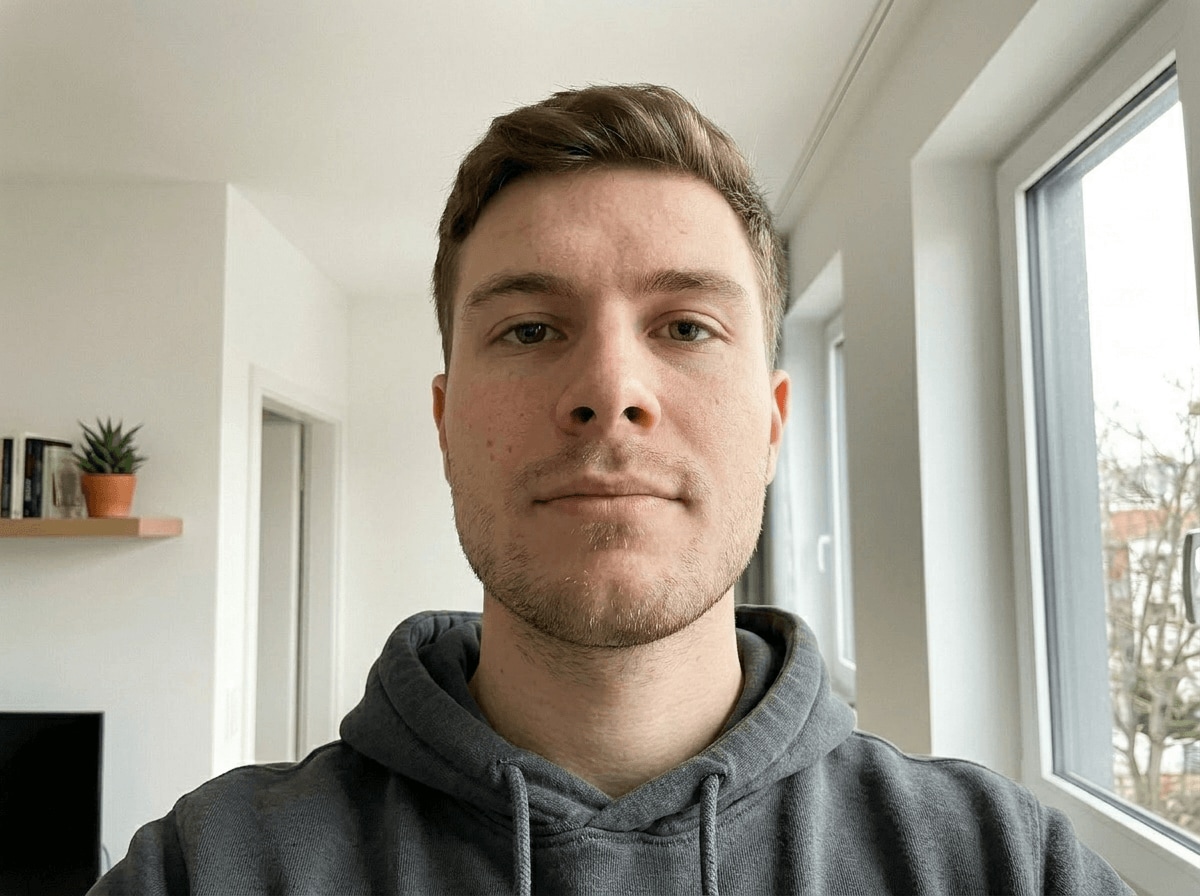
Fix Low Angle Selfies That Make Your Face Look Too Wide
You like the moment, but the phone angle makes your jawline look heavier and your features feel compressed. Relumi helps fix low angle selfie problems by adjusting the viewpoint so your face looks closer to how it does in real life.
- Rescue selfies where a low phone position makes your face feel wider, shorter, or less flattering than expected.
- Use a low camera selfie editor effect to shift the viewpoint and improve facial balance without changing your identity.
- Turn a throwaway selfie into a more confident portrait you actually want to keep, post, or send.
 Try It free
 Try It free
Improve Selfie Perspective When the Camera Position Feels Awkward
Some selfies look fine at first, but the angle makes the whole composition feel off. Relumi helps improve selfie perspective by lifting the visual viewpoint so the portrait feels more relaxed, more flattering, and easier on the eyes.

Improve Selfie Perspective When the Camera Position Feels Awkward
Some selfies look fine at first, but the angle makes the whole composition feel off. Relumi helps improve selfie perspective by lifting the visual viewpoint so the portrait feels more relaxed, more flattering, and easier on the eyes.
- Correct awkward selfie angle problems when the camera sits below eye level and changes the way your face is perceived.
- Refine the portrait angle while keeping your original expression, lighting, and overall selfie mood intact.
- Save the shot you already like and make it feel more polished instead of retaking the same selfie again and again.
Correct Awkward Selfie Angle Without Losing the Real Moment
Sometimes the best selfies happen fast, and you only notice the bad angle later. Relumi helps you correct awkward selfie angle issues so the result feels like a better version of the same moment, not a completely different photo.

Correct Awkward Selfie Angle Without Losing the Real Moment
Sometimes the best selfies happen fast, and you only notice the bad angle later. Relumi helps you correct awkward selfie angle issues so the result feels like a better version of the same moment, not a completely different photo.
- Fix selfies taken on the go when the low camera angle ruins an otherwise fun, natural, or expressive shot.
- Adjust the portrait viewpoint in a soft and believable way so the selfie feels more open and more flattering.
- Keep your original vibe, keep your favorite expression, and turn an awkward image into the version you wanted from the start.
Explore More Tools to Improve Selfies and Portrait Results
Fine tune angle, lighting, expression, and detail to make every selfie feel more flattering and more finished.
When to Use Low Angle Selfie Retake with Relumi
When the selfie feels real but the low camera angle ruins the final look, Relumi helps you save the shot without taking it all over again.
Step by Step Guide to Fix Low Angle Selfies
No editing skills needed. Just three quick steps to turn awkward selfies into better looking retakes.

Add Photos into Relumi
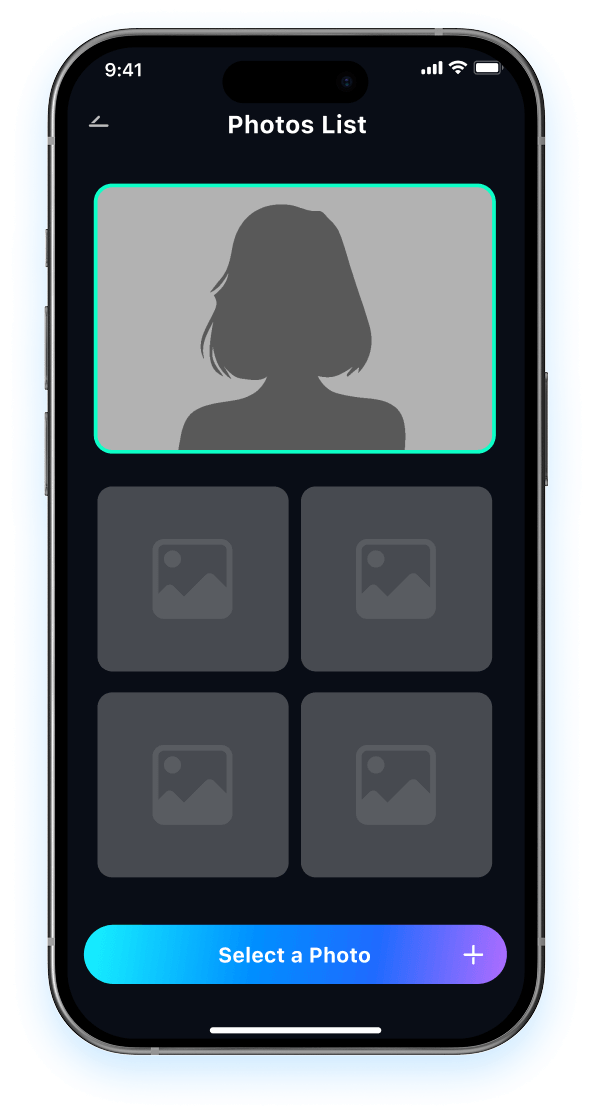
Open Relumi and upload the selfie you want to improve, especially if the phone was held too low or the angle feels awkward.

Choose 3D Angle Retake
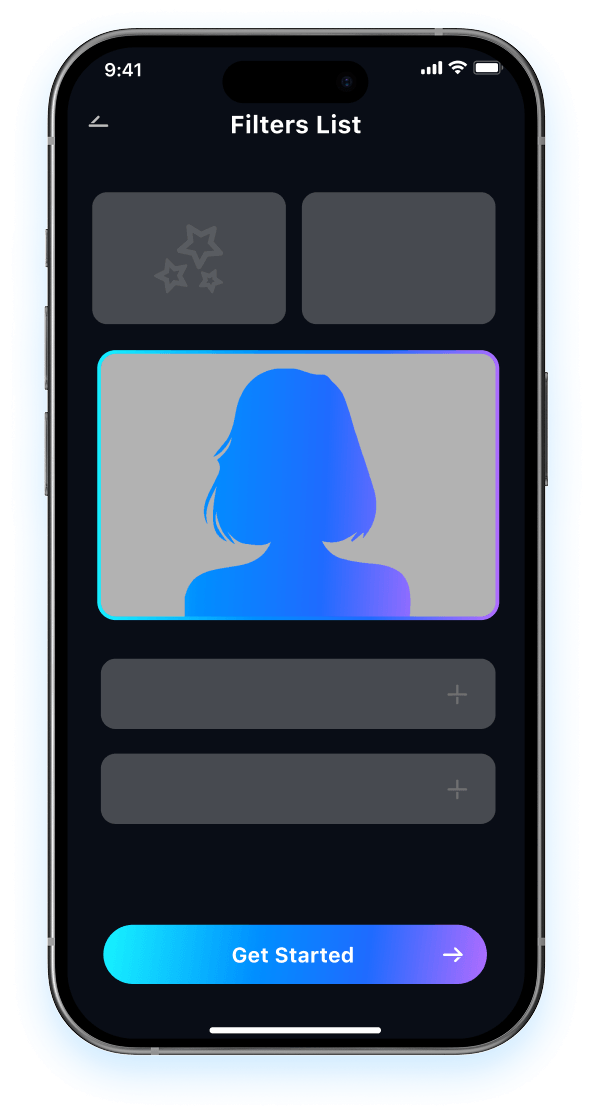
Let Relumi fix low angle selfie issues, improve the perspective, and create a more flattering self portrait in just a few taps.

Preview and Save
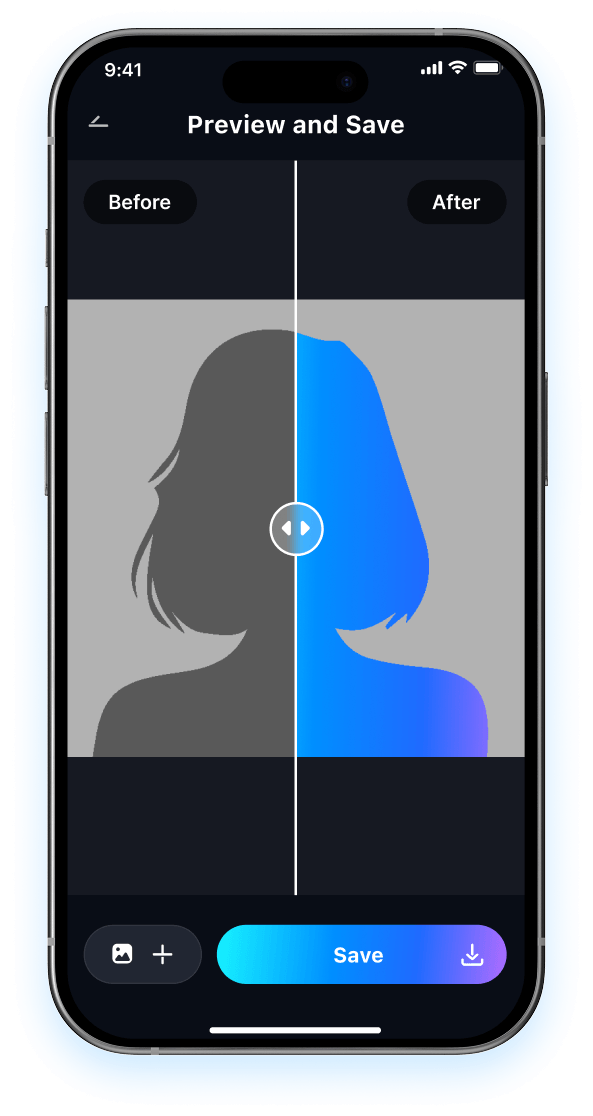
Preview the improved selfie, compare it with the original low angle version, and save the better result instantly.

FAQ About Low Angle Selfie Retake with Relumi
1 Will the selfie still look like me after fixing the low angle?
2 Can I fix low angle selfie issues without editing experience?
3 What kinds of selfies work best for this tool?
4 Will correcting the selfie angle make the photo look fake?
5 Why use Relumi instead of retaking the selfie?
Explore More AI Selfie and Portrait Fix Tools in Relumi
Relumi does more than improve low angle selfies. It also helps refine gaze, expression, lighting, and portrait detail in a fast and easy workflow.