Relumi AI Photo Enhancer
Nano Banana Pro
Relumi AI Photo Enhancer
Nano Banana Pro
Relumi AI Photo EnhancerAI Photo Retake:
Double Chin Remover for a Cleaner Jawline in Photos



How Relumi Double Chin Remover Retakes Your Portrait More Flatteringly
With Nano Banana Pro, Relumi's AI photo retake can reduce extra fullness under the chin and refine the lower face in a natural way. It reads face angle, chin position, jawline, and lighting so the result feels like a better retake from a more flattering moment, not an obviously edited photo. From selfies to close up portraits, Relumi helps your profile look cleaner and more balanced.
Rescue Selfies Taken from Less Flattering Angles
Many selfies look great overall, but the camera angle can create extra fullness under the chin even when that is not how you look in real life.
Relumi helps remove double chin distractions caused by phone position, posture, or lens angle so your selfie feels closer to the version you wanted to capture.

Rescue Selfies Taken from Less Flattering Angles
Many selfies look great overall, but the camera angle can create extra fullness under the chin even when that is not how you look in real life.
Relumi helps remove double chin distractions caused by phone position, posture, or lens angle so your selfie feels closer to the version you wanted to capture.
- Reduce double chin in photo results that come from low or close selfie angles.
- Keep your natural face shape while making the jawline look cleaner and more lifted.
- Turn casual selfies into photos that feel more flattering and worth sharing.
 Try It free
 Try It free
Improve Profile and Social Photos Without Looking Over Edited
Sometimes the expression, outfit, and lighting are all right, but the lower face still feels heavier than expected in the final image. That can make an otherwise strong portrait feel less polished for social media or profile use.
Relumi helps slim chin photo lines and refine the lower face naturally, so your portrait feels more confident and camera ready without looking artificial.

Improve Profile and Social Photos Without Looking Over Edited
Sometimes the expression, outfit, and lighting are all right, but the lower face still feels heavier than expected in the final image. That can make an otherwise strong portrait feel less polished for social media or profile use.
Relumi helps slim chin photo lines and refine the lower face naturally, so your portrait feels more confident and camera ready without looking artificial.
- Create a cleaner lower face shape for profile photos, headshots, and creator portraits.
- Reduce double chin in photo results while preserving natural skin, jawline, and face identity.
- Make portraits feel more polished without turning the face into a different version of you.
Save Special Portraits You Do Not Want to Retake
Important photos often cannot be recreated easily. Event portraits, date night shots, and favorite close ups may capture the right mood but still feel slightly off because of chin fullness caused by angle or posture.
Relumi helps remove double chin gently so the image feels closer to a lucky retake from a better moment, while keeping the emotion and memory intact.

Save Special Portraits You Do Not Want to Retake
Important photos often cannot be recreated easily. Event portraits, date night shots, and favorite close ups may capture the right mood but still feel slightly off because of chin fullness caused by angle or posture.
Relumi helps remove double chin gently so the image feels closer to a lucky retake from a better moment, while keeping the emotion and memory intact.
- Recover portraits that felt almost perfect but not flattering enough to keep.
- Make the lower face look more balanced in precious photos you do not want to lose.
- Keep the feeling of the original memory while improving how the portrait looks on screen.
Go Beyond Double Chin Removal with AI Retake
Enhance facial contours and polish portrait details with related AI tools for shape, skin, smiles, and lighting.
When to Use Double Chin Remover with Relumi
Any time the photo feels good but the angle creates extra fullness under the chin, Relumi can help bring the portrait back to a more flattering version.
Step by Step Guide to Remove Double Chin in Photo
No editing skills required, just three simple steps in Relumi.

Add Photos into Relumi
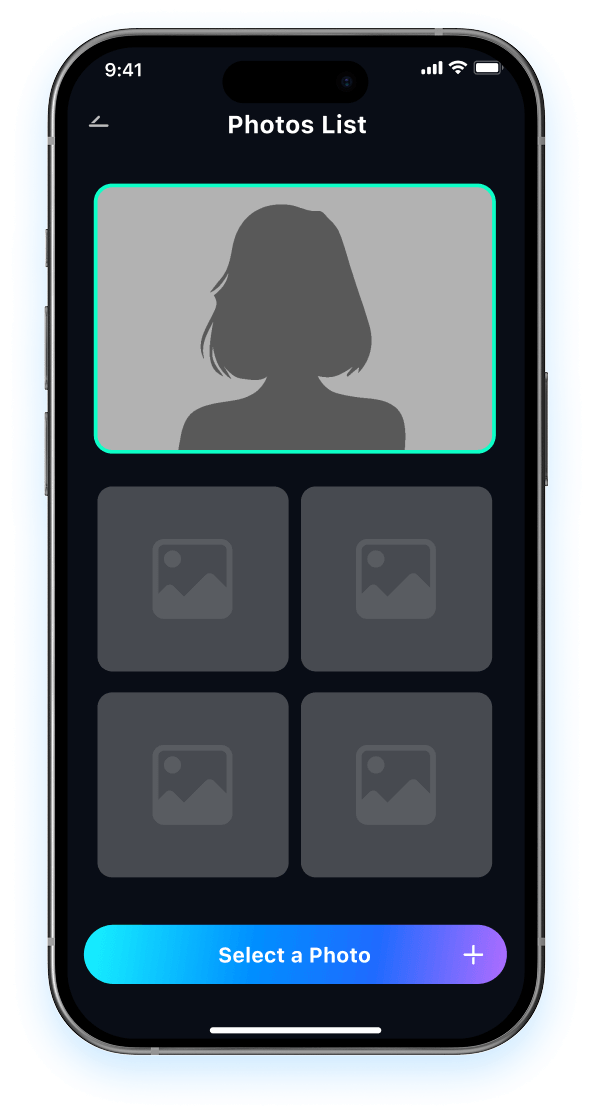
Open Relumi and choose the portrait where the chin area looks heavier than the real moment felt.

Choose Double Chin Remover Mode
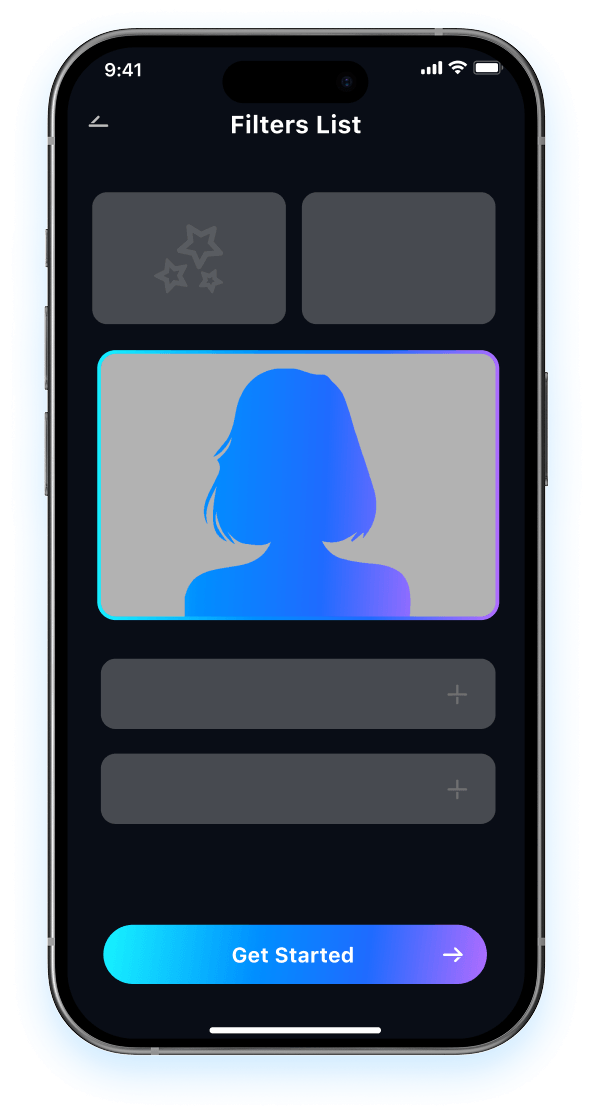
Relumi refines the lower face and jawline so the portrait feels closer to the retake you wish the camera had captured.

Preview and Save
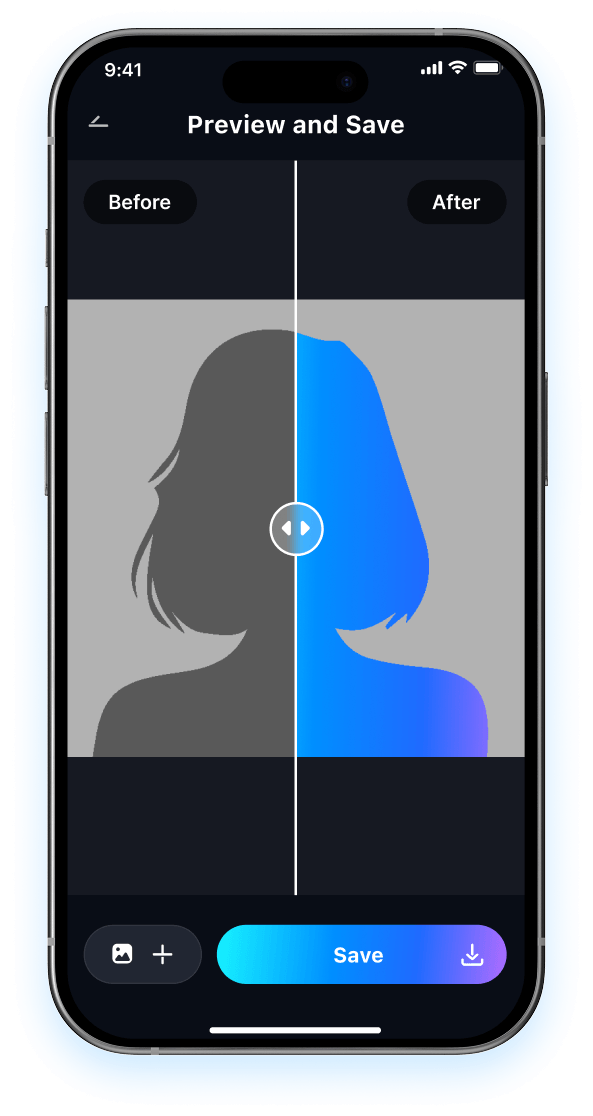
Preview the result and compare it to the original photo. Then save the version that feels more flattering, more confident, and more worth keeping.

FAQ About Double Chin Remover with Relumi
1 Will the result look fake after I use double chin remover?
2 Can Relumi remove double chin caused by selfie angle?
3 What kinds of photos work best for reduce double chin in photo editing?
4Can Relumi slim chin photo results without changing my identity too much?
5Is Relumi easy to use if I have never edited portraits before?
Explore More AI Portrait Fix Tools in Relumi
Relumi is more than a AI tool to fix closed eyes in photo, it's a full photo enhancement toolkit for your portraits.