Relumi - AI Photo Enhancer
Nano Banana Pro
Relumi - AI Photo Enhancer
Nano Banana Pro
Relumi - AI Photo Enhancer3D Angle Retake:
Side Face to Front Face for Natural Front Facing Portraits



How Relumi Turns Side Face to Front Face and Fixes Portrait Angle Issues
Relumi helps you correct side profile angles when the original photo feels too turned, too distant, or less engaging than you expected. With 3D Angle Retake, you can turn side profile into front face, refine facial balance, and make the portrait feel more natural and more complete.
Turn Side Profile into Front Face for a More Direct Portrait
You like the expression, lighting, and overall mood, but the face angle is too far to the side. Relumi helps turn side face to front face so the portrait feels more open, more connected, and much easier to use for sharing, saving, or posting.

Turn Side Profile into Front Face for a More Direct Portrait
You like the expression, lighting, and overall mood, but the face angle is too far to the side. Relumi helps turn side face to front face so the portrait feels more open, more connected, and much easier to use for sharing, saving, or posting.
- Fix portraits where the face is turned too much and the final image feels less personal or less flattering than the real moment.
- Use profile to front portrait adjustment to create a more balanced view without losing your original look and atmosphere.
- Turn a nearly perfect shot into a better front facing version that feels ready for profile photos, memories, and social posts.
 Try It free
 Try It free
Fix Side Profile Correction When the Angle Hides Your Best Features
A strong side angle can make one eye disappear, hide facial symmetry, or make the portrait feel less balanced. Relumi uses side profile correction to gently adjust the viewpoint, helping your face feel clearer, softer, and more naturally front facing.

Fix Side Profile Correction When the Angle Hides Your Best Features
A strong side angle can make one eye disappear, hide facial symmetry, or make the portrait feel less balanced. Relumi uses side profile correction to gently adjust the viewpoint, helping your face feel clearer, softer, and more naturally front facing.
- Improve portraits where the side view feels too sharp, too hidden, or not ideal for the way you want to present yourself.
- Adjust facial perspective so your features appear more evenly and the whole composition feels more centered.
- Get a front facing portrait converter effect that keeps your identity intact while making the image feel more polished and usable.
Create a Front Facing Portrait from Casual Side Angle Photos
Many everyday photos are taken quickly, and your face is turned away without you noticing until later. Relumi works as a front facing portrait converter that helps you fix the angle and keep the natural feeling of the original moment instead of starting over.

Create a Front Facing Portrait from Casual Side Angle Photos
Many everyday photos are taken quickly, and your face is turned away without you noticing until later. Relumi works as a front facing portrait converter that helps you fix the angle and keep the natural feeling of the original moment instead of starting over.
- Rescue casual portraits, travel shots, and street photos where the face angle makes the image feel less useful or less expressive.
- Turn side profile into front face with a smoother, more centered portrait view in just a few taps.
- Save photos you already love by giving them a more direct and more natural portrait angle without losing the original vibe.
Explore More Tools to Improve Face Angles and Portrait Results
Refine face direction, lighting, expression, and detail to make every portrait feel more natural and complete.
When to Use Side Face to Front Face Retake with Relumi
When the portrait is good but the face angle feels too turned, Relumi helps you save the shot and make it feel more front facing and complete.
Step by Step Guide to Turn Side Face to Front Face
No advanced retouching. Just three easy steps to create a better front facing portrait.

Add Photos into Relumi
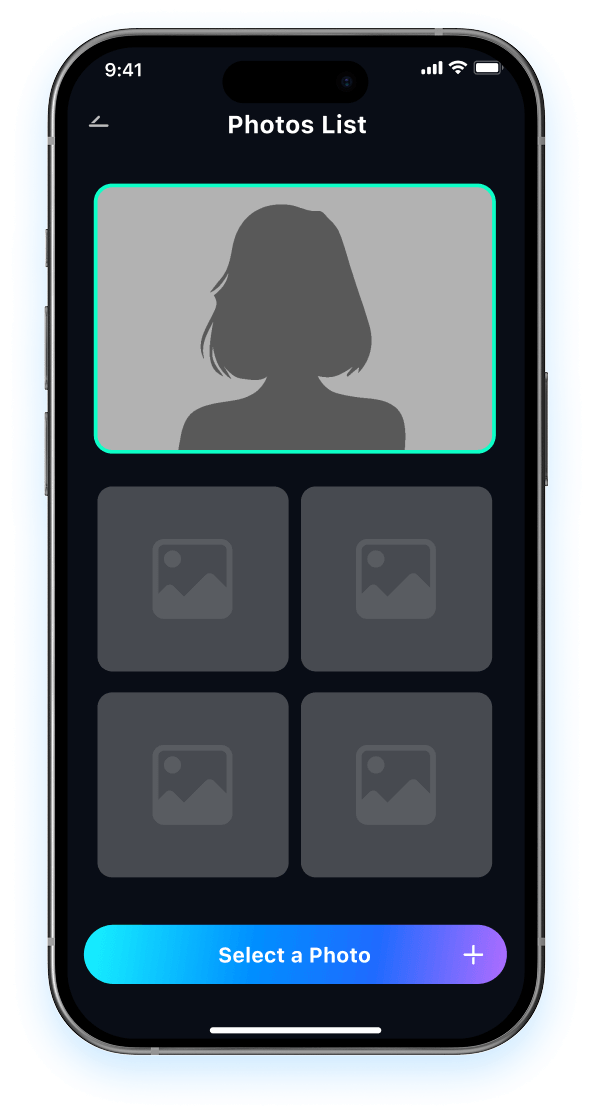
Open Relumi and upload the portrait you want to improve, especially if the face is turned too much to the side.

Choose 3D Angle Retake
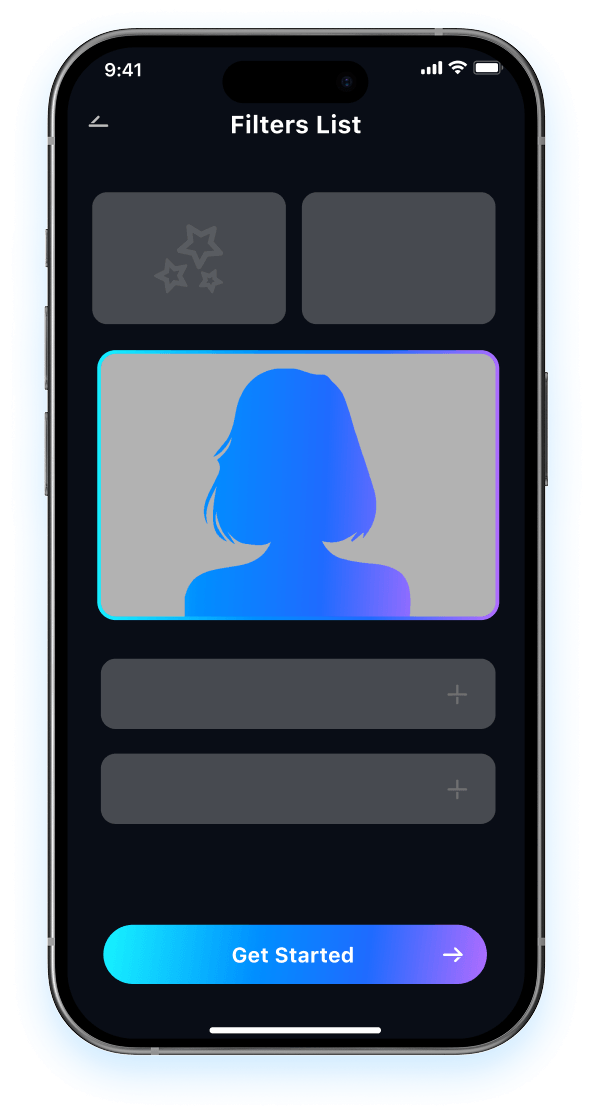
Let Relumi turn side face to front face, correct the portrait angle, and create a more centered front facing result in seconds.

Preview and Save
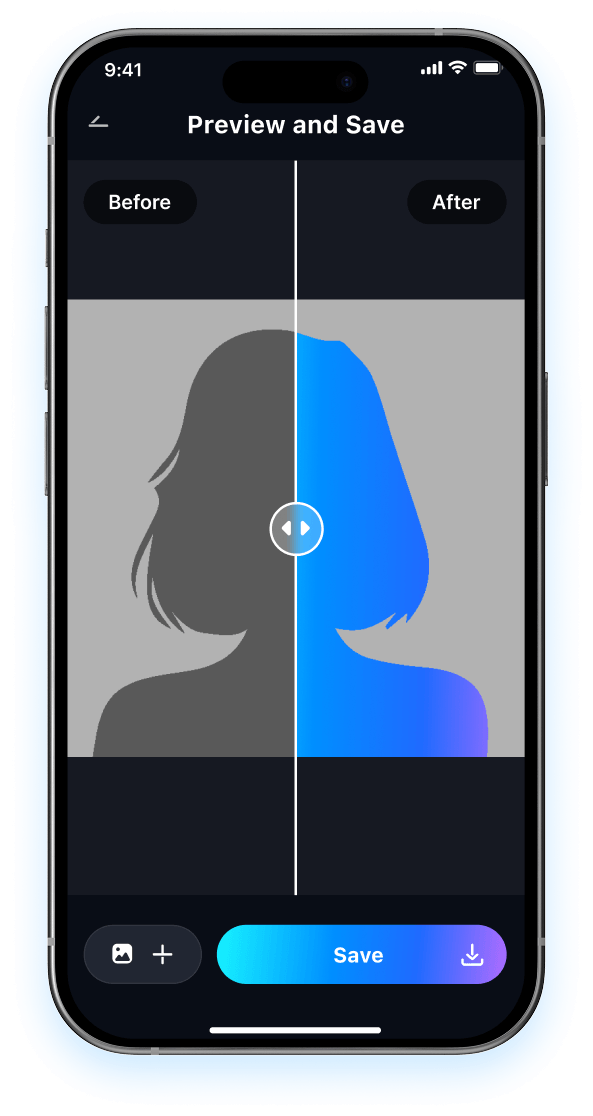
Preview your improved portrait, compare it with the original side profile, and save the version that feels more natural and more complete.

FAQ About Side Face to Front Face Retake with Relumi
1 Will the portrait still look like me after turning side face to front face?
2 Can I turn side profile into front face without editing skills?
3 What kinds of photos work best for profile to front portrait correction?
4 Will side profile correction make the portrait look fake?
5 Why use Relumi instead of taking another front facing portrait?
Explore More AI Portrait Fix Tools in Relumi
Relumi does more than turn side face to front face. It also helps improve expression, clarity, eye contact, and overall portrait quality.