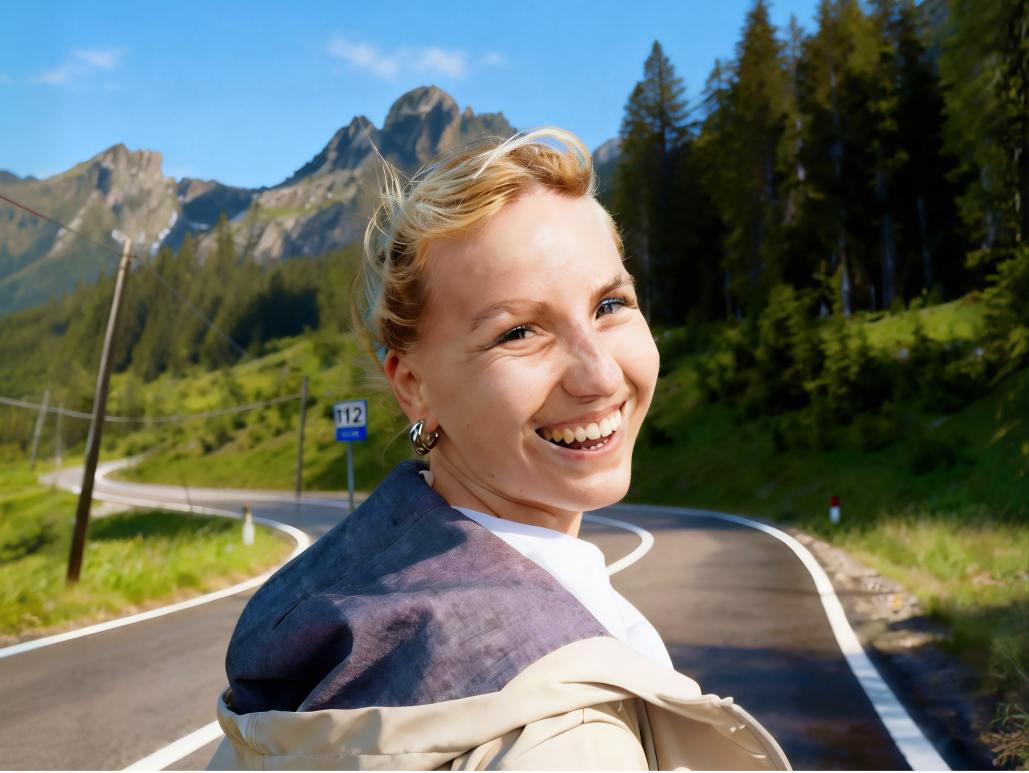
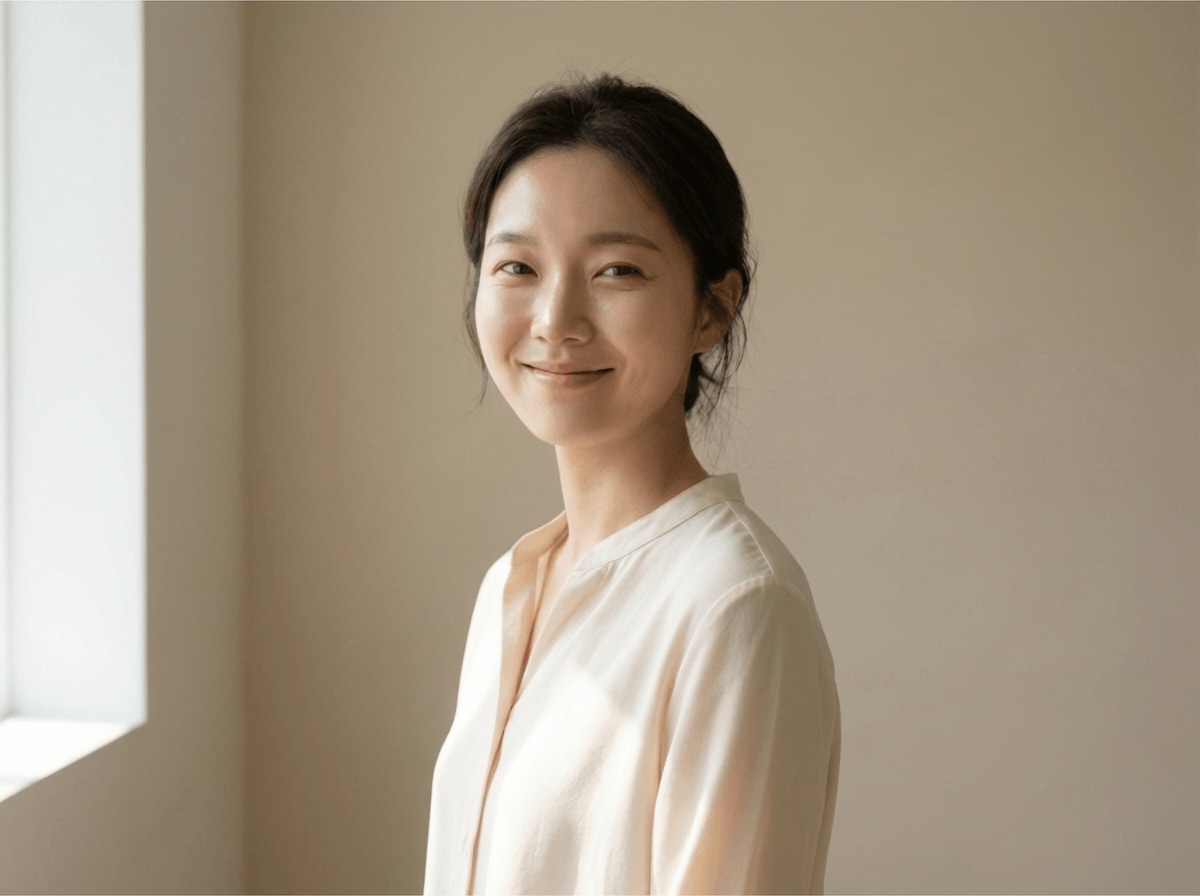
Relumi - AI Photo Retake Editor
Nano Banana Pro
Relumi - AI Photo Retake Editor
Nano Banana Pro
Relumi - AI Photo Retake Editor3D Angle Retake:
Change Camera Angle for Better Perspective and Natural Retakes



How Relumi Helps You Change Camera Angle and Fix Awkward Perspective
Relumi makes it easy to change photo perspective when the original shot feels flat, distorted, or simply not flattering. With 3D Angle Retake, you can adjust the viewpoint, improve composition, and turn an almost good photo into one that finally feels right.
Fix Unflattering Selfie Angles Without Taking Another Shot
Your selfie might have good lighting and expression, but the camera sits too low or too close. Relumi lets you change camera angle and rebalance facial perspective, so the result looks more natural, more lifted, and much more shareable.
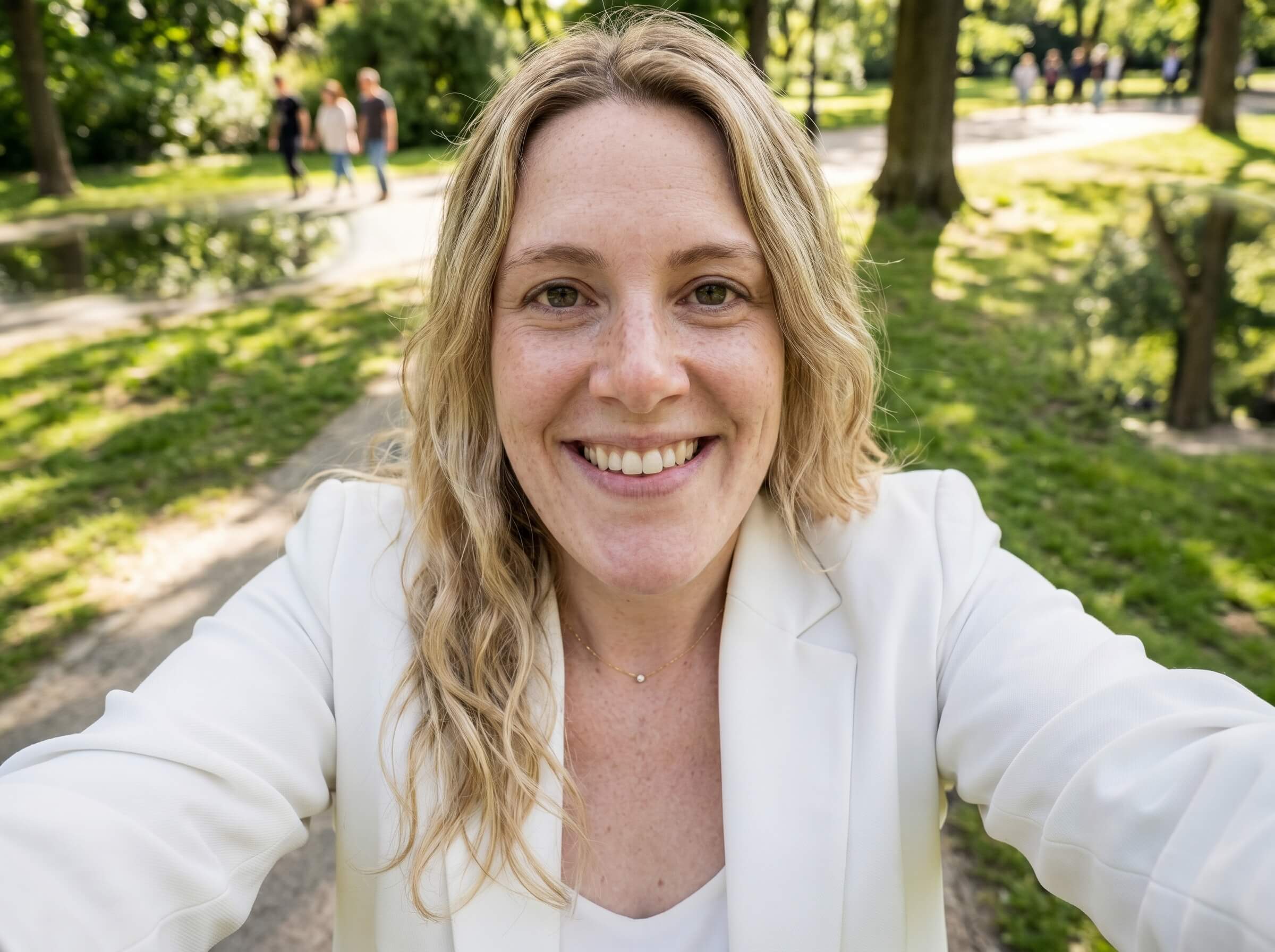
Fix Unflattering Selfie Angles Without Taking Another Shot
Your selfie might have good lighting and expression, but the camera sits too low or too close. Relumi lets you change camera angle and rebalance facial perspective, so the result looks more natural, more lifted, and much more shareable.
- Improve awkward selfies where the lens makes your face look wider, shorter, or less balanced than real life.
- Use camera angle control to shift the viewpoint into a more flattering position without rebuilding the whole photo.
- Save the moment you liked and turn a near miss into a confident final shot you actually want to post.
 Try It free
 Try It free
Change Photo Perspective for Travel and Street Photos
Sometimes the scene is amazing, but the photo angle makes the subject feel disconnected from the background. Relumi helps you change angle of image and improve depth, so the framing feels more immersive and the memory looks as good as it felt.
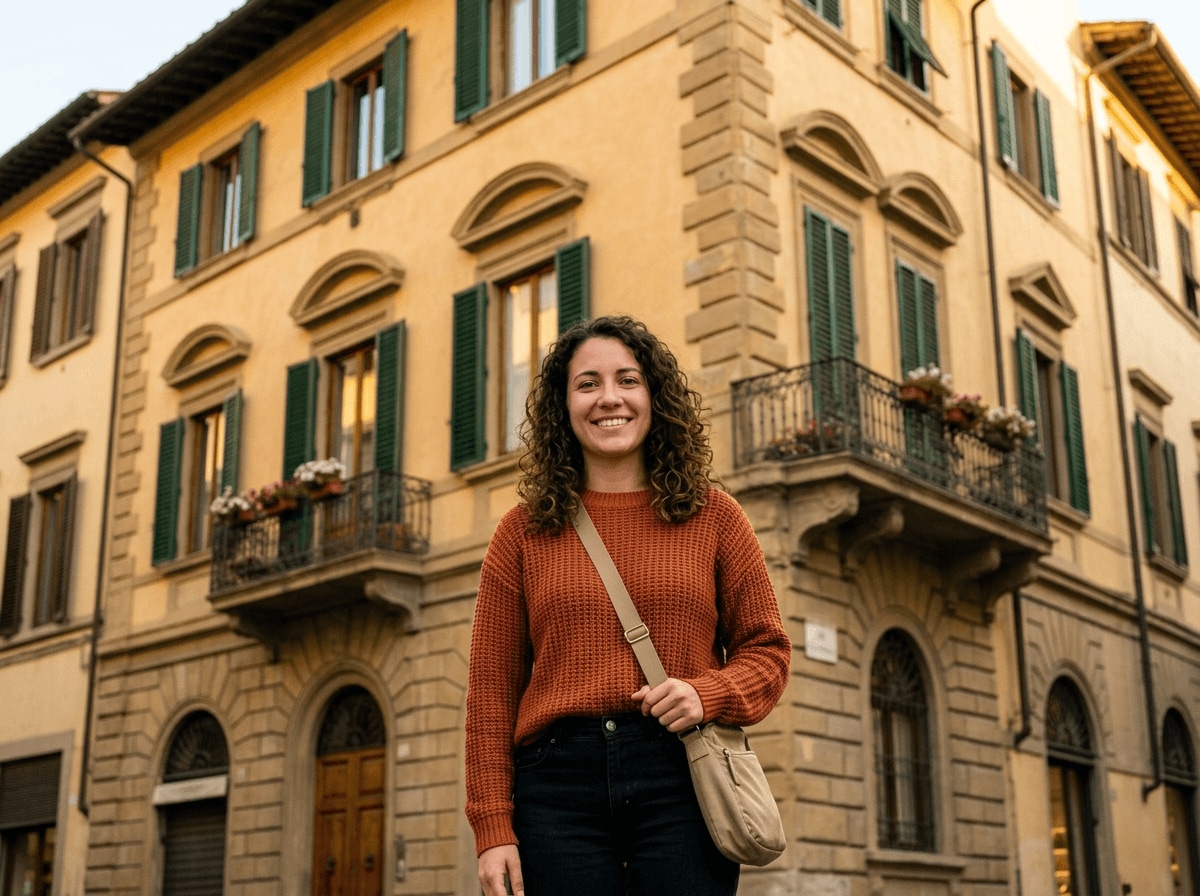
Change Photo Perspective for Travel and Street Photos
Sometimes the scene is amazing, but the photo angle makes the subject feel disconnected from the background. Relumi helps you change angle of image and improve depth, so the framing feels more immersive and the memory looks as good as it felt.
- Rescue travel photos that feel flat, tilted, or visually off even though the place and timing were perfect.
- Adjust viewpoint and perspective so the person, background, and lines in the frame feel more balanced together.
- Keep the atmosphere you captured while getting a cleaner, more polished composition that feels worth saving.
Adjust the Viewpoint in Portraits That Feel Too Flat or Too Close
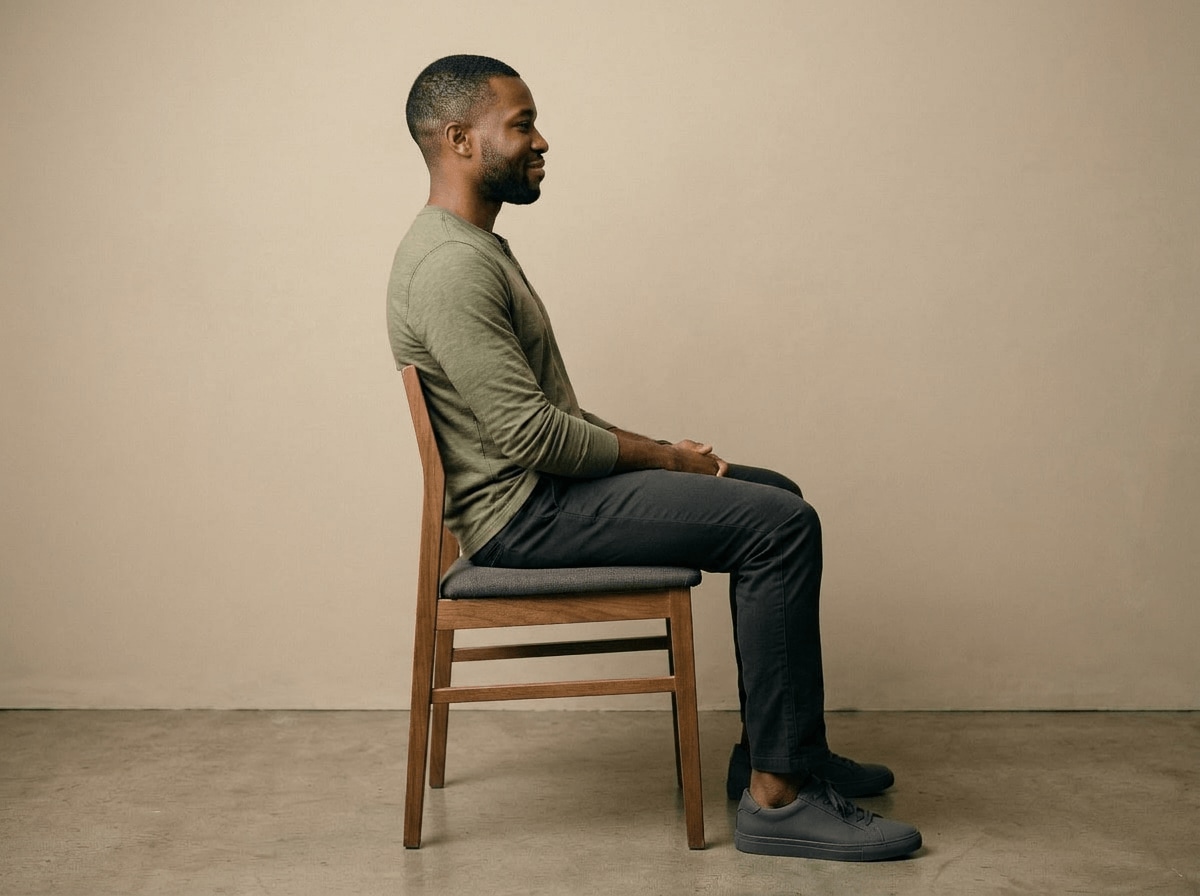
A portrait can have a good expression and clear details, but the viewpoint still feels cramped. Relumi lets you change photo perspective to create a more natural sense of space, helping your portrait look softer, cleaner, and more intentional.
Adjust the Viewpoint in Portraits That Feel Too Flat or Too Close
A portrait can have a good expression and clear details, but the viewpoint still feels cramped. Relumi lets you change photo perspective to create a more natural sense of space, helping your portrait look softer, cleaner, and more intentional.
- Improve portraits where the original camera position makes features feel compressed or slightly distorted.
- Use image edit camera control to create a more pleasing angle while keeping your identity and lighting consistent.
- Get a retake style result that feels calm, natural, and ready for profiles, keepsakes, or everyday sharing.
Explore More Tools to Improve Angles, Perspective, and Portrait Results
Fine tune framing, perspective, and facial details to turn ordinary photos into better final versions.
When to Change Camera Angle with Relumi
Any time the photo is almost right but the viewpoint feels off, Relumi helps you create a better retake without going back to shoot again.
Step by Step Guide to Change Camera Angle in Photos
No advanced tools. No complicated workflow. Just three simple steps in Relumi.

Add Photos into Relumi
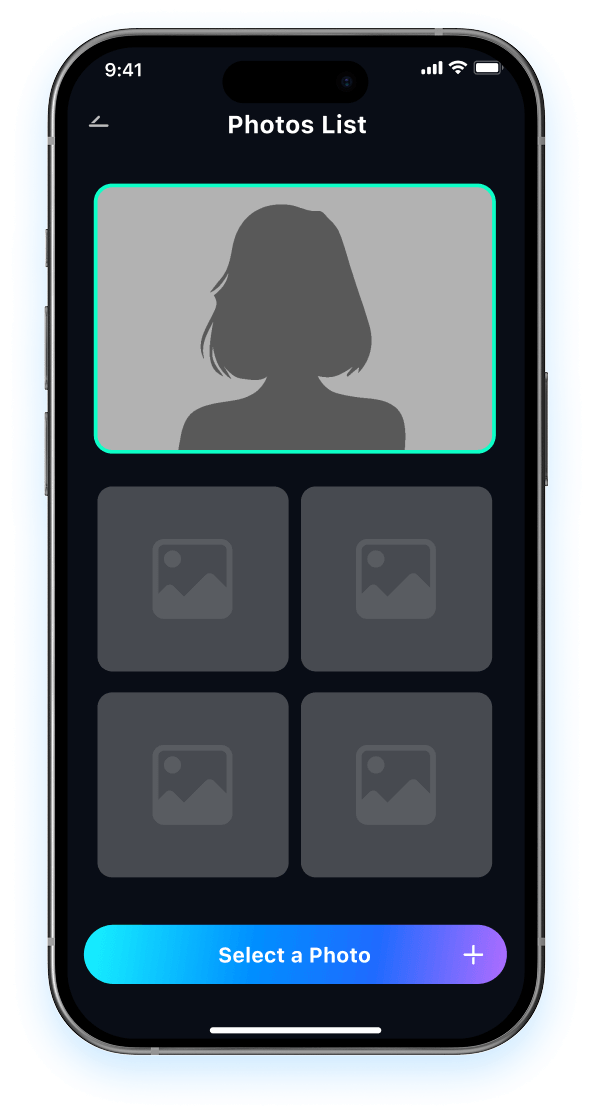
Open Relumi and upload the image you want to improve, whether it is a selfie, portrait, or travel shot with an awkward viewpoint.

Choose 3D Angle Retake
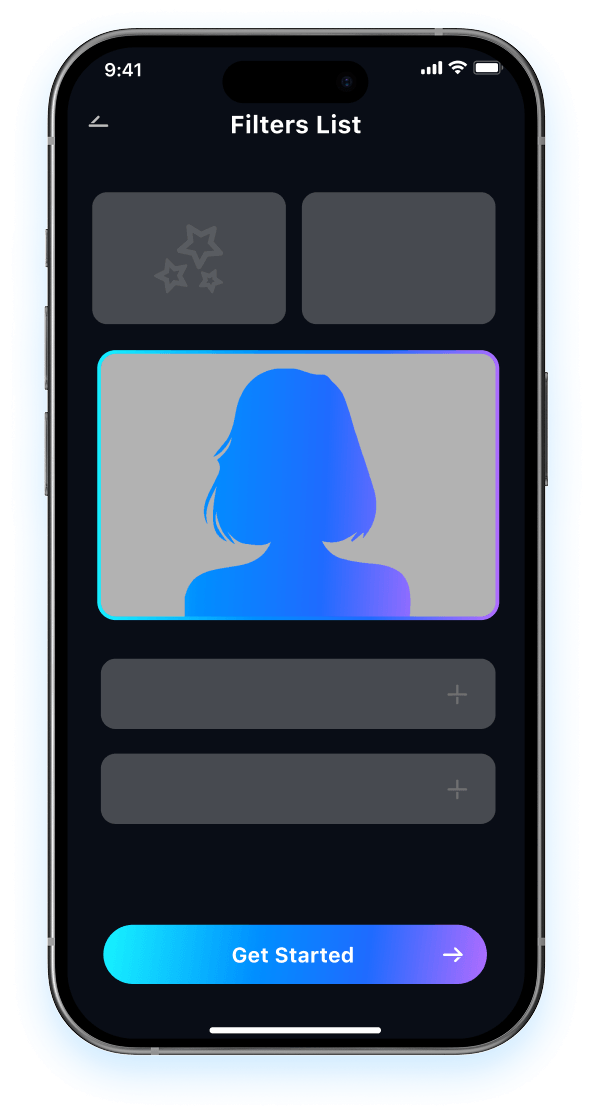
Let Relumi change camera angle, adjust perspective, and improve the composition automatically in just a few taps.

Preview and Save
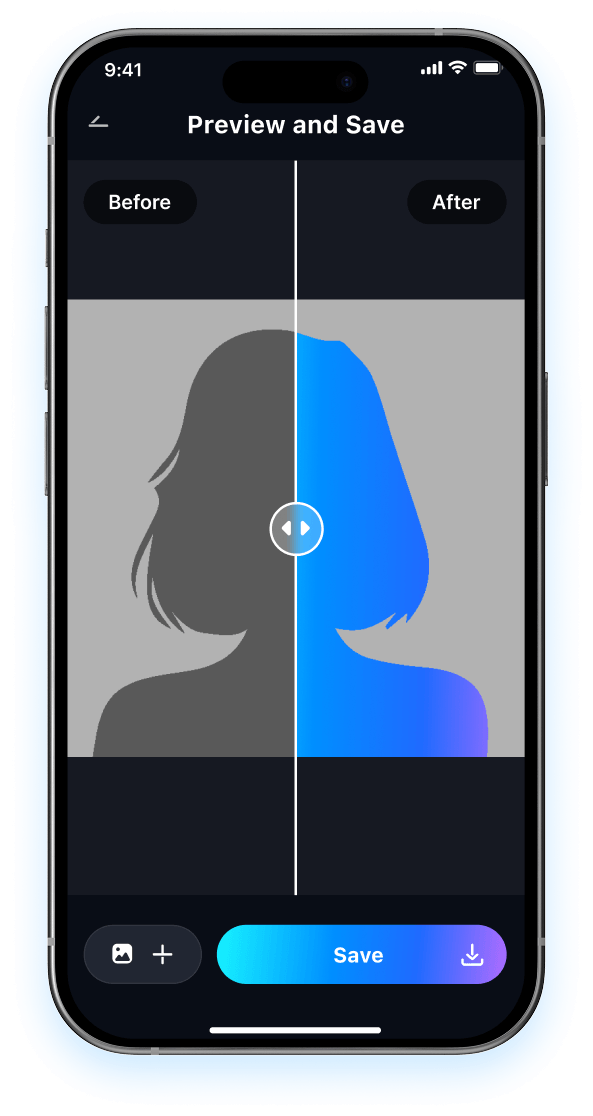
Preview the improved viewpoint, compare it with the original, and save your better retake instantly in high quality.

FAQ About Changing Camera Angle with Relumi
1 Will it still look natural if I change camera angle in a photo?
2 What kinds of photos work best with camera angle control?
3 Can I change photo perspective without editing skills?
4 Will changing the angle affect my face or background too much?
5 Why use Relumi instead of retaking the photo from scratch?
Explore More AI Portrait and Retake Tools in Relumi
Relumi does more than help you change camera angle. It also improves expression, clarity, and overall portrait quality in a few easy taps.