Relumi AI Photo Enhancer
Nano Banana Pro
Relumi AI Photo Enhancer
Nano Banana Pro
Relumi AI Photo Enhancer3D Angle Retake:
Selfie to Portrait for a More Natural Camera Look



How Relumi Turns a Selfie into a More Natural Portrait
With Nano Banana Pro, Relumi works as a selfie to portrait photo editor that adjusts perspective, facial balance, and camera feel so the image looks less like a front camera shot and more like a naturally taken portrait. It keeps your identity, expression, and lighting consistent while reducing the typical selfie look that makes photos feel too close, too flat, or too phone like.
Make Everyday Selfies Look More Natural and Less Phone Like
Many selfies capture a good expression, but the close lens and arm length angle still make the image feel obviously self taken.
Relumi helps turn selfie into portrait results that feel more relaxed, more balanced, and more like someone else captured the same moment for you.

Make Everyday Selfies Look More Natural and Less Phone Like
Many selfies capture a good expression, but the close lens and arm length angle still make the image feel obviously self taken.
Relumi helps turn selfie into portrait results that feel more relaxed, more balanced, and more like someone else captured the same moment for you.
- Reduce the typical close range selfie feel without changing who you are.
- Apply a selfie perspective fix that makes the face and framing look more natural.
- Create portraits that feel easier to post, save, and use as better looking everyday photos.
 Try It free
 Try It free
Convert Selfies into Better Profile Photos and Headshots
Sometimes the only photo you have is a selfie, but you need it to feel more polished and more usable for a profile, resume, or social bio. The challenge is not the face itself, it is the angle and the obvious front camera perspective.
Relumi helps convert selfie to portrait and selfie to headshot results so the final image feels more intentional, more professional, and more like a real portrait session.

Convert Selfies into Better Profile Photos and Headshots
Sometimes the only photo you have is a selfie, but you need it to feel more polished and more usable for a profile, resume, or social bio. The challenge is not the face itself, it is the angle and the obvious front camera perspective.
Relumi helps convert selfie to portrait and selfie to headshot results so the final image feels more intentional, more professional, and more like a real portrait session.
- Make selfie look professional without losing the original expression and identity.
- Transform casual phone photos into stronger profile and branding images.
- Create a cleaner first impression with less selfie distortion and more portrait balance.
Save Great Selfies That Deserve a Better Camera Feel
Some selfies capture the exact mood, styling, and expression you want, but still feel too obviously self taken to use as a favorite portrait. You do not want to lose the moment, you just want it to look like it came from a better angle and a better shooting setup.
Relumi gives you an unselfie effect that makes the image feel closer to a naturally taken portrait while keeping the original emotion intact.
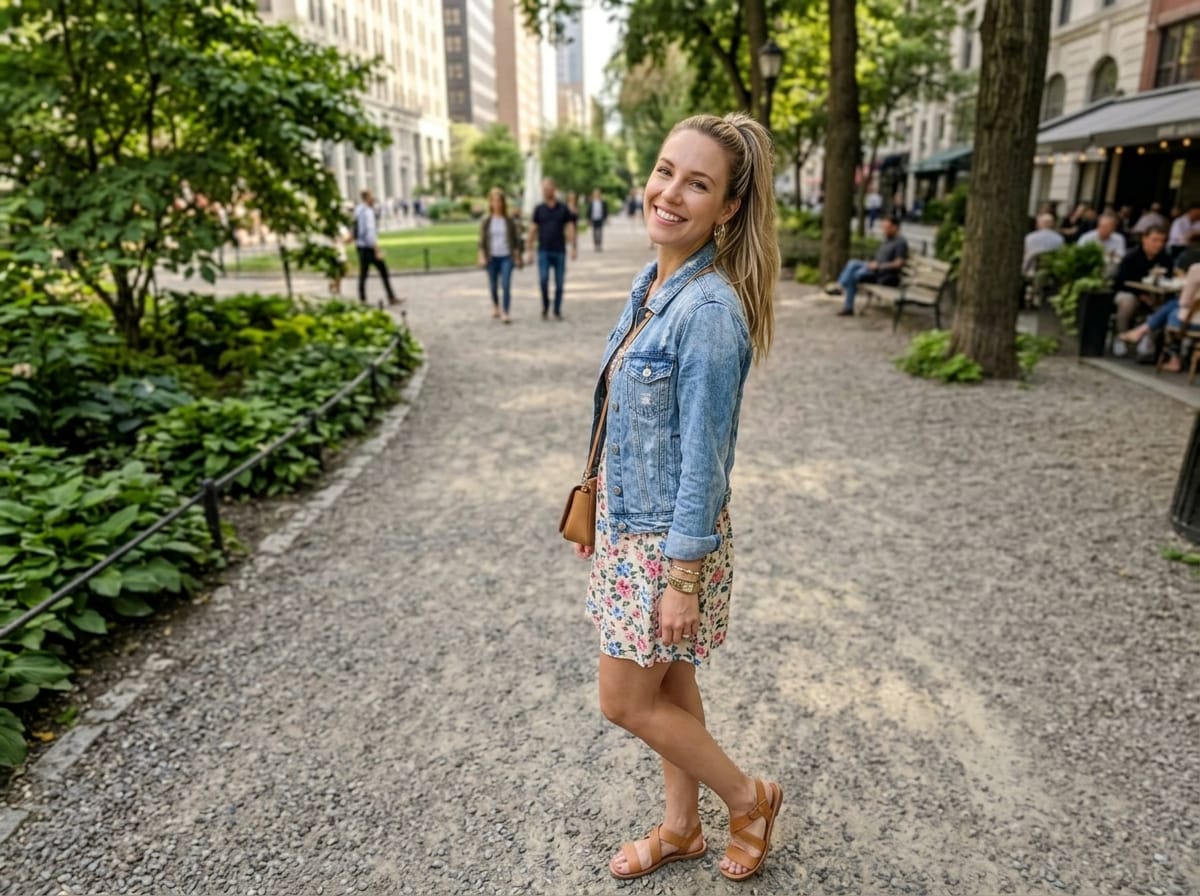
Save Great Selfies That Deserve a Better Camera Feel
Some selfies capture the exact mood, styling, and expression you want, but still feel too obviously self taken to use as a favorite portrait. You do not want to lose the moment, you just want it to look like it came from a better angle and a better shooting setup.
Relumi gives you an unselfie effect that makes the image feel closer to a naturally taken portrait while keeping the original emotion intact.
- Rescue selfies that feel almost perfect but still too phone like to keep as favorites.
- Preserve your styling, expression, and atmosphere while changing the camera feel.
- Make meaningful photos feel more portrait worthy and more worth saving.
When to Use Selfie to Portrait with Relumi
Any time you like the photo but want it to feel less like a selfie and more like a real portrait, Relumi can help create that better camera feeling.
Step by Step Guide to Turn Selfie into Portrait
No editing skills required, just three simple steps in Relumi.

Add Photos into Relumi
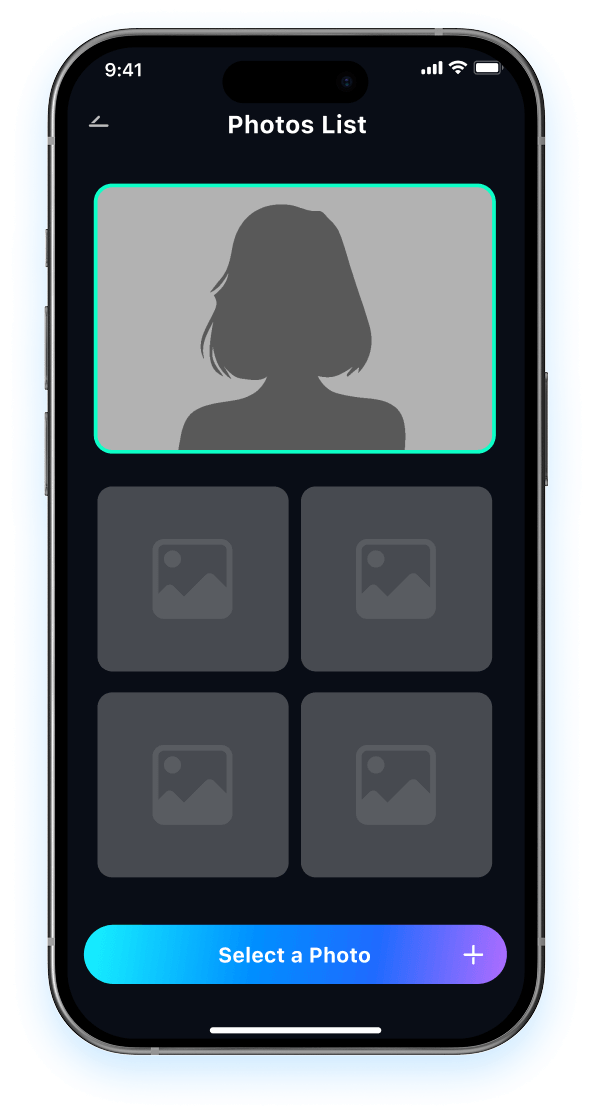
Open Relumi and choose the selfie that you like, but wish looked more like it was taken by someone else.

Choose Selfie to Portrait Mode
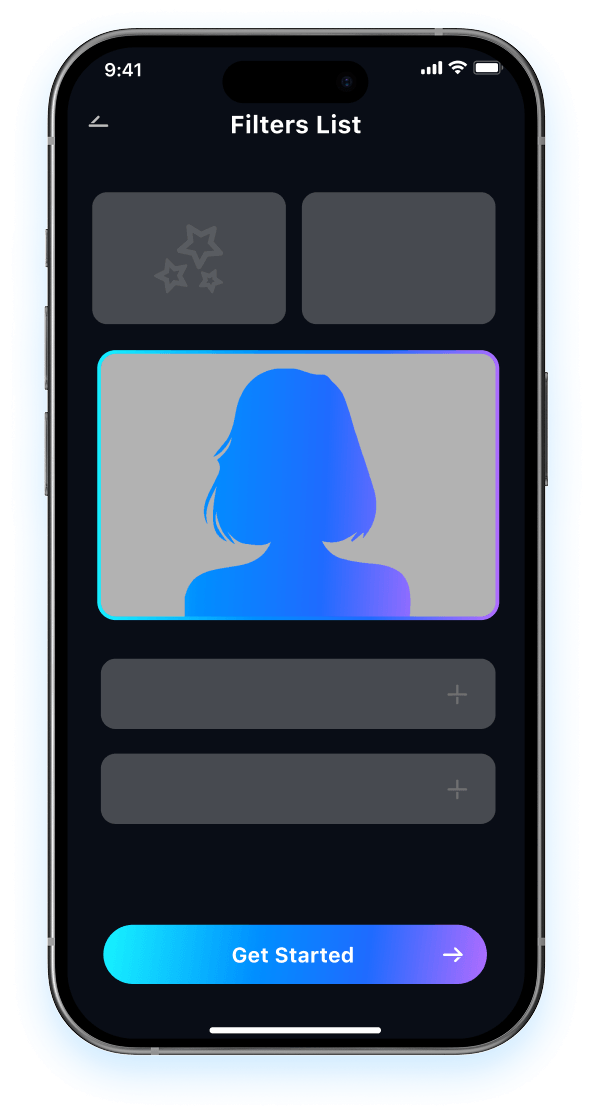
Relumi adjusts angle and perspective so the photo feels closer to the portrait retake you wish someone had captured for you.

Preview and Save
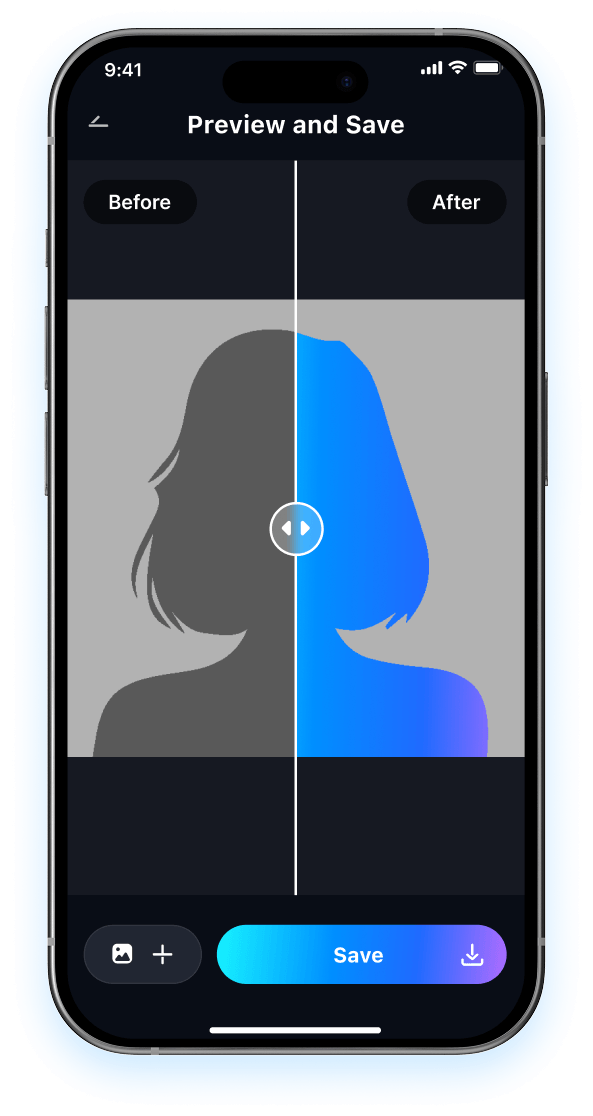
Preview the result and compare it to the original selfie. Then save the version that feels more natural, more polished, and more like a real portrait.

FAQ About Selfie to Portrait with Relumi
1 Will the result still look like me after I turn selfie into portrait?
2 Can Relumi make selfie look professional for profile use?
3 What kinds of photos work best for selfie to portrait editing?
4Can Relumi convert selfie to portrait without making the result look fake?
5Is Relumi easy to use if I have never edited portrait perspective before?