Family Photo Prompts for Better Portrait Editing
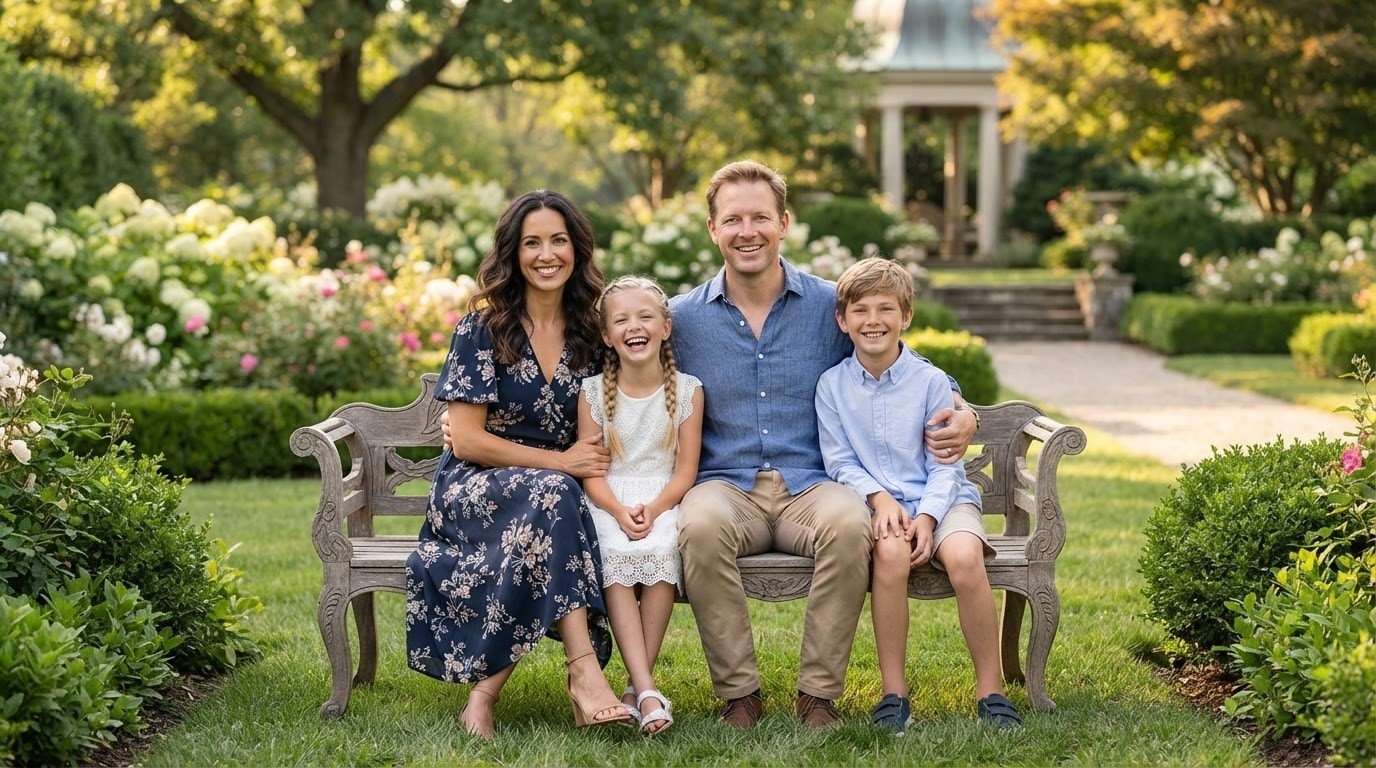




Generate Warm Family Portrait Prompts
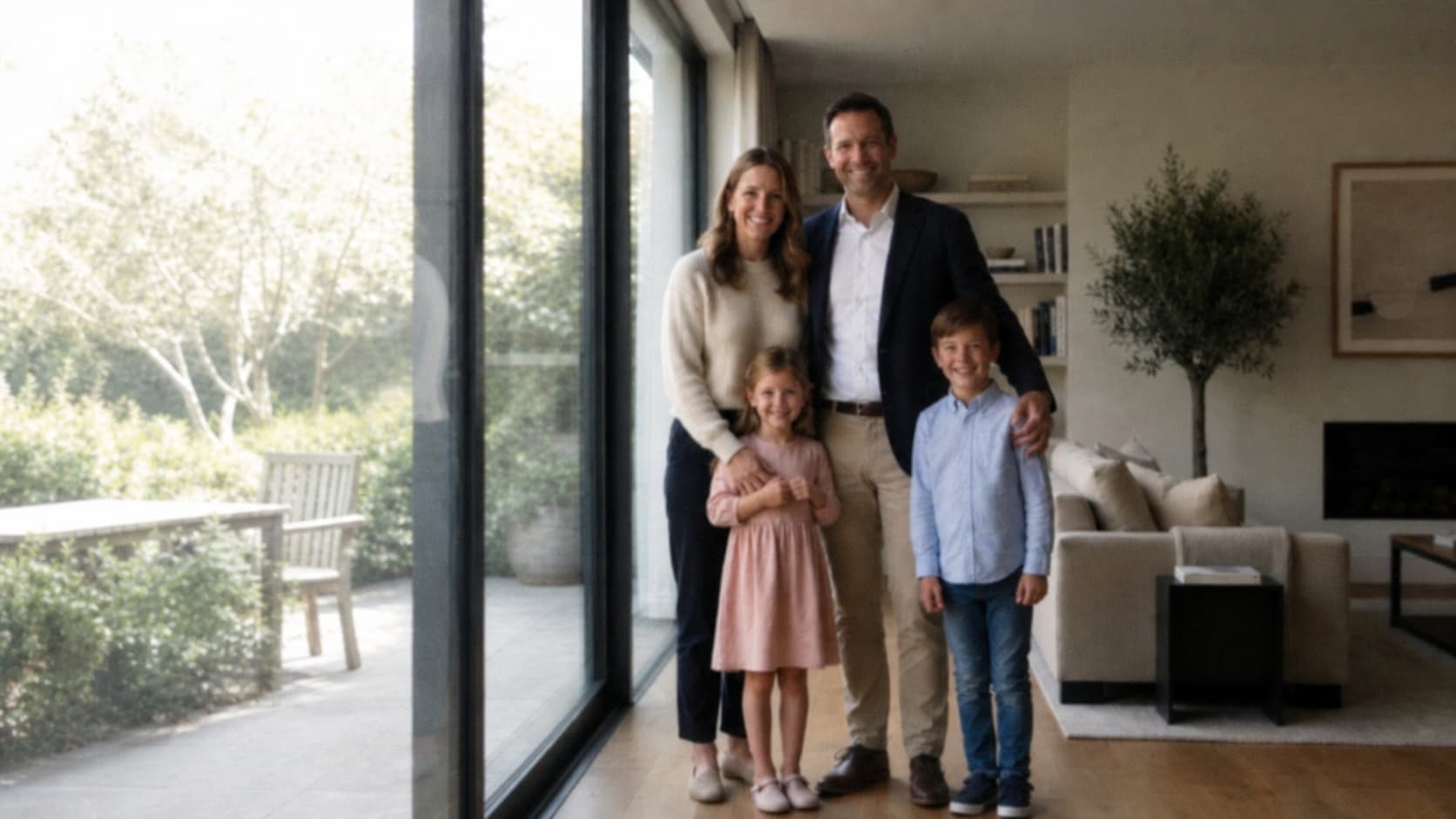
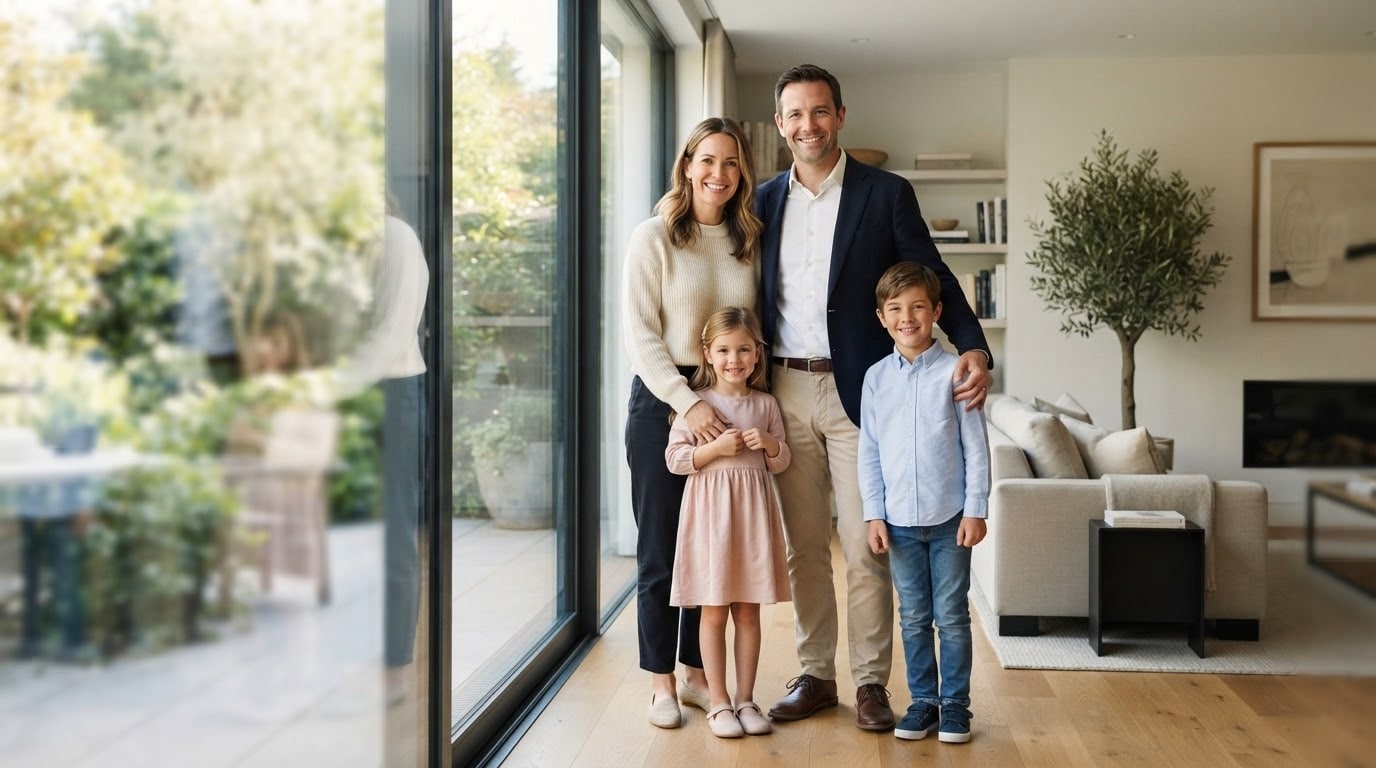
Repairit helps you turn ordinary family pictures into polished portraits with natural language prompts. Upload a family photo and describe the result you want, such as make this look warmer, create a studio family portrait, brighten the image, or give it a natural and elegant style.
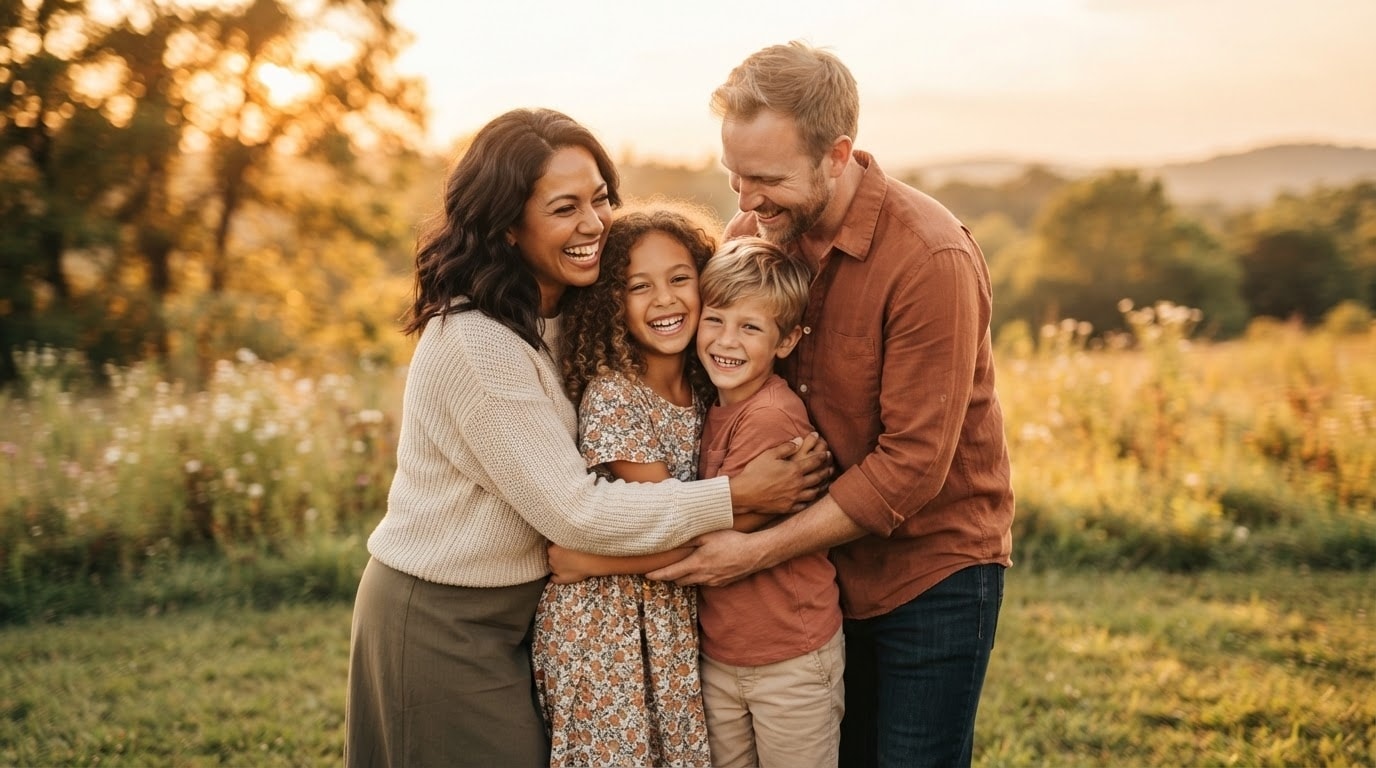
Use Prompts for Family Photos with AI Editing
With Repairit Prompt Edit Photo, you can edit family photos without complex tools. Try prompts like remove background clutter, enhance facial details, improve lighting, or create a soft holiday family portrait look for albums, cards, and social sharing.
Refresh Old or Low-Quality Family Pictures
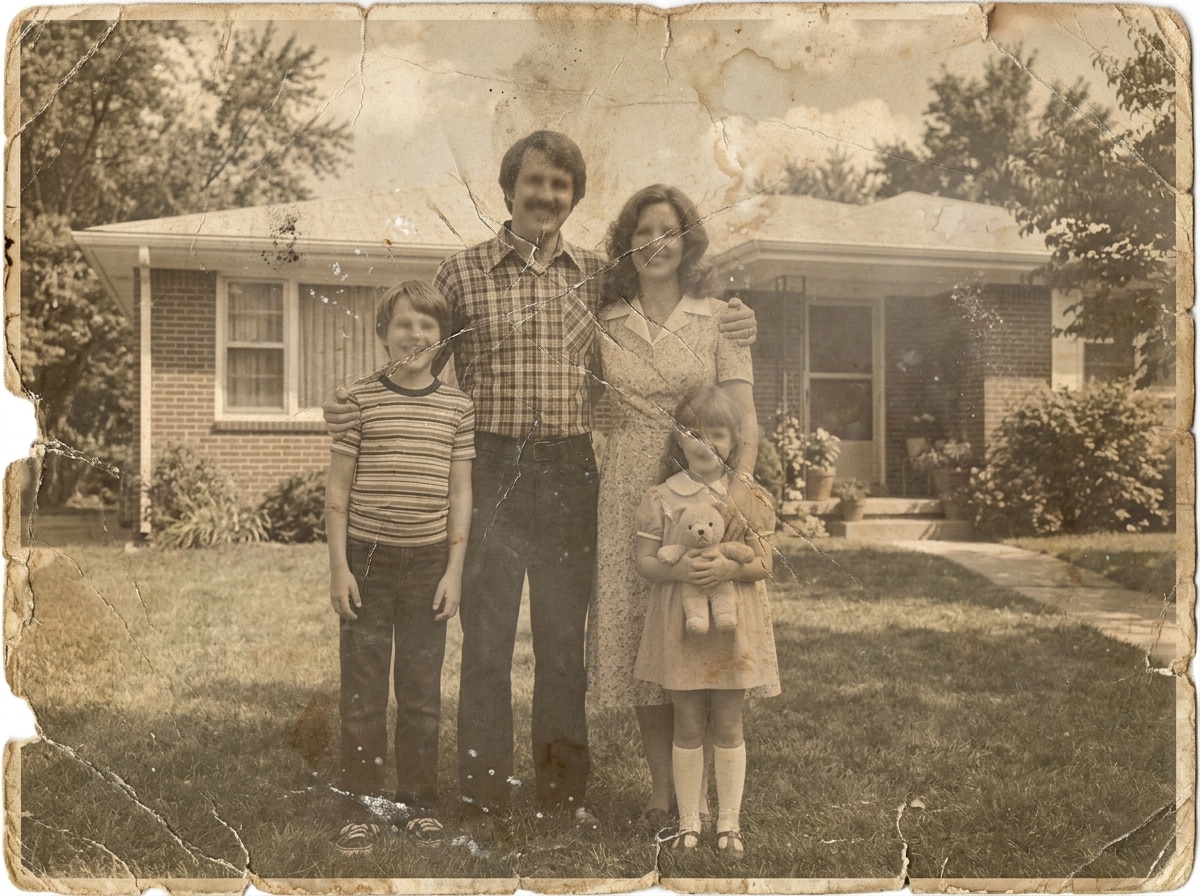
Repairit also helps improve old, blurry, or low-resolution family photos. Use prompts to restore clarity, sharpen details, clean up the image, and generate a more polished result for printing, sharing, or preserving memories.

How to Use Family Photo Prompts in Repairit

Step 1
Upload Your Photo
Choose the family picture, portrait, or group photo you want to enhance or transform with AI.

Step 2
Enter Your Prompt
Describe the result you want, such as create a family portrait prompt, make this photo brighter, remove distractions, or turn it into a warm studio-style image.

Step 3
Preview and Download
Let Repairit generate the edited result, preview the family photo, and download it for albums, cards, social media, or printing.
Repairit Family Photo Prompts vs. Traditional Photo Editors
See how Repairit makes family portrait editing easier with prompts

Repairit
|
Traditional Photo Editors | |
|---|---|---|
| Target Users | Beginners, parents, creators, and users who want better family photos quickly | Users who are comfortable with manual retouching, masking, and lighting adjustments |
| Editing Approach | Upload a photo, enter a prompt, and let AI generate the result | Manually adjust color, lighting, background, skin tone, and details |
| Learning Curve | Easy prompt-based workflow for family photo editing | Requires editing knowledge and repeated manual work |
| Workflow | Prompt-based enhancement, cleanup, style change, and portrait improvement | Often needs multiple tools, filters, and manual retouching |
| Time Saving | Quickly create polished family portrait results in a few clicks | Often takes longer to make family photos look finished |
| Automation Level | AI-assisted family photo editing from prompt descriptions | Mostly manual retouching, background changes, and lighting correction |
| Best For | family photo prompts, prompts for family photos, family portrait prompts, warm portraits, old family photos, and social-ready images | Advanced retouching, album design, and complex manual photo work |
| Features | Built for family photo prompt workflows, family portrait prompts, prompt-based image editing, and memory preservation use cases | Powerful for full manual control, but less convenient for quick family photo editing |
Frequently Asked Questions
Family photo prompts are short text instructions used to guide AI in editing, enhancing, or restyling family pictures.
Yes. Repairit Prompt Edit Photo lets you upload a family image and use prompts to improve lighting, clarity, background, and portrait style.
Family portrait prompts help you create a warmer, more polished, or more professional-looking family photo with AI.
Yes. You can use prompts to improve old, blurry, or low-quality family photos and make them look clearer and more presentable.
Clear prompts work best. Try mentioning lighting, mood, background, style, and the exact change you want.
Yes. You can download the edited family photo for albums, cards, social media, or personal use.
Hot Topics
Comprehensive How-to Guides
Want to create better family photos with prompts? Click to enter the Photo Enhancer Workbench and create polished family portraits in just a few clicks!


