Enhance Video Quality Online Free




Upscale Old Phone Videos for Modern Screens Online Free
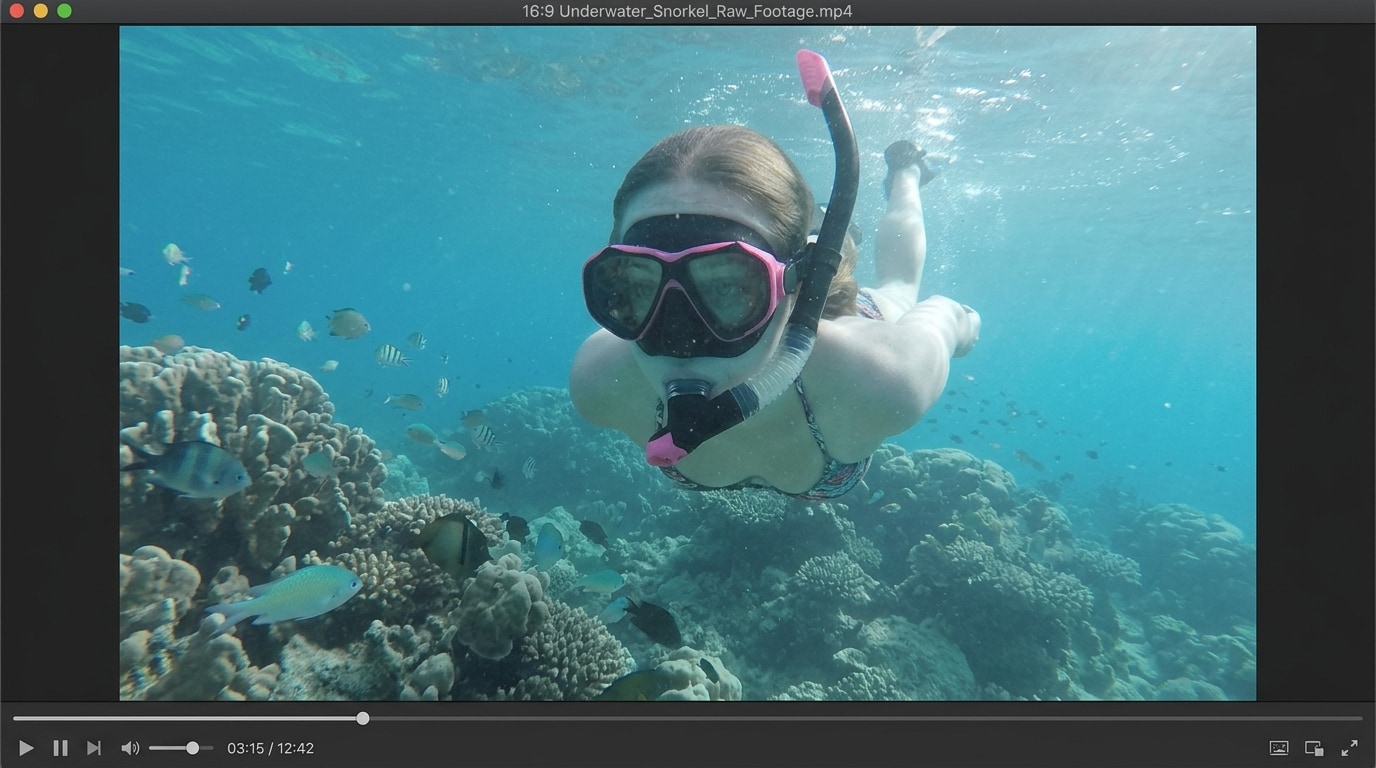
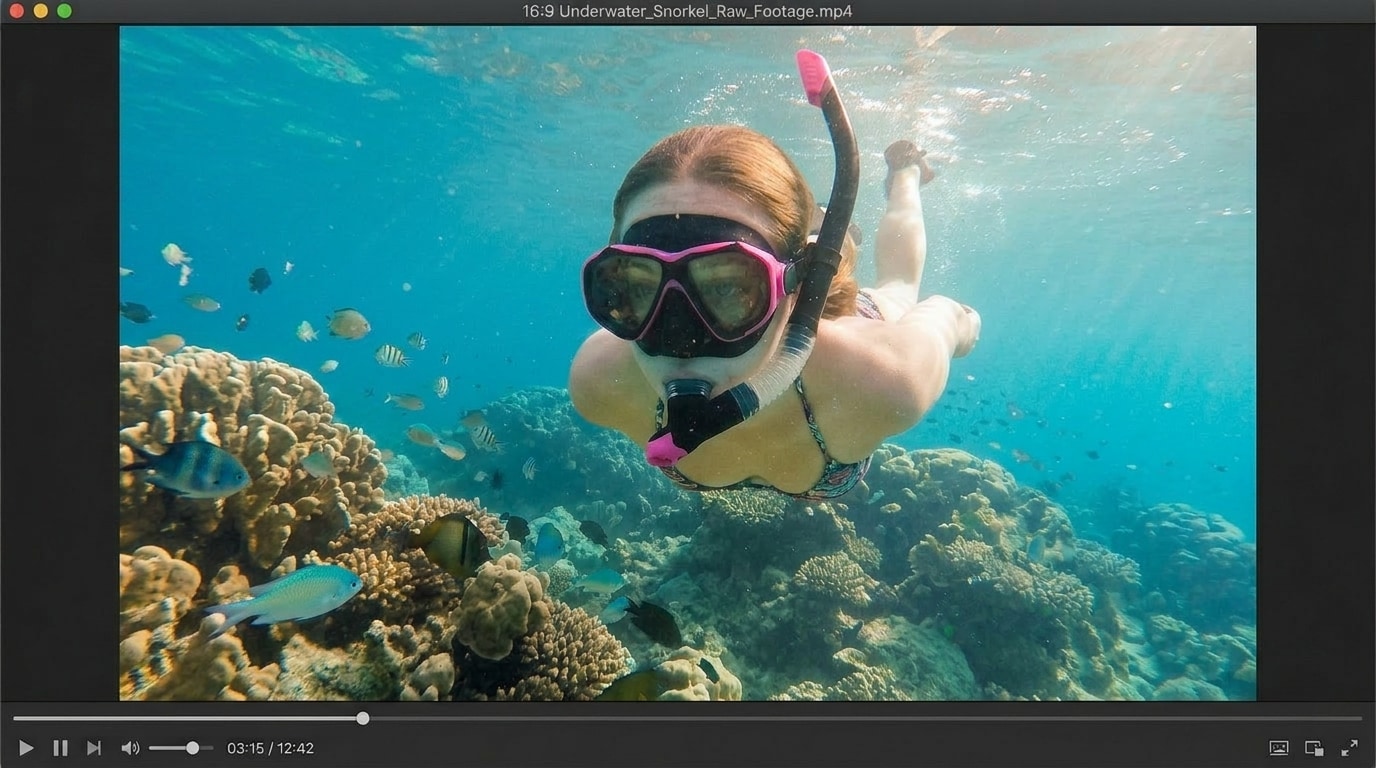
A lot of users just want old clips from an early phone, compact camera, or saved family archive to look less blurry, less pixelated, and easier to watch on today's larger screens. Repairit helps you enhance video quality online free by improving clarity, sharpening visible details, and making low resolution footage look cleaner without a heavy editing workflow.
Clean Up Dark and Noisy Night Footage Online Free
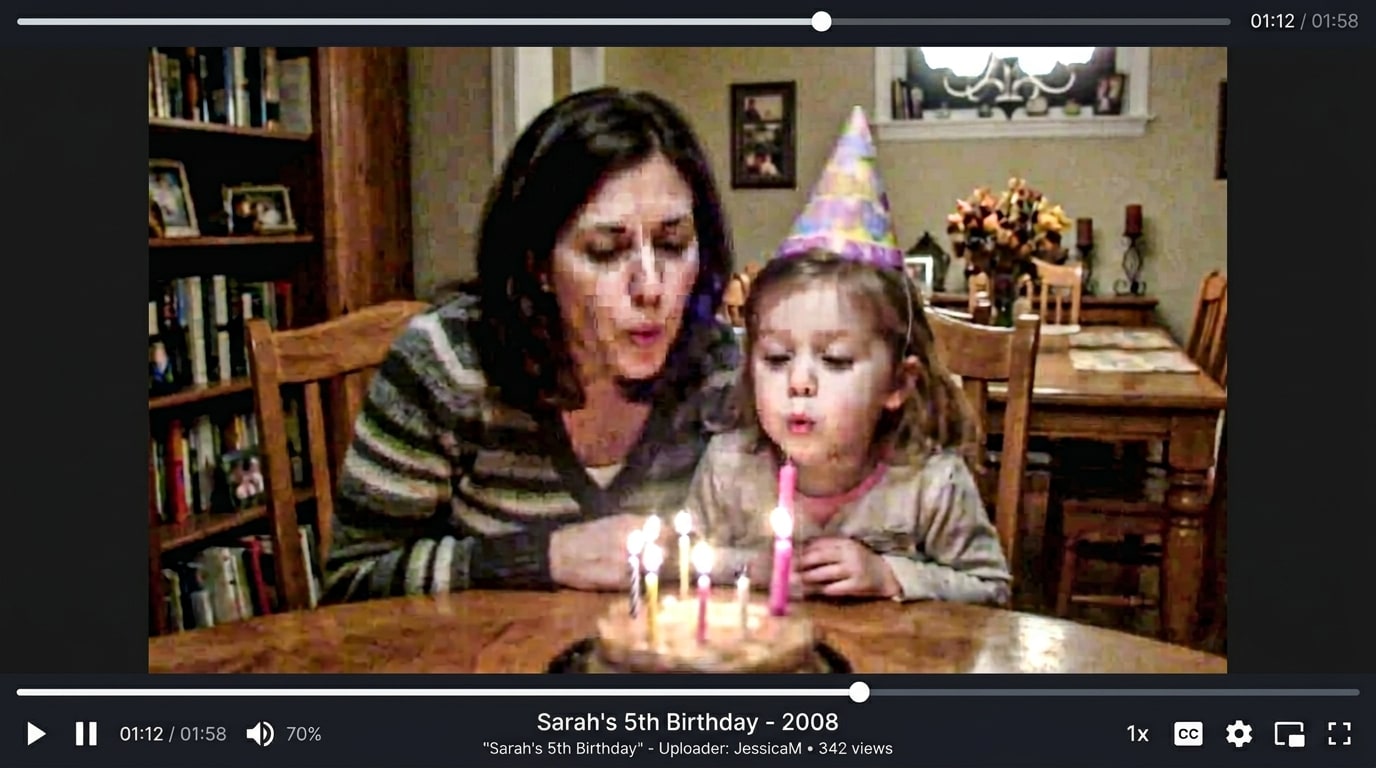
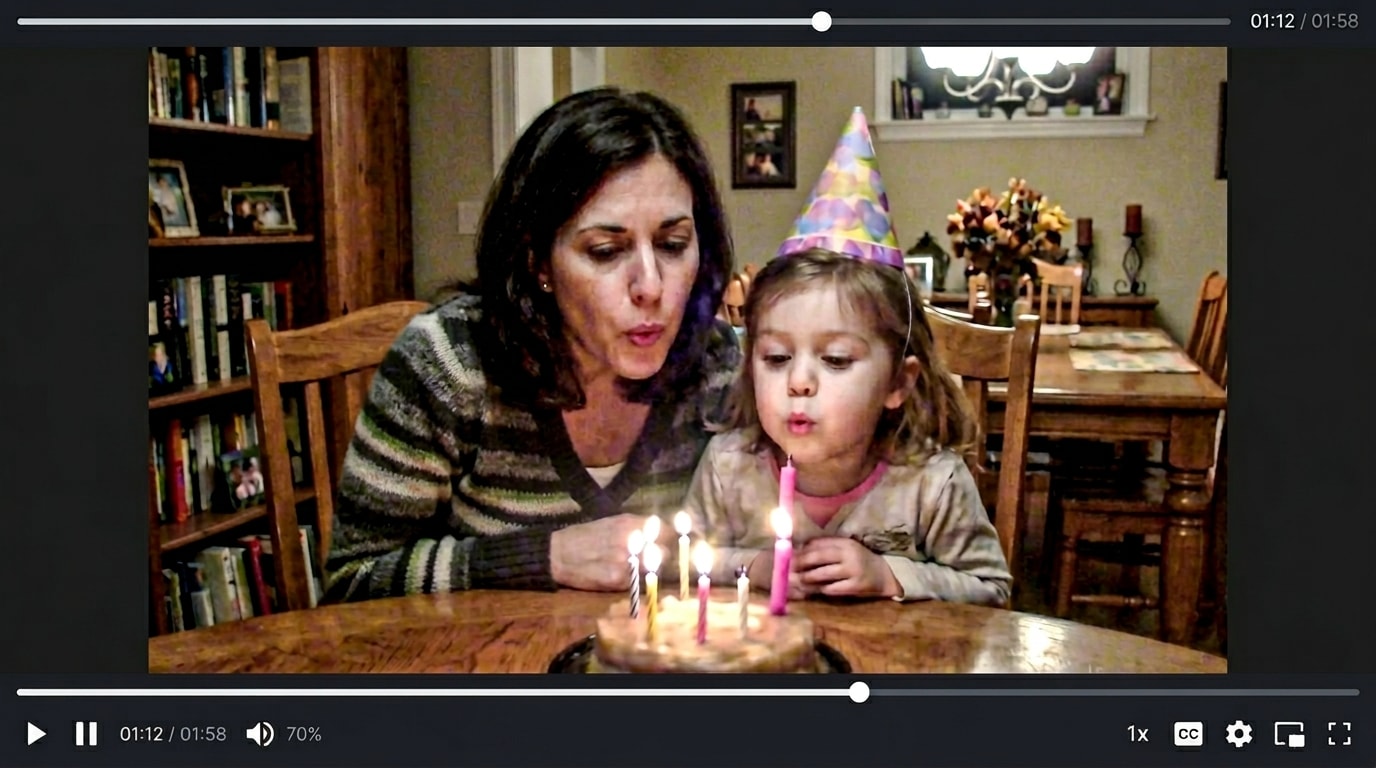
Low light videos often end up with heavy grain, muddy shadows, color noise, and a generally messy look. Repairit free online helps reduce visible noise and improve clarity, giving you a more practical way to use a video enhancer online free for concerts, indoor events, nightlife clips, and casual phone footage recorded in poor lighting.
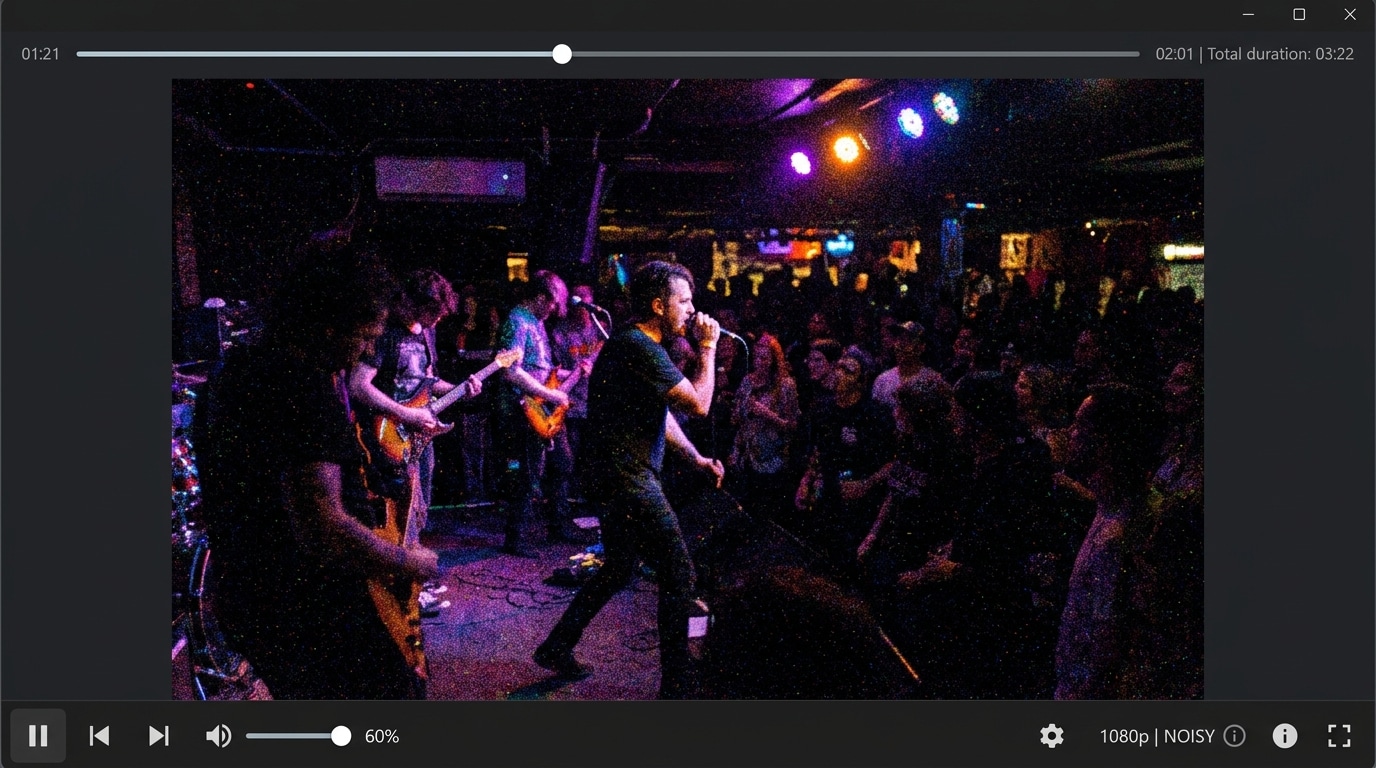
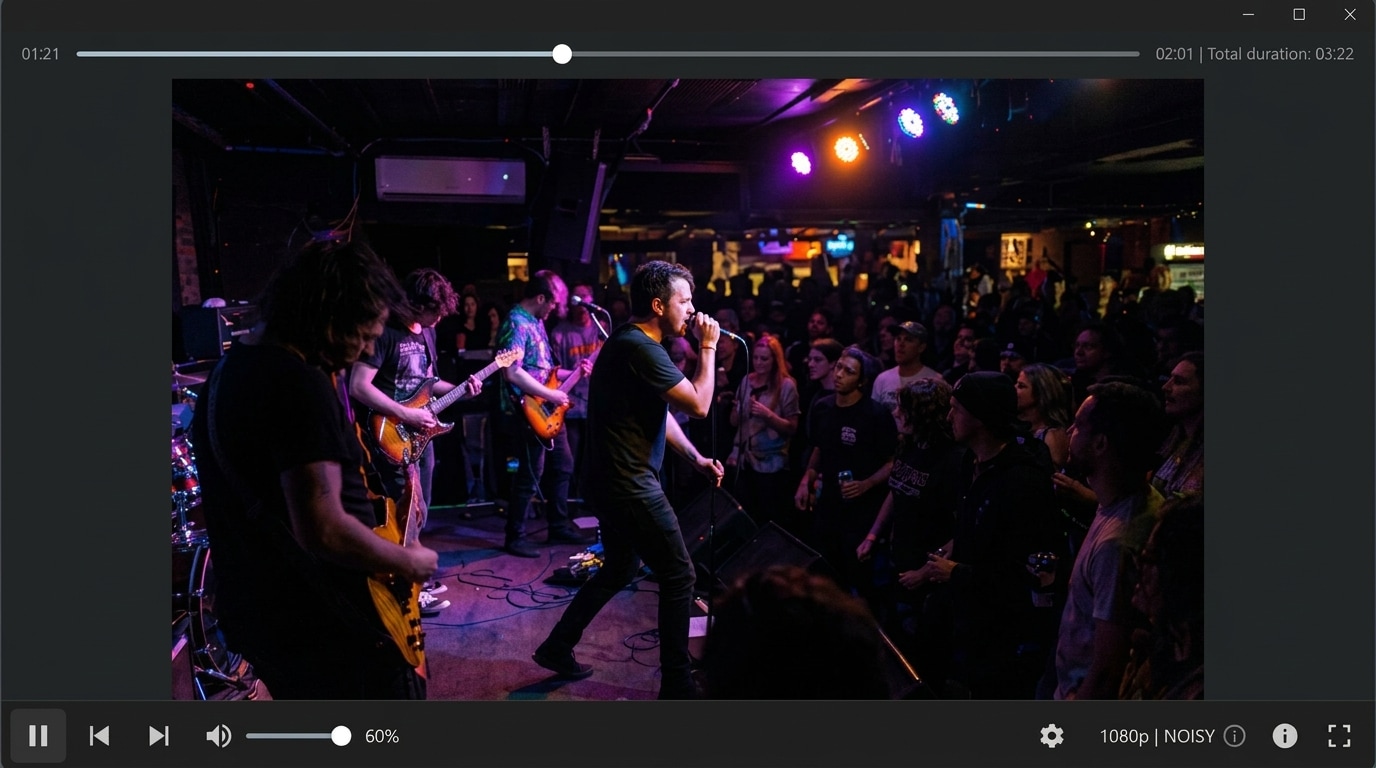
Sharpen Blurry Motion Clips Without Manual Editing Online Free
Fast movement from sports, pets, travel, kids, or handheld shooting can leave a great moment looking too soft to use. Repairit helps sharpen blurry motion footage and recover a cleaner look frame by frame, making it easier to use a video enhancer free online when your clip is not broken, but simply lacks clarity.


How to Enhance Video Quality Free with Repairit

Step 1
Upload Your Video
Upload a blurry, noisy, low resolution, or low quality video in a supported format such as MP4, MOV, or AVI.

Step 2
Let AI Enhance the Video
Repairit automatically sharpens details, reduces noise, removes blur, and improves overall video quality.

Step 3
Preview and Download
Preview the enhanced result and download a clearer, cleaner version of your video.
Why Choose Repairit's Free Online Video Enhancer?
Compare Repairit with traditional video editors

Repairit
|
Traditional Video Editors | |
|---|---|---|
| Target Users | 🎯 Everyday users, beginners, creators, marketers, and anyone who wants a fast online quality boost | 🎬 Editors who are comfortable with manual workflows and full timeline editing |
| Enhancement Approach | 🤖 AI powered sharpening, denoising, deblurring, and upscaling | 🛠️ Manual color, noise, sharpness, and export adjustments |
| Learning Curve | ⚡ Easy to start with no advanced editing skills required | 📚 Higher learning curve with more tools and settings to manage |
| Cost | 💝 Free to start online with a simple upload and enhance flow | 💼 Often requires paid software or a longer production workflow |
| Time Investment | ⏱️ Designed for quick improvement in just a few clicks | ⌛ Usually takes more setup, testing, and manual fine tuning |
| Automation Level | 🌟 Fully AI assisted enhancement workflow | ⚙️ Mostly manual control |
| Features | 💡 Built to enhance video quality free, improve clarity, reduce noise, unblur footage, and upscale for a cleaner result | 🧩 Better suited for full editing projects, but less convenient for quick quality rescue |
Frequently Asked Questions
Yes. Repairit gives you a simple way to enhance video quality free online, so you can improve clarity, reduce noise, and sharpen soft footage without dealing with a complicated editor.
Yes. Repairit works well as a video enhancer online free for clips that look blurry, soft, noisy, or low resolution. It is especially useful for phone videos, older digital recordings, and everyday footage that needs a cleaner look.
Repairit can help improve blur, soft detail, visible noise, grain, and low resolution quality. It can also upscale videos and make overall footage look clearer and more polished.
Yes. Repairit is a practical choice when you want to improve older phone clips, archived family footage, saved travel videos, or low quality recordings for modern viewing and sharing.
Not always. AI can reduce noise and improve visible detail when there is usable image data, but it cannot fully recreate information that was never captured in the original video.
Repairit supports popular video formats including MP4, AVI, MOV, MKV, 3GP, FLV, MPG, and WEBM, making it easy to enhance a wide range of personal and work related videos.
Hot Topics
Comprehensive How-to Guides
Want to enhance video online free? Click to enter the Photo Eraser Workbench and make it happen easily!


