AI Dance Generator:
Turn Any Photo into a Dance Video
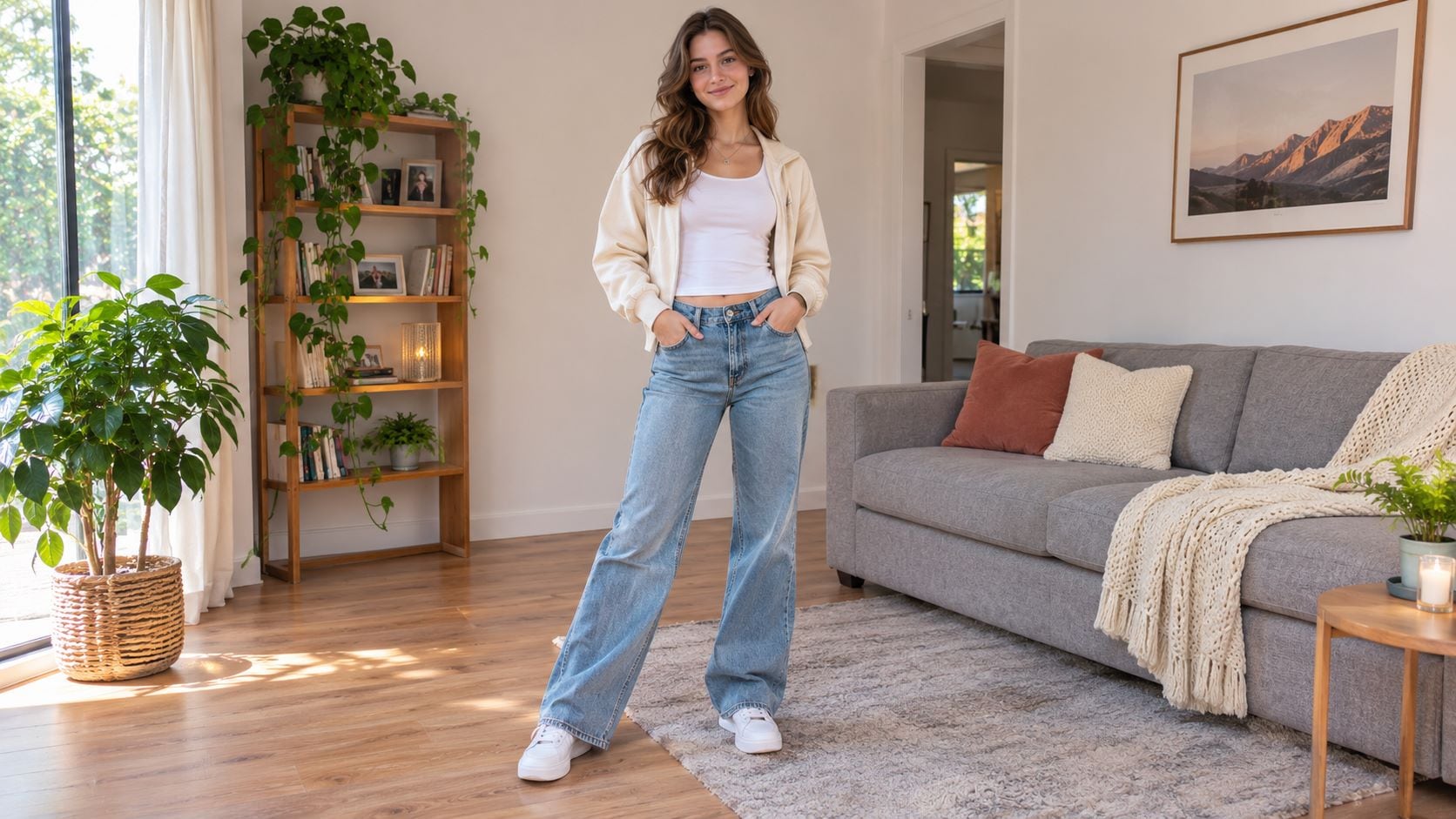

No dance skills needed. Turn any photo into a fun dance video worth sharing.


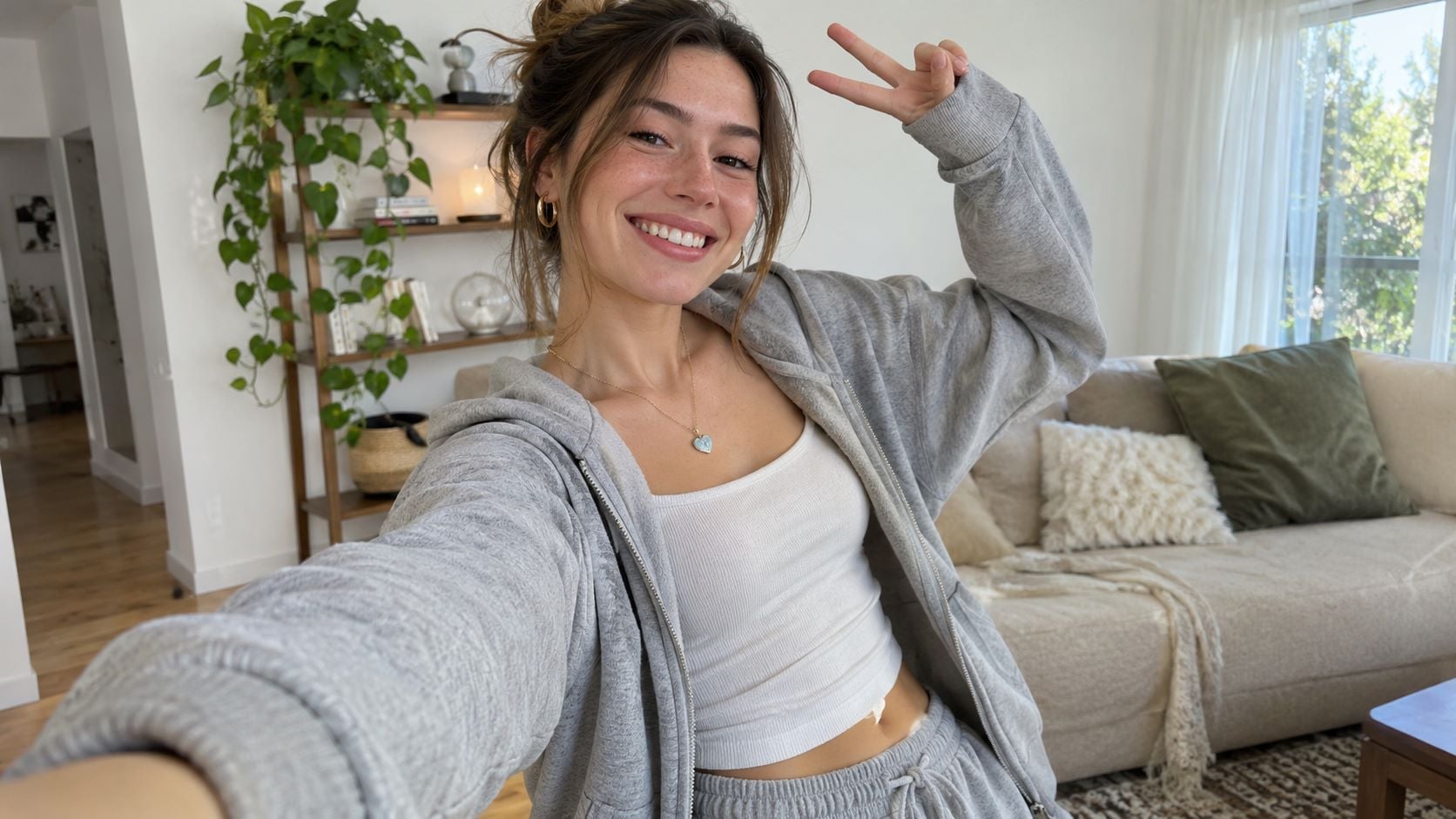
Make a Selfie Dance Without Recording a Video
Want to post a playful Reel without filming yourself dancing? A favorite selfie can become the star of a short clip. With Repairit Image to Video, you can make a selfie dance using motion effects that bring a familiar expression to life, then share the result in your own style.
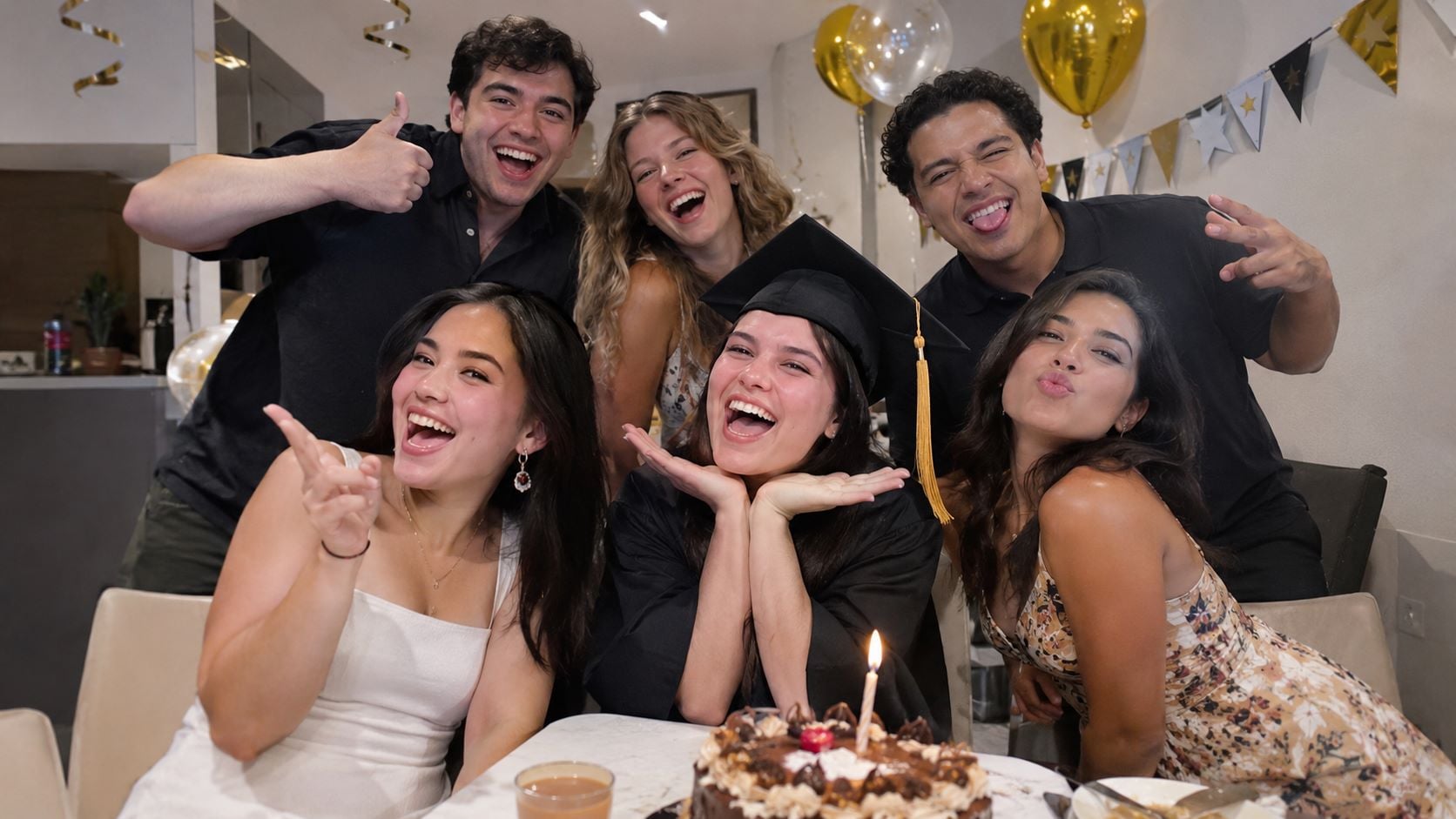
Turn Group Party Photos into Dancing Highlights
The best part of a birthday or graduation party is the energy everyone shares, yet group pictures freeze it in a single frame. Repairit Image to Video adds playful movement to turn those smiles into a livelier keepsake. You can make a group photo dance and give friends a fun way to revisit the celebration together.
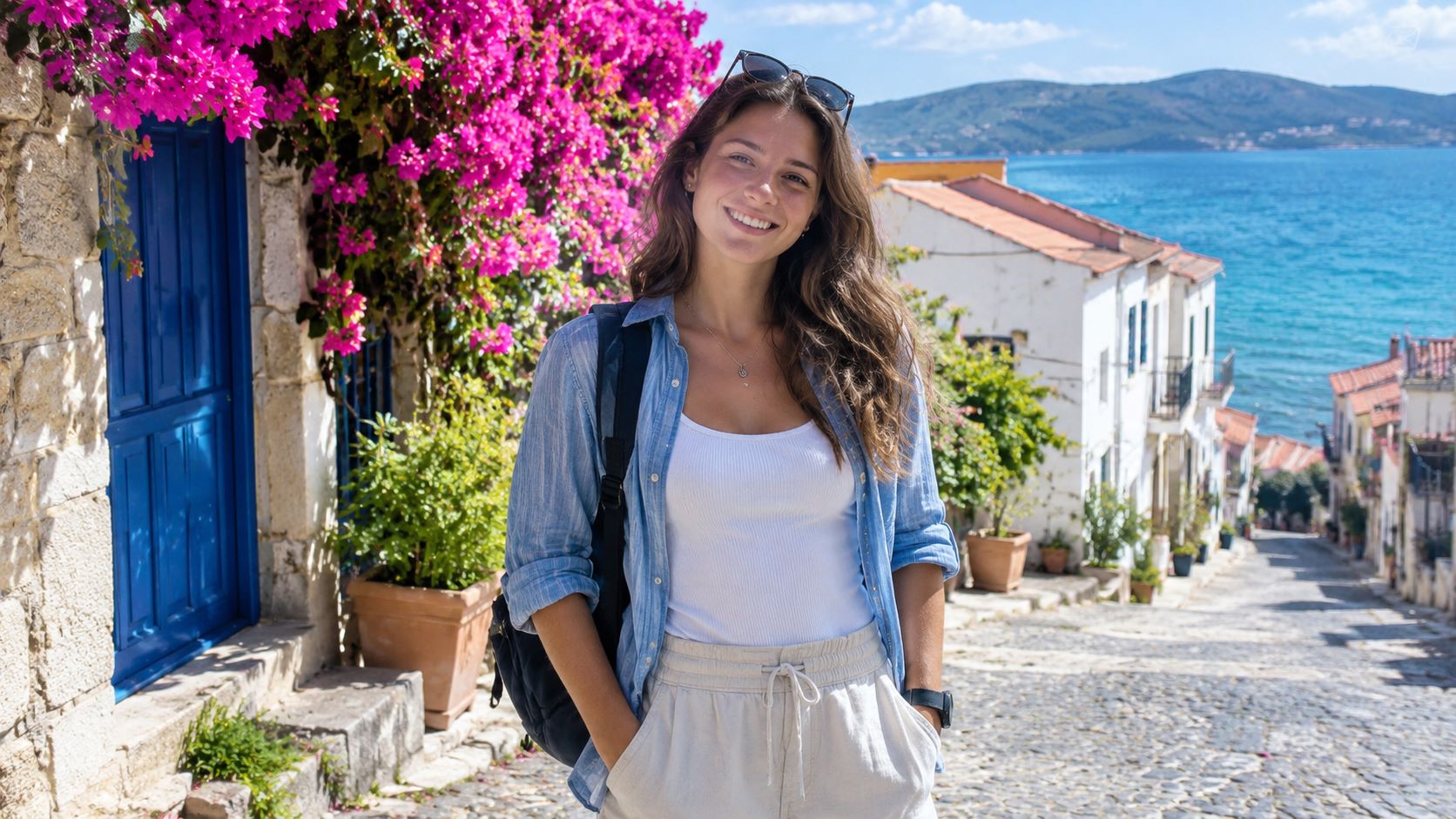
Make Your Vacation Photo Dance
That vacation photo captures the view, but what about the excitement of finally being there? Use Repairit Image to Video to add a lighthearted motion effect to a favorite travel portrait. Whether it's a city break or a long-awaited getaway, you can make a travel photo dance and relive the moment with more personality than a still image alone.
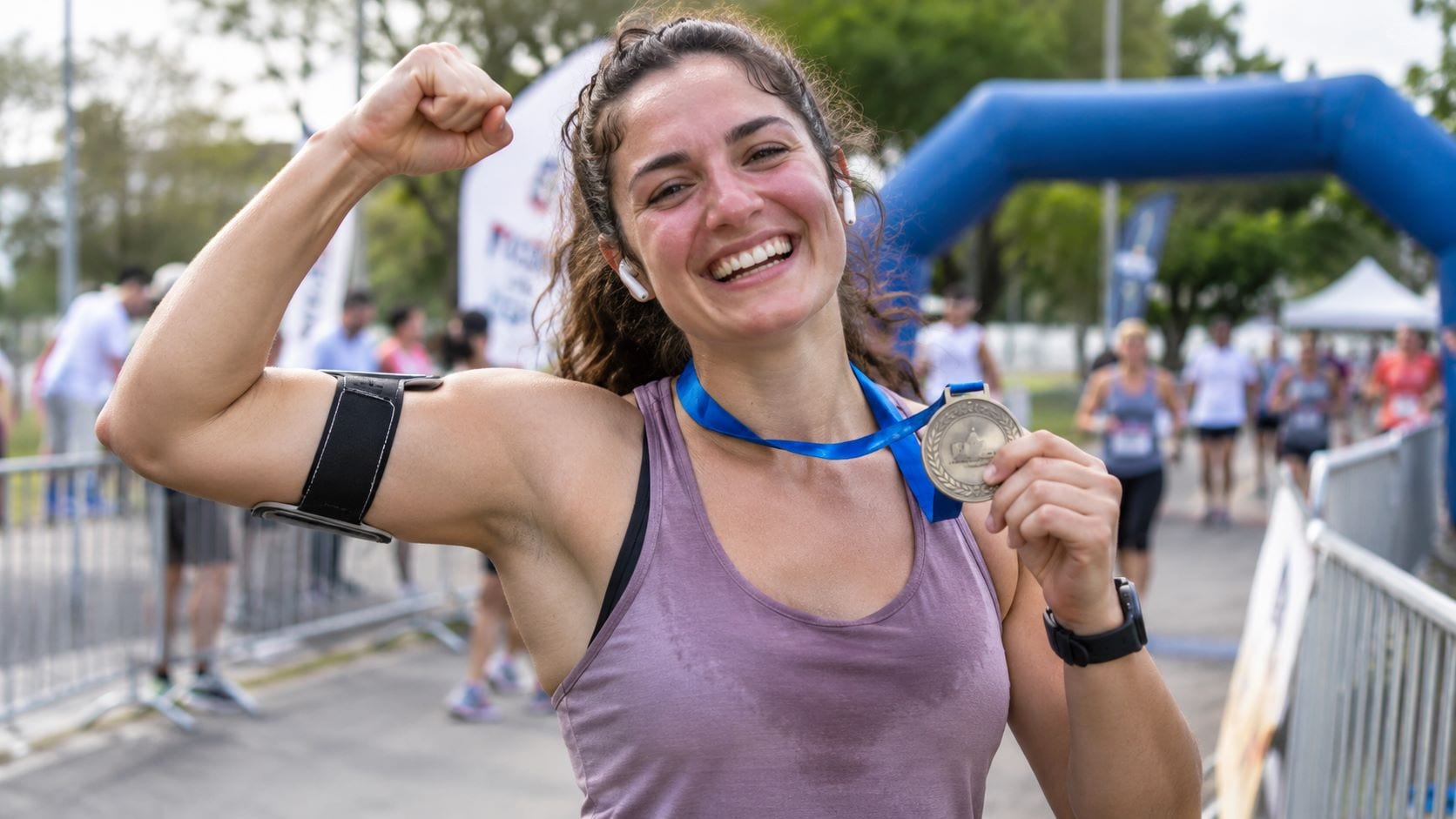
Celebrate Fitness Wins with a Dancing Photo
Finished your first race or finally hit that personal best? Your post-workout picture deserves to feel as joyful as the achievement. Repairit transforms a still shot into a playful image-to-video celebration, so you can make a fitness photo dance and share that proud, can't-stop-smiling moment with friends.
How to Make a Photo Dance with Repairit Image to Video

Step 1
Upload a Clear Photo
Download and launch Repairit on your computer. Open Image to Video and import a clear portrait or full-body photo you'd love to bring to life.

Step 2
Choose a Video Template
Choose a video template and output style that brings playful, dance-like motion to the photo. Adjust the available settings to suit the mood you want.

Step 3
Generate, Preview, and Save
Generate your image-to-video clip, preview the movement, and save your favorite result. It's ready to become a fun message, a celebration post, or a short social video.
Why Choose Repairit for AI Dance Videos from Photos?
🎬 Turn Still Memories into Moving Stories
Repairit's Image to Video turns an existing photo into a short moving scene, giving the feelings behind birthdays, trips, and personal milestones a more vivid way to shine.
✨ Add Expressive AI Motion
AI-powered motion and video styles can turn a familiar pose into a lighthearted, energetic clip, bringing a smile or a sense of celebration beyond the original still frame.
🎉 Share Joy in a More Personal Way
A dancing birthday portrait or animated vacation memory feels like a little surprise made just for someone. Turn everyday pictures into playful greetings, keepsakes, and social moments.
💾 Keep Your Creations as Videos
Repairit exports the animated result as a video you can revisit or share. Your favorite still photo becomes a new memory to send, save, or feature in a short-form post.
Explore More AI Photo Animation and Editing Tools
Need a different kind of movement, a clearer picture, or a playful pet clip? Try these related Repairit features.
Frequently Asked Questions
An AI dance generator creates a moving dance-style video from a still image. Repairit uses AI Photo Animation and Image to Video tools to add motion to a portrait or another suitable photo; results depend on the source image and the available motion style.
Repairit offers trial access, but free use does not necessarily mean unlimited video generation or free exports. Generative Image to Video operations use AI Credits, and the amount and access conditions depend on your plan. Check the current details before generating multiple clips.
Open Repairit AI Photo Animation or Image to Video, upload a clear photo, choose an available dance-style motion or video template, and generate the clip. Preview the subject's face and body movement before saving.
Yes. A clear, well-lit selfie with one main subject is a good starting point. A photo showing more of the body can give the AI more visual information for dance-like motion; cropped images may produce less predictable results.
You can try a clear group photo, especially for party recaps, but not every person will necessarily animate evenly. For better results, avoid tiny faces and heavy occlusion, and review the finished clip before sharing.
Yes. Create a playful image-to-video clip in Repairit, save it, and share it on TikTok or Instagram. It's a fun way to turn a favorite picture into a short-form post without filming a new dance.
A low-resolution image, cropped limbs, obscured faces, or several overlapping people can make generated movement less consistent. Try a sharper, well-lit photo with a clearly visible subject and check the preview again.
Hot Topics
Comprehensive How-to Guides
Bring a favorite still picture to life with Repairit AI Photo Animation, powered by an image-to-video workflow on desktop.


