vincent studio user story

Rescuing a High-End Jewelry Campaign After a Critical Photoshop File Corruption Crisis

How I recovered 45 corrupted PSD files from a sudden Photoshop crash and delivered a luxury jewelry campaign on time using Repairit's Adobe File Repair.

profession Commercial Photographer
location United Kingdom

Repairit Real User Story

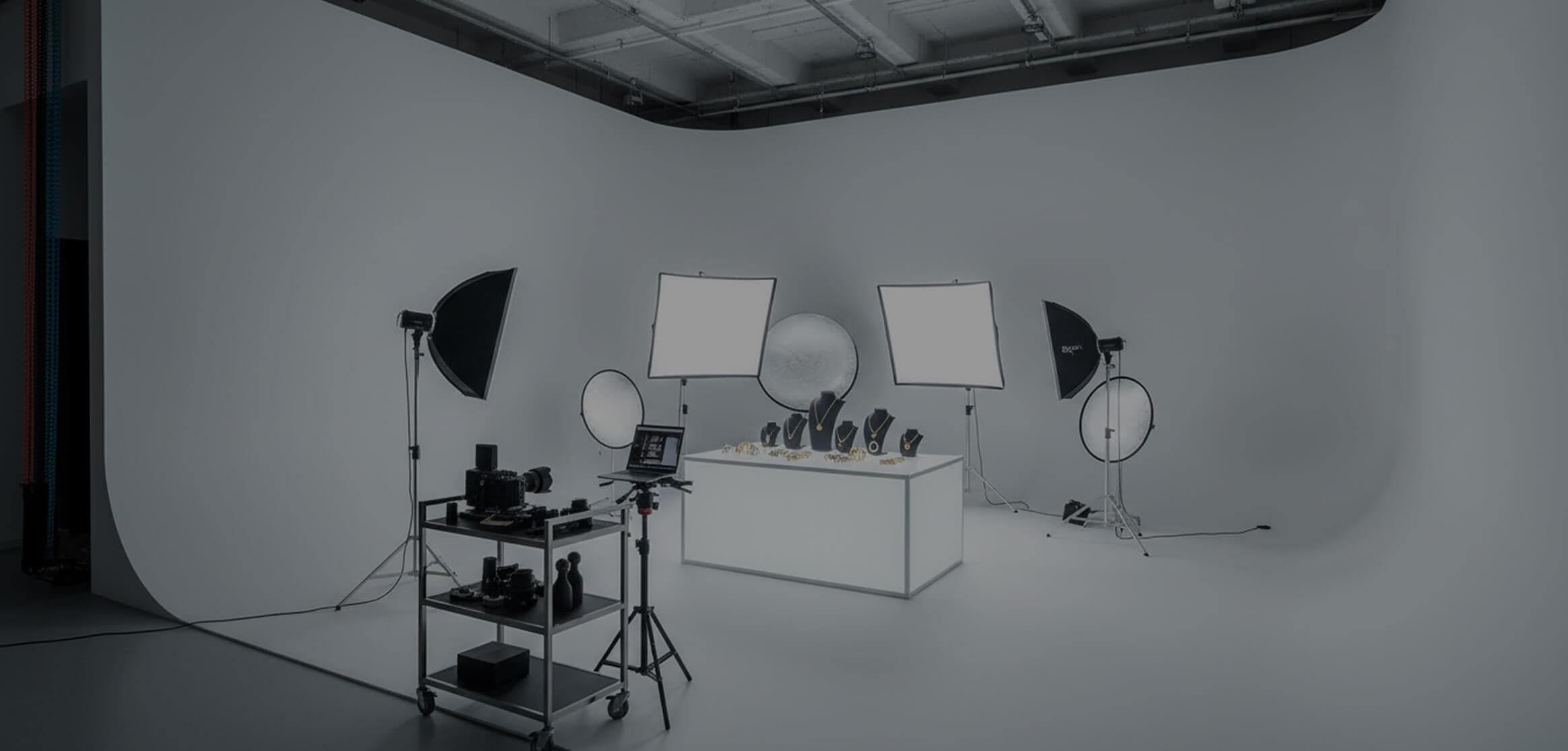
Vincent studio photography story image
blue tip
I'm Vincent Lai, a Commercial Photographer based in the United Kingdom. I had spent two intense weeks shooting and retouching a luxury jewelry campaign for a British brand, using my Sony α1 and editing everything in Adobe Photoshop 2024. These were once-in-a-lifetime pieces, already returned to the vault, so every second of retouching mattered. The night before the final delivery, Photoshop crashed during a save, and suddenly all 45 PSD files wouldn't open. My heart dropped. Panic set in as I faced a £15,000 contract at risk. I quickly ran it through Wondershare Repairit, and within hours every file was restored with full layers intact.

Vincent Lai
profession Commercial Photographer
location United Kingdom

Photo File Damage Situation

challenge
Challenge
I realized something was wrong the moment Photoshop froze during a routine save. When I reopened it, every single PSD file from the jewelry campaign, 45 files ranging between 800MB and 2GB, refused to load. Each attempt returned the same message: “Unable to complete request, file format module cannot parse the file.” Some previews showed only black screens, while others glitched with fragmented color blocks. These files contained 45–120 layers each, with delicate masking, color grading, and composite polish that could never be recreated in time. With only 24 hours before launch and no access to the jewelry again, my reputation and a £15,000 project were on the line.
solution
Solution
In desperation, I searched for a solution and found Wondershare Repairit's Adobe File Repair feature mentioned in a professional photography forum. I installed it immediately and loaded all 45 corrupted PSD files into a batch repair queue. Instead of overwhelming me with technical steps, Repairit guided me through a clear workflow: quick analysis, then advanced repair to restore full layer structures. I added a sample PSD from the same Photoshop setup to help rebuild the missing components. Repairit processed each file sequentially, offering previews so I could confirm the layers, masks, and smart objects were intact before exporting. It felt like watching weeks of work slowly come back to life.
Magic Background
right-icon
Results

The Magic of Repair

When the first restored preview appeared, with every adjustment layer, mask, and smart object preserved, I felt pure relief wash over me. Repairit successfully reconstructed all 45 PSD files exactly as they were before the crash. The jewelry campaign was delivered on time, fully polished, and the client never knew how close everything came to falling apart.

Technical Details of Photo Repair

File Type Format Device Cause of Damage Repaired By
Photo PSD (Photoshop, 16-bit) Adobe Photoshop 2024 Software crash during save operation Wondershare Repairit

File Specifications

  • Size: 1.8GB average per PSD (largest: 2.4GB)
  • Resolution: 8640×11520 pixels
  • Frame Rate: 16-bit color depth per channel
  • Duration: 45–120 layers per file

Repair Details

  • blue right Repair Time: 1 hours 15 minutes (batch repair of 45 files)
  • blue right Success Rate: 100% (all files restored)
  • blue right Quality Loss: Full layer structure preserved
  • blue right Audio Sync: Adjustment layers and masks restored
100% recovery
100% Recovery

All 45 PSD files were fully recovered with complete layer structures, masks, smart objects, and adjustment layers.

2h 15m
1h 15m

A fast batch repair process that saved an entire commercial campaign from missing its deadline.

priceless
Priceless

Restored irreplaceable retouching work that could not be recreated once the jewelry was returned to the vault.

support
Support

24/7 support available for you to safeguard your creative projects and protect your workflow.

More Scenarios, More Repairit User Stories

family
Family
graduation
Graduation
travel
Travel
wedding
Wedding
studio
Studio
education
Education
business
Business
sports
Sports
logo
Repairit – Online AI Photo Repair

Revive damaged memories online in 3 steps

open
logo
Repairit – Online AI Photo Repair

Revive damaged memories online in 3 steps

open