tyler sports user story

I Nearly Lost My Sports Video Until Repairit Saved My 4K Footage

How I Saved My Frozen 4K GoPro Snowboard Footage in Extreme Cold with Repairit

profession Snowboarder
location Canada

Repairit Real User Story

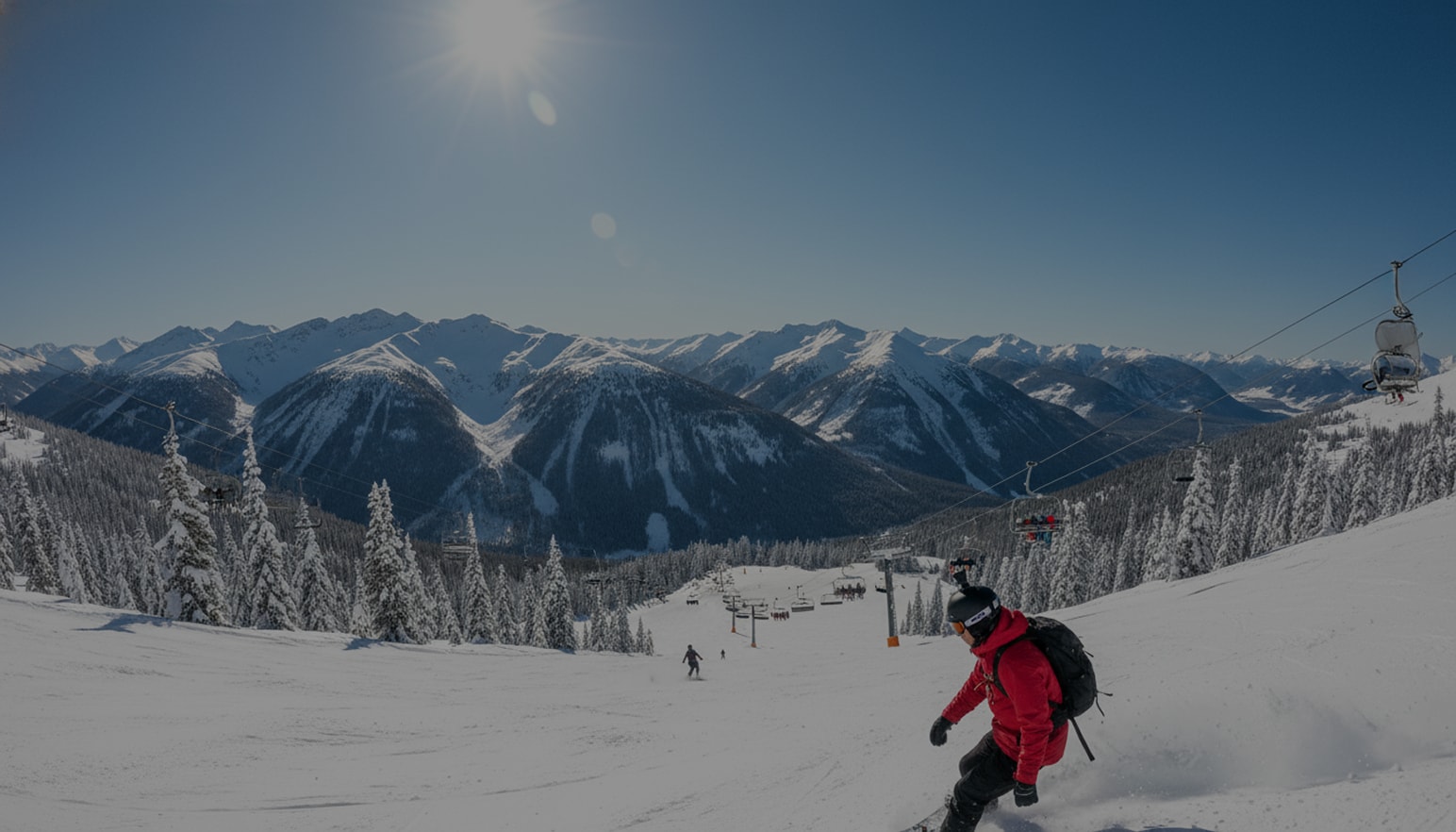
Tyler restoring corrupted 4K snowboarding footage after cold-weather GoPro failure
blue tip
I'm Tyler Blackwood, a snowboarder and content creator based in Canada. I'd spent months preparing for the Whistler Blackcomb Open, the biggest event of the year, and my shot at a major sponsorship hinged on one perfect run. I wore my GoPro Hero 12 Black on my chest and had a DJI Mavic 3 Pro tracking me overhead. When I landed the double cork 1260, I knew it was clean—it was the best jump of my life. But back at base camp, neither file would play properly. The GoPro footage froze every few seconds, glitched with green artifacts, and the audio was out of sync. The drone feed wouldn't open at all. My heart dropped, I realized these were the only recordings. Every second mattered. I quickly ran both files through Wondershare Repairit, and within minutes, the main 4K clip was restored in full quality, frame-perfect and smooth.
Tyler Blackwood
profession Snowboarder
location Canada

Video File Damage Situation

challenge
Challenge
It was -20°C at Whistler Blackcomb that morning, and halfway through my final descent, my GoPro Hero 12 Black suddenly powered off with no warning or no error message. Later, I learned the extreme cold had drained the battery mid-recording, corrupting the 3.7GB MP4 file stored on the SD card. Meanwhile, the drone operator lost control during my jump and crashed into a tree, damaging the microSD containing the 5.1K 30fps overhead angle. Back at the lodge, I tried opening both files on my MacBook Pro using QuickTime and Premiere Pro, but received “Invalid format” and “File is damaged” errors. The GoPro clip stuttered violently, with green screen glitches and audio lagging by over a second.
solution
Solution
I discovered Repairit after searching “GoPro 4K file repair after cold crash” on Google. Within minutes, I downloaded the app and imported both corrupted files. Repairit recognized the H.265-encoded MP4s immediately and offered Quick Repair first. After a brief scan, it prompted me to try Advanced Repair for better results, especially since the drone footage was completely unplayable. I followed the guided steps, selected a healthy sample video from last week's training session, and let the software work. The preview loaded smoothly with no glitches. I could see every rotation of my jump even in slow motion. The repaired file maintained its original 3840×2160 resolution, 60fps frame rate, and electronic image stabilization metadata. Most importantly, the audio was perfectly synced. Knowing I had a backup angle from the drone gave me confidence, and Repairit recovered that too, 4.2GB of pristine 5.1K footage now usable for editing.
Magic Background
right-icon
Results

The Magic of AI-Powered Action Footage Repair

I felt pure relief wash over me when the repaired preview finally played. My best run was there again, smooth, clean, just the way it happened on the mountain. I was able to finish my highlight reel. Repairit didn't just fix a broken clip but it helped me hold onto a moment that really mattered.

Technical Details of Video Repair

File Type Format Device Cause of Damage Repaired By
Video MP4 (4K 60fps, H.265) GoPro Hero 12 Black Extreme cold temperature corrupted action camera Repairit Video Repair

File Specifications

  • Size: 3.7GB (main run footage)
  • Resolution: 3840×2160 (4K UHD)
  • Frame Rate: 60fps
  • Duration: 2 minutes 48 seconds (critical trick: 8 seconds)

Repair Details

  • blue right Repair Time: 8 minutes
  • blue right Success Rate: 100%
  • blue right Quality Loss: None detected
  • blue right Audio Sync: Corrected (original offset: 1.2 seconds)
100% recovery
100% Recovery

Recovered the only complete 4K recording of a career-defining snowboard run.

8 minutes
8 Minutes

Fast end-to-end repair for heavily corrupted H.265 action-camera footage.

priceless
Priceless

Helped preserve a once-in-a-season performance that could not be re-shot.

support
Support

24/7 support available so athletes and creators can safeguard their footage.

More Scenarios, More Repairit User Stories

family
Family
graduation
Graduation
travel
Travel
wedding
Wedding
studio
Studio
education
Education
business
Business
sports
Sports
logo
Repairit – Online AI Photo Repair

Revive damaged memories online in 3 steps

open
logo
Repairit – Online AI Photo Repair

Revive damaged memories online in 3 steps

open