Restore Old Photos to Make Memories Alive
Old or damaged photos can be instantly restored by removing scratches, tears, spots, dust, and stains.


The Best Old Photos Restoration For Corrupted Pictures
Bring your photos back to life with picture restoration. Fix scratches, improve color accuracy, and save your memories in perfect condition.
Remove Scratches from Pictures with AI
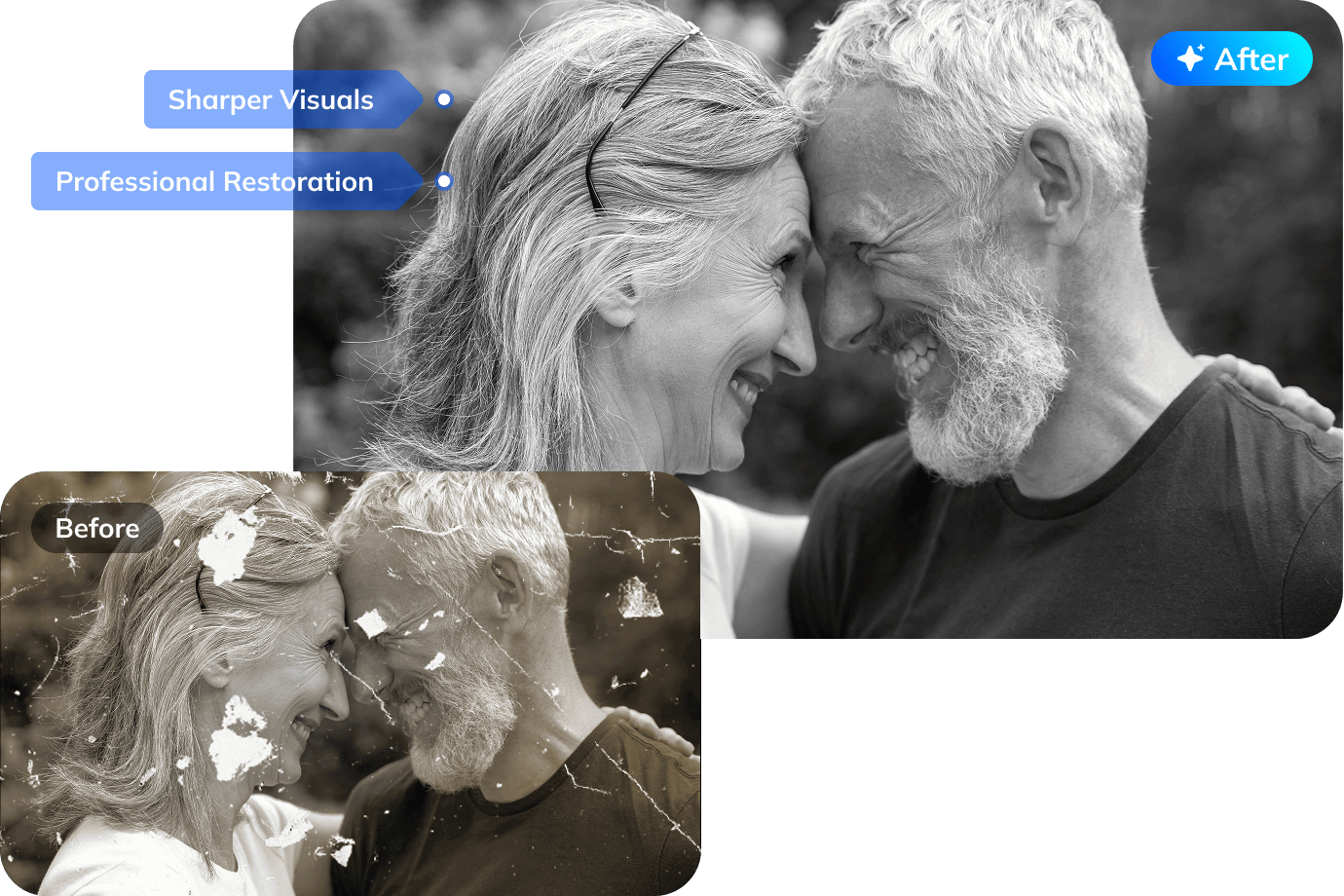
- Professional picture restoration for every need: From vintage prints to digital scans, we achieve photo restoration free.
- Our AI Old Photo Restoration will help you remove scratches from photos and return clear and intact images.
- With only one click, it will restore and retouch old photo to new photo with clarity and natural vintage colors.
Animate Static Memories with AI
- Make an old photo look new with motion effects that add depth and emotion.
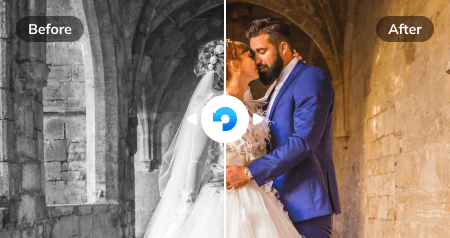
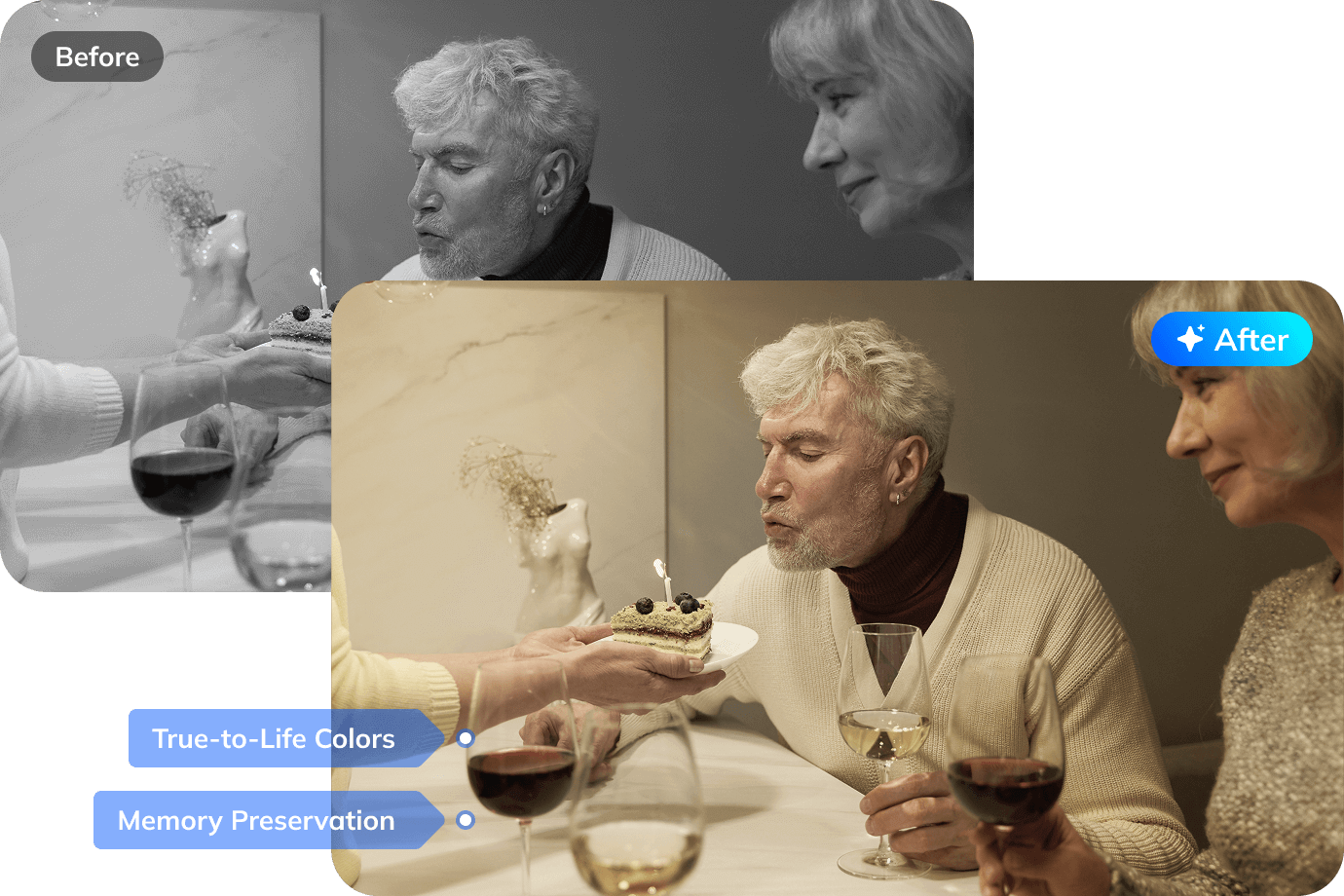
- Black and white photos possess vintage charm, yet viewing colorized versions adds diverse styles.
- AI restore old photos tool offers easy colorization and creates subtle eye blinks, smiles and fabric movements.
Enhance Faded Details with AI
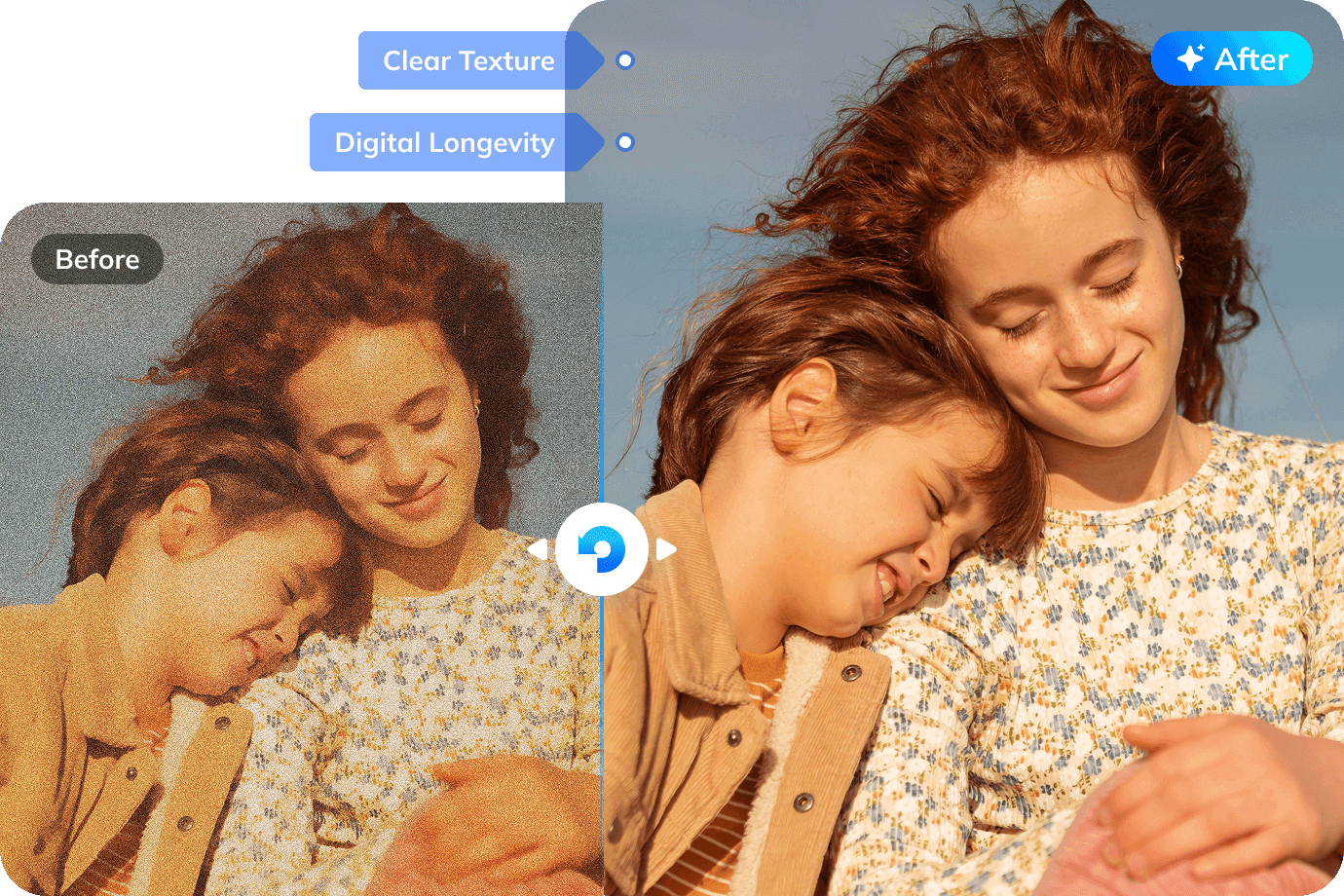
- AI super-resolution and picture restoration rebuilds missing textures from damaged old photos.
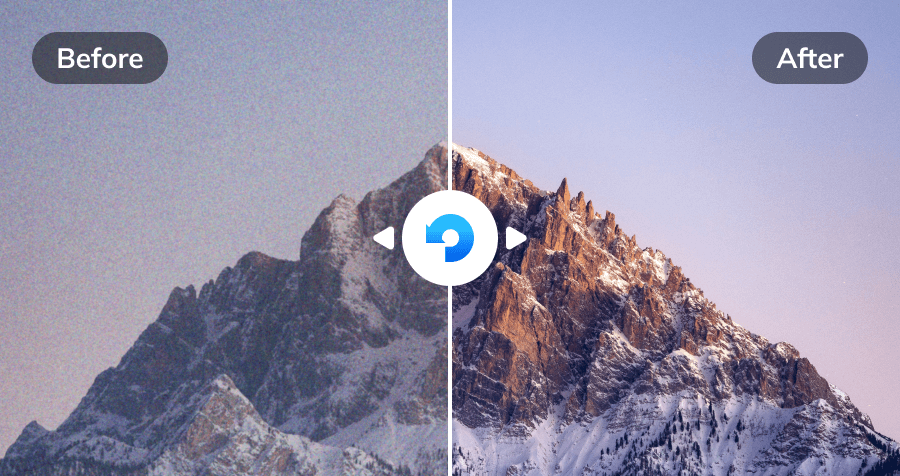
- AI restores vibrant colors, sharpens blurry edges, and revives lost details to make old photo to new photo.
- Repair embroidery patterns on wedding gowns, insignia details, and handwritten signatures with 95% accuracy 5.
Repair Damaged Portraits with AI
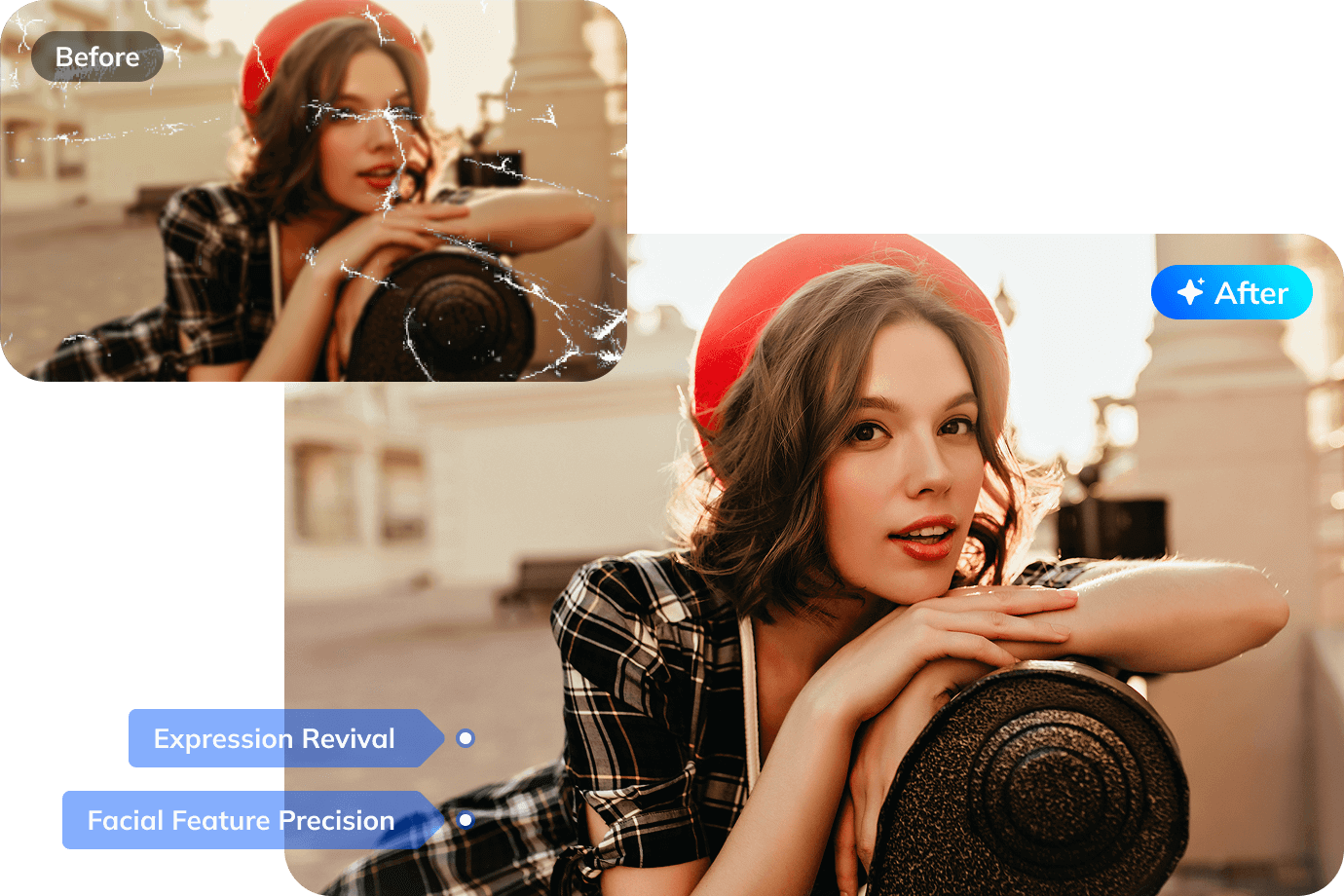
- Restore faces and features ravaged by tears, stains, or fading.
- Rekindle closure and emotional bonds with irreplaceable images.
- Our advanced algorithms reconstructs missing parts, fixes cracks, and revives skin tones in portraits, repairing old photographs and preserving the essence of the subject.

AI-powered Photo Restoration
AI-powered repair of scratches, fading, and damage with image colorizer and facial detail recovery

Clear Blurry Image
Deep learning makes image clearer with oil-painting texture

Photo Resolution Increase
AI restore old photos/designs to 4K without quality loss

Safe & Guarantee
Privacy-first security and a satisfaction guarantee are included in every photo repair service.
How to Restore Your ?
Just 3 simple steps to achieve professional picture restoration.
-

Step 1. Upload Old Photos
Click on the "+Add" button to upload the old photos from your computer. -

Step 2. Start Old Photo Restoration
Choose "Old Photo Restoration" from the three AI models and click the "Start Enhancing" button. -

Step 3. Preview and Download
Now you can preview the restored photo and save the new photo.
-
Step 1. Upload Old Photos
Click on the "Upload Image" button to upload the old photos from your computer. -
Step 2. Start Old Photo Restoration
You can choose between the AI Enhancement Model and AI Old Photo Model to restore your old photos. -
Step 3. Preview and Download
Now you can preview the restored photo and save the new photo.
Repairit’s Desktop & Online Old Photo Restore Solutions

Repairit For Desktop
 Batch photos can be restored
No limit to the size of the photos
Provide multiple restoration results

Repairit Online Free
Easy To Use
Accessible From Anywhere
What Our Customer Say ?

Restored old photos very well, I was unable to restore it manually. So I searched for AI and I found this AI Photo Restoration free site. Thanks!


Repairit helped me restored a photo of my parents in the 80s and its so amazing to see how AI can help restore my old photos free.
Quick, easy and it did a fine job! The AI Photo Restoration Free site improved the resotration of an old damaged photo by quite a bit. Better than several other "FREE" sites that I used. Thank you!
Still Have Questions about Restoring Old Photos?
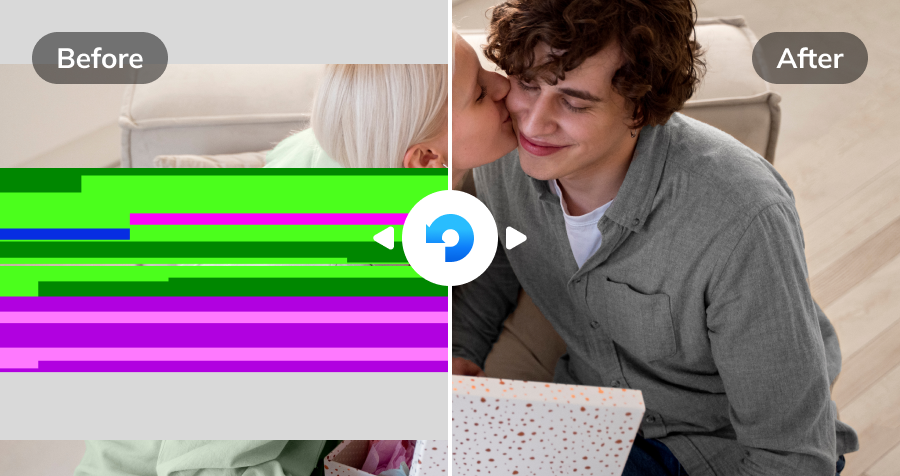
Wondershare Repairit uses advanced deep learning AI algorithms to automatically detect and repair various photo defects. It erases severe scratches, tears, creases, and water spots, restores faded colors, sharpens blurry details, and enhances facial clarity, seamlessly transforming your damaged vintage photos into fresh, high-definition memories.
Yes! Repairit features an AI photo colorizer that analyzes skin tones, clothing, environment, and historic contexts to add natural, vivid colors to monochrome or yellowed photographs automatically, bringing your family history to life without manual editing.
Repairit incorporates a specialized AI Face Restoration and Upscaling technology. Whether you upload digital scans or phone snapshots of old physical prints, the AI enhances facial contours, sharpens blurry eyes, removes noise, and upscales resolution up to 4K or HD quality while retaining authentic portrait features.
Yes, absolutely. We strictly prioritize user data privacy and security. All photo processing strictly adheres to privacy compliance standards, utilizing secure SSL encryption to safeguard data in transit. Your photos are never shared, sold, or accessed without authorization. Depending on the service mode used, file records are either maintained locally under your control or automatically cleared from cloud storage after completion.
Absolutely. Repairit provides a free preview feature. You can upload your old photo, run the AI restoration and colorization models, and inspect the side-by-side Before/After results before downloading the final high-resolution image.
For AI Old Photo Restoration, each photo consumes 40 AI Credits. When you choose a Repairit Toolkit plan, AI Credits are included in your plan to get you started right away. If you have a large collection of photos or run out of credits, you can easily unlock more AI Credits to meet your restoration needs anytime.
Discover More Tools to Enhance Photos