
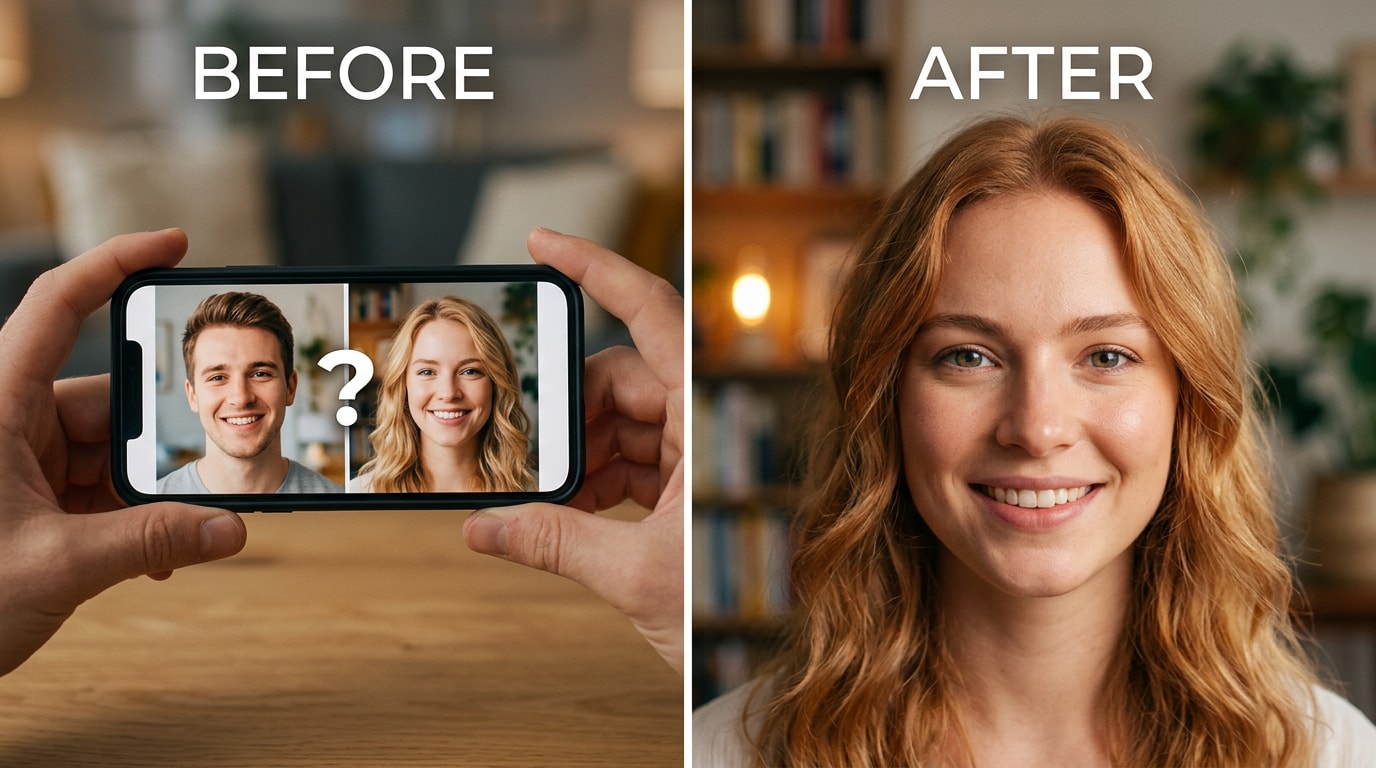
 TL;DR:
Relumi Combine Photo's Dual Face Fusion provides a completely free, watermark-free tool on iOS and Android that realistically merges two portraits by mapping spatial facial landmarks instead of relying on standard pixel averaging.
● Users control the final resemblance using an adjustable blend ratio slider to generate a 50/50 equal mix or skewed variations like 70/30, avoiding the muddy artifacts and final-step paywalls typical of competing web apps.
● The landmark extraction process requires clear, front-facing images to map spatial geometry and will underperform if source faces are obscured by extreme sideways angles, deep shadows, or sunglasses.
● The synthesis engine naturally calculates a proportional structural and skin-tone midpoint for highly diverse inputs, effectively resolving the limitation where traditional morphing tools default to a single ethnicity for interracial couples.
Ask AI for a summary
 ChatGPT
 Perplexity
 Gemini
 Claude
 Grok
Grok
That’s the post in full. No long explanation. Just someone who used to have a feature they loved, lost it, and has been quietly looking for a replacement ever since. Face merging — taking two portraits and blending them into a single face that genuinely looks like it belongs to both people — is one of those things that sounds like a niche use case until you try it once. Then it becomes a running activity: couples doing it on date nights, parents doing it with their kids’ photos, friends doing it for laughs, people comparing faces across generations.
The tools that used to do it either removed the feature, put it behind a paywall that activates at the last step, or produce results that look nothing like either person. The gap between wanting to merge two faces and finding something that actually works well — for free — is real, and it’s why threads like this one keep appearing on Reddit every few months.
Relumi Combine Photo — Dual Face Fusion is built specifically for this. It blends two portrait photos into a single, natural-looking face using facial landmark mapping rather than pixel averaging — which means the result actually inherits features from both people instead of producing a blurry compromise between them. Free to try on iOS and Android.
In this article
Part 1: Why Blending Two Faces Is Harder Than It Looks — And Why Most Tools Fail
Face merging is conceptually simple: take two portraits, combine them, get one face that looks like both people. In practice, almost every existing tool handles this badly, and the reasons why are worth understanding — because they explain exactly what Relumi does differently.
The most common approach is pixel averaging: the tool takes the RGB values of each pixel in both photos and averages them. The result looks exactly like what it is — a visual compromise between two images. Colours blend into muddy mid-tones. Features don’t sit in the right proportions relative to each other. The face that comes out doesn’t look like either person. It looks like a stranger.
For people who want a technically precise result, the frustration runs deeper. Stable Diffusion workflows exist for face blending, but they require local GPU setups, ComfyUI or Forge configurations, and extensive prompt engineering. Even then, the community consensus is that getting a clean 50/50 blend that actually resembles both people is “genuinely hard.” Most attempts either default heavily to one face or produce distorted output when trying to balance two distinct inputs.
Then there are the websites that promise free blending and charge you at the last step. Sign up, upload your photos, wait for processing, and then see a prompt to subscribe before viewing the result. This pattern is common enough that it has its own complaint threads: “they either lure you in and try to make you pay once you get to the final stage or make you sign up for a free trial hoping you forget to cancel.”
The gap — between wanting to merge two faces and finding something that works well and is actually free — is the problem Relumi Dual Face Fusion is built to solve.
Part 2: How Relumi Dual Face Fusion Works — And How to Use It


Relumi AI Photo Enhancer
Combine Photo — Dual Face Fusion That Blends Two Portraits Into One Natural, Seamless Result

 Facial landmark mapping: Analyzes both input portraits as sets of spatial landmarks — eye corners, nose bridge, lip curves, jawline — and maps them onto a shared geometry before synthesizing the blended result. Features land in the right proportional positions, not in a pixel-average muddle.
-
Adjustable blend ratio: Set the fusion at 50/50 for an equal blend, or push the slider toward one face to skew the result. This lets you explore “more like person A” vs. “more like person B” and compare the difference before saving.
-
Natural skin tone blending: Merges different skin tones into a proportional midpoint rather than defaulting to the lighter or darker input. Handles interracial couples and diverse family combinations accurately, which generic pixel-average tools consistently fail to do.
The core technical difference between Relumi and older face-morph tools comes down to what they read from the photo. Pixel-average tools treat both portraits as flat grids of colour values and blend them mathematically. The result looks blurry and unrecognizable because faces aren’t grids — they’re structures. Relumi reads each portrait as a set of facial landmarks: the precise coordinates of the eye corners, the nose bridge, the lip edges, the chin point. It normalizes both faces into the same spatial geometry first, then synthesizes a new face by inheriting specific features from each input. That’s why the nose sits in the right position relative to the eyes and mouth in the output. That’s why the eye shape looks like a genuine blend rather than a smudge. That’s why the skin tone resolves to a natural midpoint rather than a grey average.
How to Use Relumi Combine Photo — Dual Face Fusion on iPhone
Step 1. Select Combine Photo & Upload Your Two Portraits
Open Relumi, tap Combine Photo, then select Dual Face Fusion. Upload two photos from your camera roll — one per person. Clear, front-facing portraits give the best results.

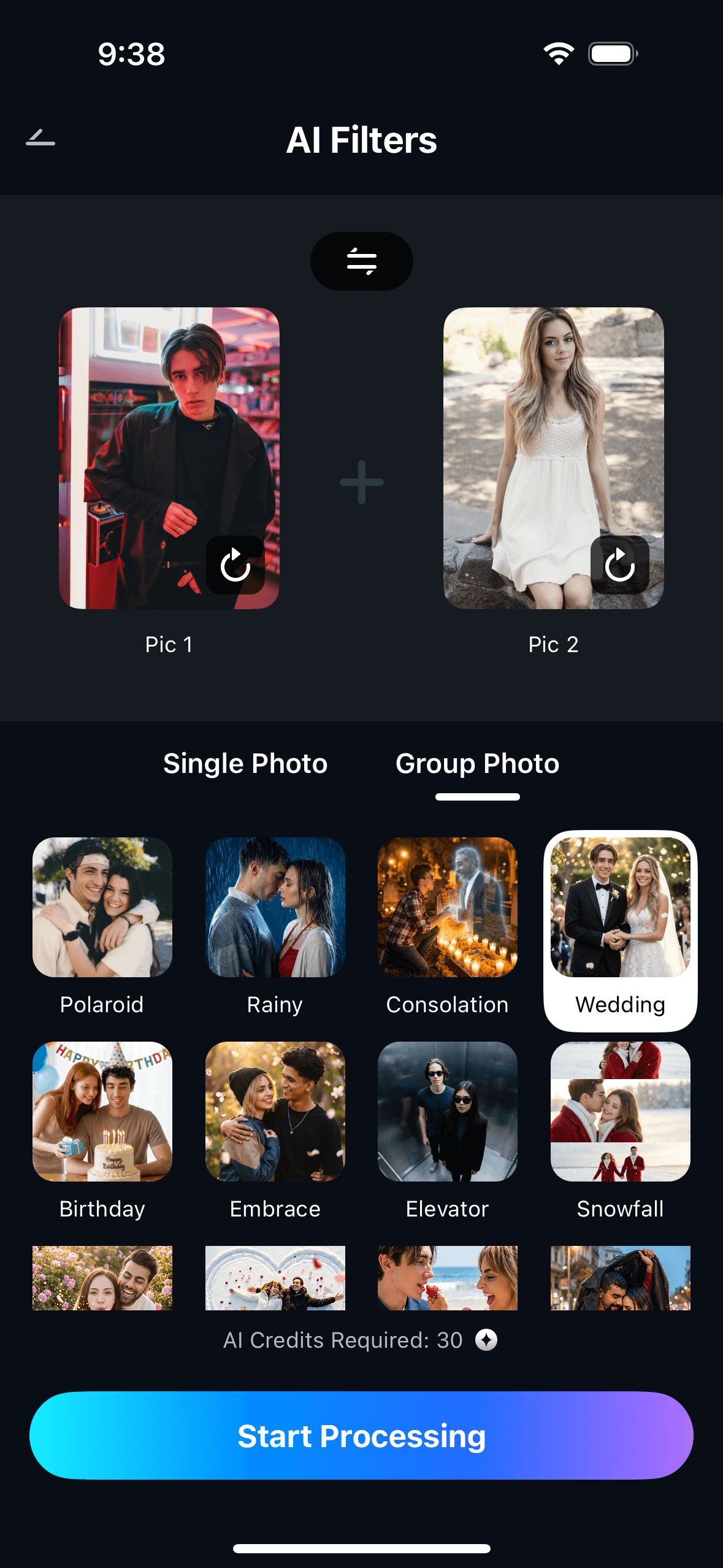
Step 2. Adjust the Blend Ratio & Start Processing
Set the Blend Ratio slider (50/50 for an equal mix, or skew it toward one face), then tap Start Processing. The AI maps facial landmarks from both portraits and synthesizes the fused face in seconds.
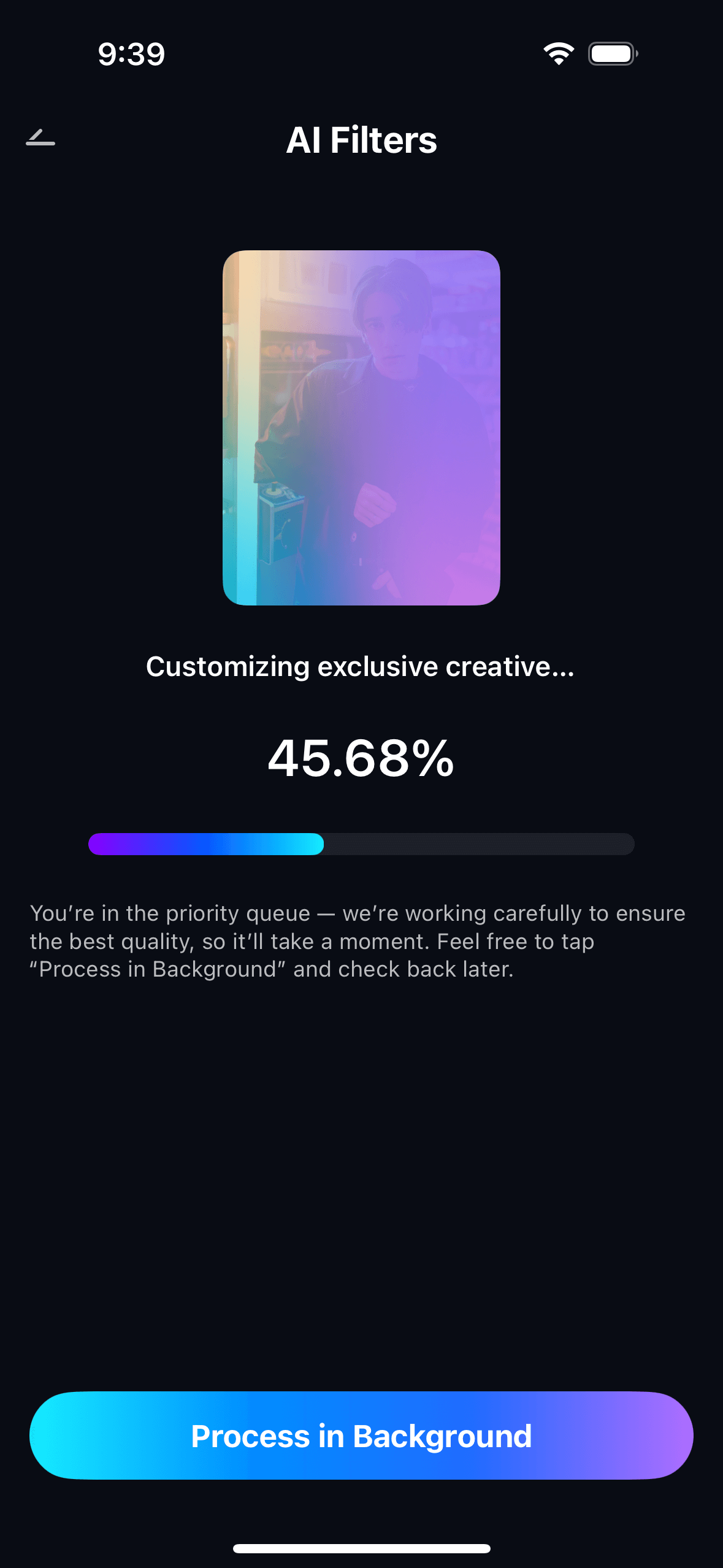
Step 3. Preview, Save & View Your Creations
Preview the AI-generated combined portrait. Tap Save to export it to your photo gallery. You may see a popup to earn AI credits after saving. All merged images are accessible later in My Creations.
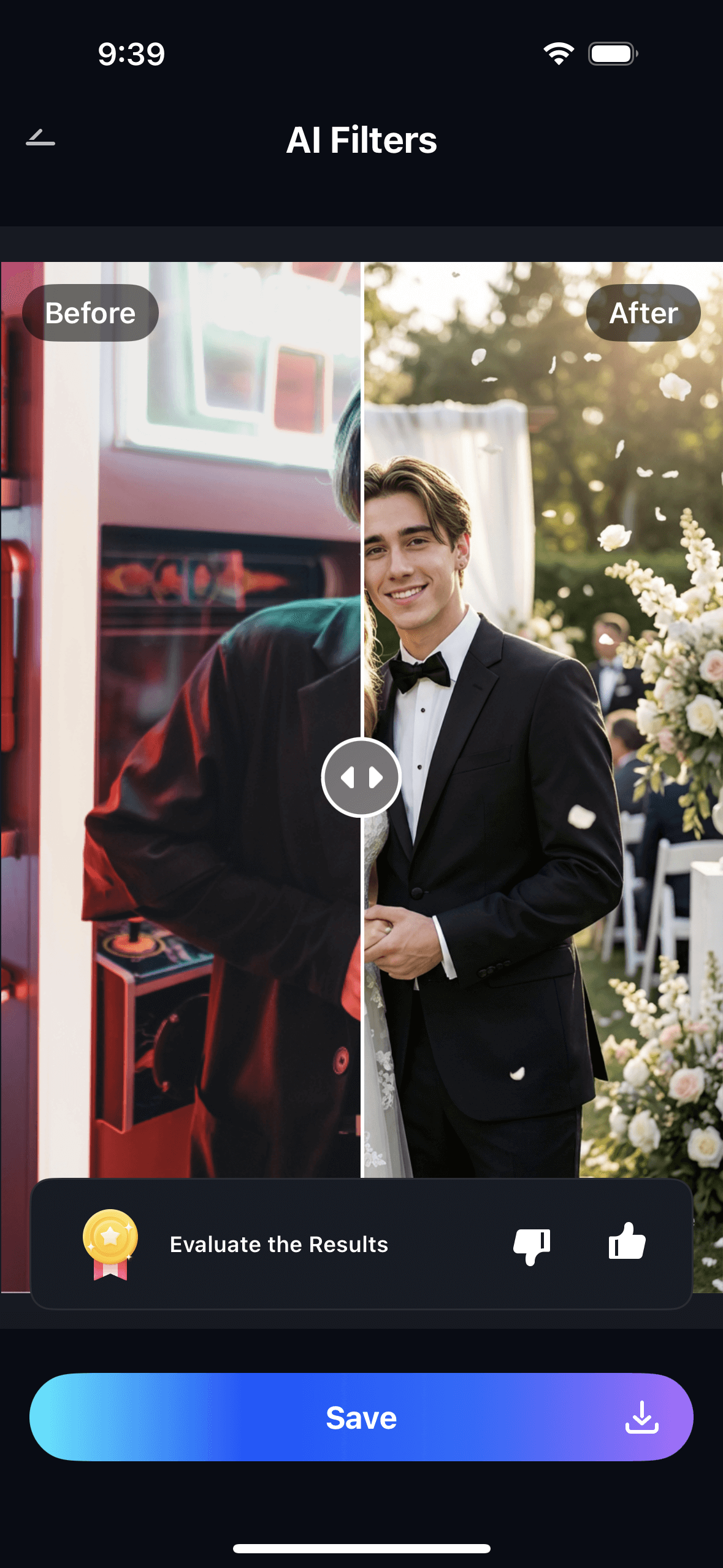
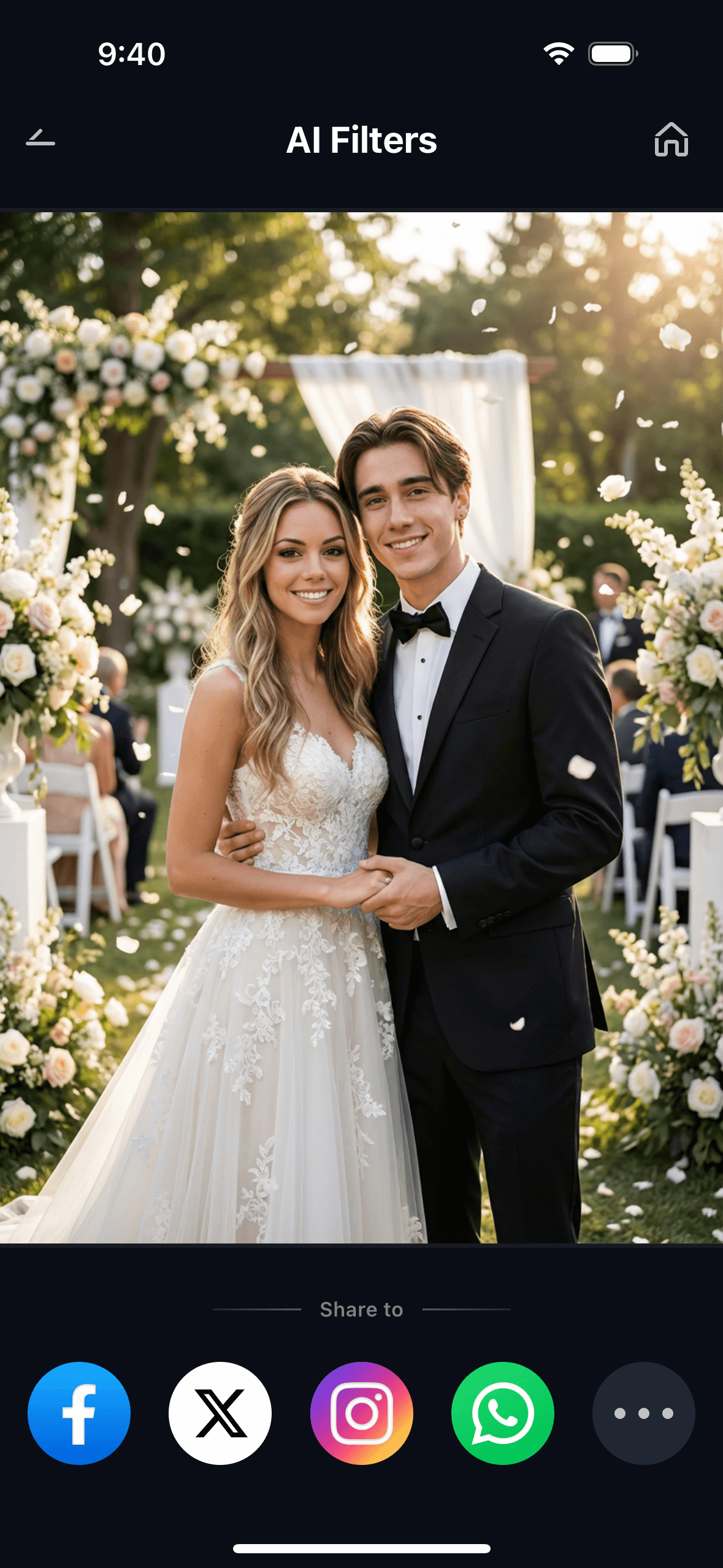
The result is a clean portrait that looks like a real person — one who happens to share specific features with both people you uploaded. The output has no visible seams, no artifacts, and no “double exposure” look. It’s the kind of result that makes people look twice and ask: “who is that?”
Part 3: Three Ways People Are Actually Using Dual Face Fusion
Face fusion isn’t one use case. The same feature gets used for very different reasons by very different people — and the emotional value behind each is different enough that it’s worth walking through them separately.
💕 1. Couples — "What Would Our Baby Look Like?"
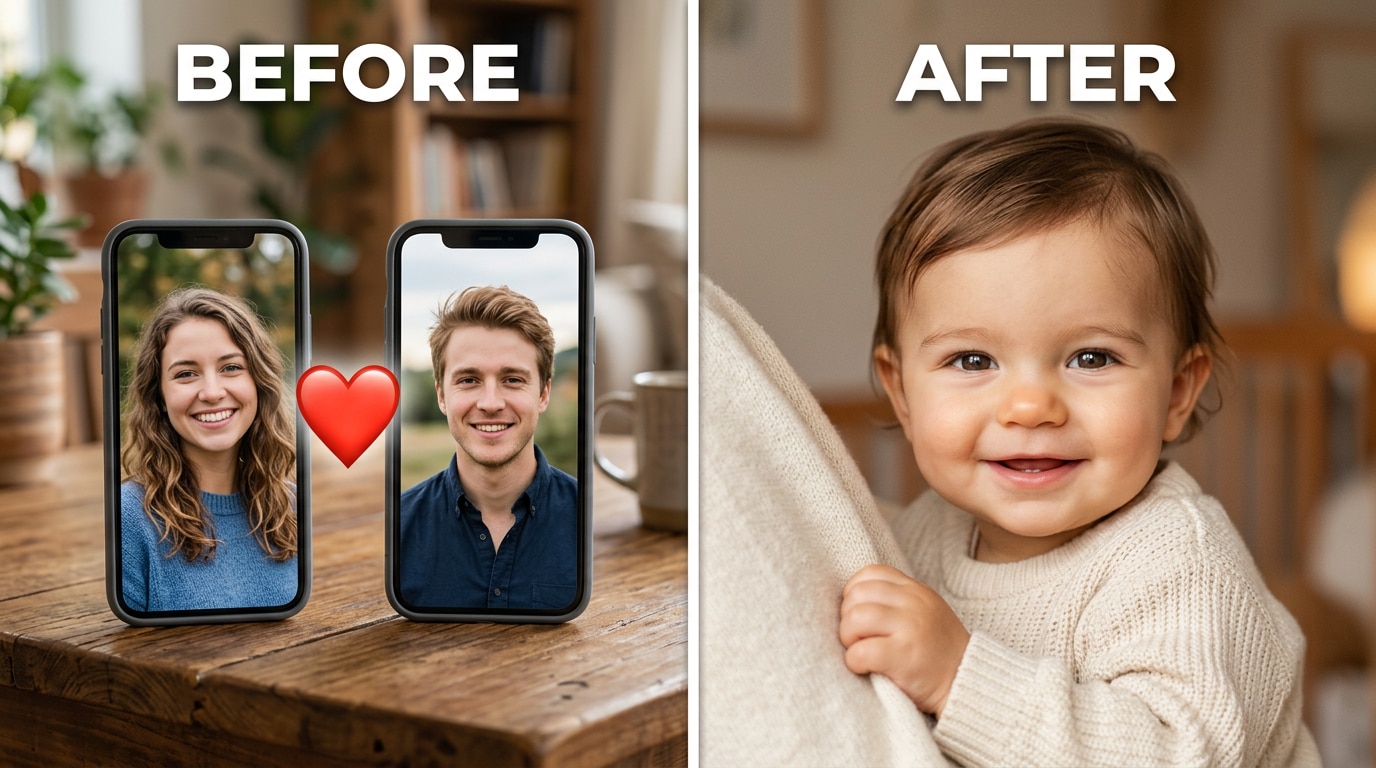
This is the most searched use case for face merging — and the one that existing tools handle most poorly. Couples want to see a realistic preview of what their child might look like: not a filtered guess, not a random third face, but something that actually looks like it came from both of them.
The frustration with existing tools is consistent. The most common complaint is that the output “defaults to one person’s ethnicity and ignores the other” — particularly for interracial couples. One user described uploading photos with their partner and getting back “babies with my skin tone” rather than any visual blend. Another described the result as “the same baby face with an old person face framed around it” — meaning the tool wasn’t blending at all, just overlaying.
Relumi’s landmark-based approach handles this correctly because it doesn’t average pixels. It maps the nose shape from face A and the eye shape from face B and synthesizes both into the same proportional structure. Skin tone is resolved by the blend ratio slider — set it to 50/50 for a true midpoint, or adjust to represent more of one parent. The result looks like a real face that belongs to both people, not a compromise between their photos.
This also works as a fun date-night activity. Pull out two photos, run the fusion, move the slider around, and see how the result changes. Couples in long-distance relationships have been doing this for years with whatever tools they could find — now there’s one that actually works.
👪 2. Families — Who Does Your Child Take After?
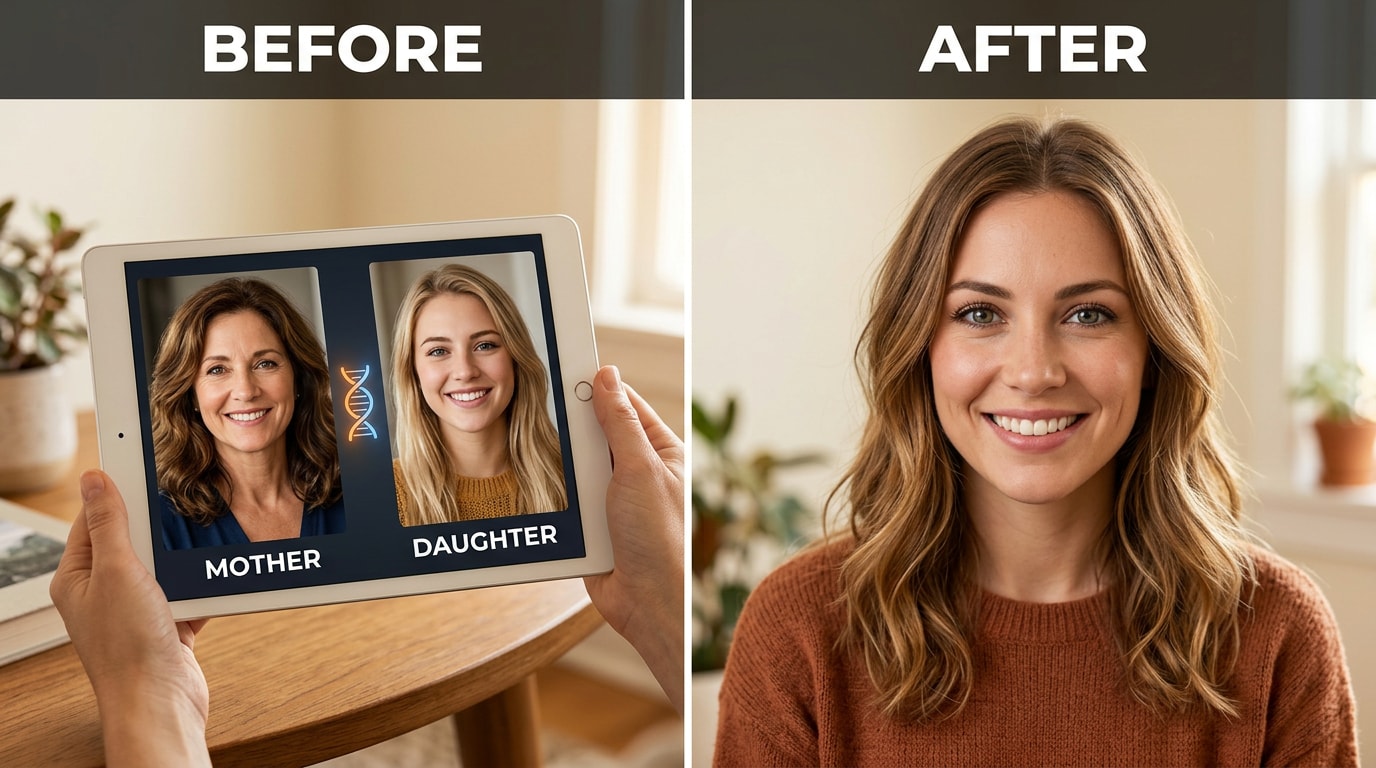
Every family has the argument: the child has their mother’s eyes but their father’s nose. Grandma says the chin is all her side of the family. Dad disagrees. Dual Face Fusion gives everyone a visual to point at instead of arguing from memory.
The most natural way to use it for family comparisons: blend a parent’s photo with a grandparent’s to see which features have carried across generations. Blend two siblings to see how much visible genetic overlap shows up. Blend a child’s current photo with each parent separately and compare which output looks more like the child — the answer usually settles the argument.
The adjustable blend slider is particularly useful here. You can push the ratio to 70% one parent and 30% the other and see which direction produces a face closer to what the child actually looks like. It turns a conversation about family resemblance from an abstract disagreement into something concrete and visible. Works especially well at family reunions with a mix of old and new photos, or as a way to explore resemblance across generations using archive photos.
🎉 3. Social Fun — The Face-Blend Challenge
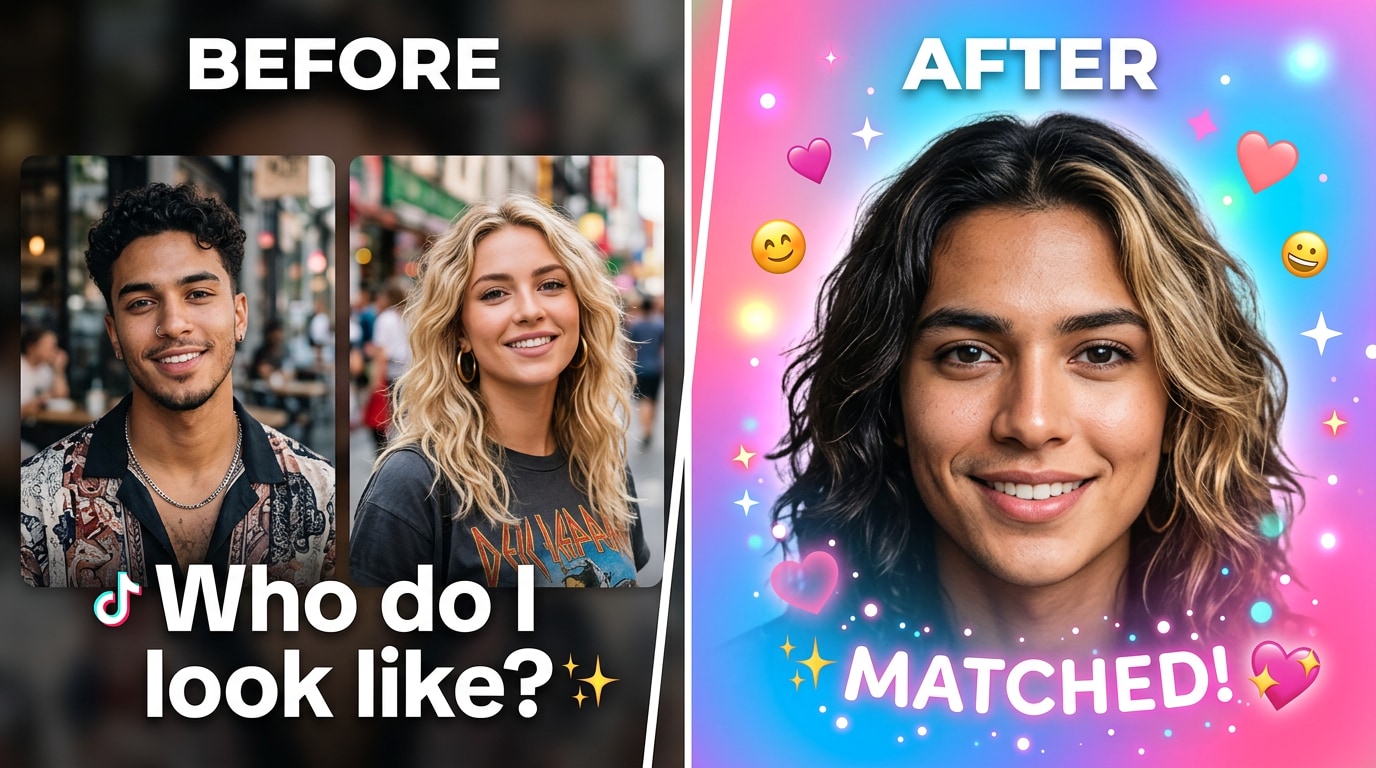
The simplest use case, and the most shareable. Two friends merge their faces and post the result. The caption writes itself: “Which one of us does this look more like?” It’s the same impulse that drove every celebrity face-swap thread on Reddit and every “who’s your celebrity lookalike” trend on TikTok — but with a clean AI output instead of a wobbly Photoshop job.
The format works best as a series. First post the 50/50 blend. Then post the 70/30 version and the 30/70 version side by side. Ask followers which one looks more like you. The blend slider creates natural variation without any extra effort — three different outputs from the same two source photos, each one a slightly different answer to the same question.
Because Relumi exports in full resolution with no watermark, the output looks polished enough to post directly. No cropping required, no visible “made with X” badge to explain away. It looks like a real portrait of a real person — which is exactly what makes people look twice and engage.
Conclusion
The desire to blend two faces has been around as long as people have had cameras. But the tools to do it well haven’t kept up. Old apps removed the feature. Websites charge at the last step. DIY methods require GPU setups that most people don’t have. And generic pixel-average tools produce results that look like neither person.
Relumi Dual Face Fusion solves the actual problem. It maps facial landmarks from both portraits, synthesizes a new face that genuinely inherits specific features from each person, and gives you an adjustable blend slider so you’re in control of the final ratio. The result looks like a real person who actually resembles both inputs — not a blurry compromise, not a random stranger, not a double exposure. A face. Clean, natural, export-ready.
Whether you’re a couple curious about the future, a family settling a decades-old resemblance debate, or just someone who wants a shareable moment with a friend, the free tier on iOS and Android covers everything you need. Upload two photos. Tap Start Fusion. Adjust the slider. Save when it looks right.
FAQ
-
Will the fused face actually look like both people, or just a random stranger?
This is the most common complaint about generic face-merge tools — the output resembles neither input. Relumi uses facial landmark mapping rather than pixel averaging. It analyzes the spatial positions of specific features in both portraits (eye corners, nose bridge, lip shape, jawline) and synthesizes a new face using those coordinates. Features end up in the right proportional positions relative to each other because they’re built from the actual geometry of both faces — not blended as flat colour values. -
Can it handle photos of people with very different skin tones, face shapes, or ages?
Yes. Dual Face Fusion is specifically designed to handle large visual differences between the two inputs. Skin tone is resolved to a natural proportional midpoint rather than defaulting to the lighter or darker input — which is the failure mode most baby-prediction apps experience with interracial couples. Face shape differences are handled through landmark normalization: both faces are mapped to the same geometric framework before synthesis, so a round face and a narrow face can blend into a coherent proportional result. Age differences work similarly — the structural landmarks are the same regardless of age. -
Is this the same as a face swap?
No — completely different purpose and output. A face swap replaces one person’s face with another’s (Person A’s face placed onto Person B’s body or photo). Dual Face Fusion blends two faces into a single new portrait that inherits features from both people simultaneously. There’s no source body, no target photo — just two input portraits and one fused output that looks like a real person who belongs to both of them. -
Can I control how much of each person shows up in the result?
Yes. After the initial fusion, you have an adjustable blend slider that lets you shift the result anywhere between the two inputs. Set it to 50/50 for an equal merge, push it to 70/30 to emphasize one person’s features, or go to 80/20 if you just want a subtle influence from the second face. Each slider position regenerates the fusion so you can compare different ratios in real time before saving. -
What photos work best?
Clear, front-facing portraits with good lighting give the best results. Both faces should be reasonably in focus and not heavily obscured by sunglasses, extreme angles, or deep shadows. The two photos don’t need to be taken in the same conditions or be the same size — Relumi normalizes both inputs before processing. Casual selfies and camera photos both work fine. Avoid photos where the face is turned significantly sideways, as this limits the number of landmarks the AI can extract. -
Is Dual Face Fusion free to use?
Yes. The feature is available on Relumi’s free tier for both iOS and Android. There’s no paywall that activates at the final step — you can run the fusion, adjust the blend ratio, preview the result with the before/after toggle, and export in full resolution without a watermark, all for free. No subscription required to use the core feature.



