AI Photo Enhancer : Making Images Clear & Visible
Enhance your photo editing experience with Repairit AI Photo Enhancer. Optimize color balance, sharpen blurry edges, uncover hidden details, and effortlessly improve the quality of every image, whether on desktop or online.


General Enhance
Improve overall clarity, detail, light, and quality.

Portrait Enhance
Refine faces and portrait details naturally.

Unblur & Sharpen
Improve soft, blurry, or out-of-focus photos.

Denoise & Clean
Reduce visible noise, grain, and compression artifacts.
Fix Blurry, Noisy & Low-Quality Photos with AI Photo Enhancer
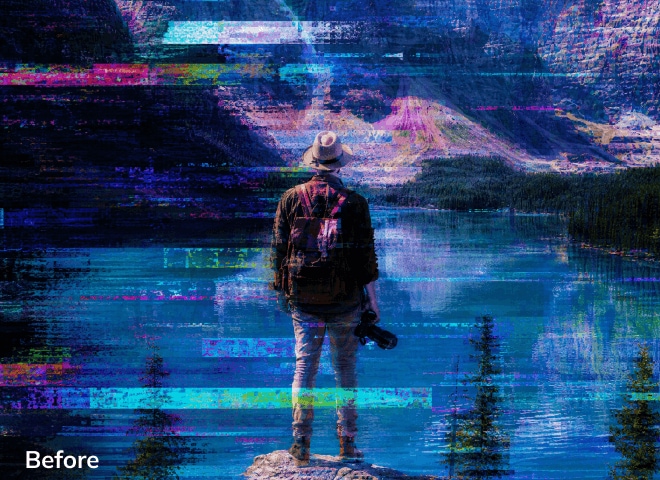
Whether you're dealing with static, motion, or lens blur, our AI-powered tool allows you to unblur photo online free and enhance image clarity with ease.
AI Portrait Enhancer:
Enhance Facial Details & Clarity
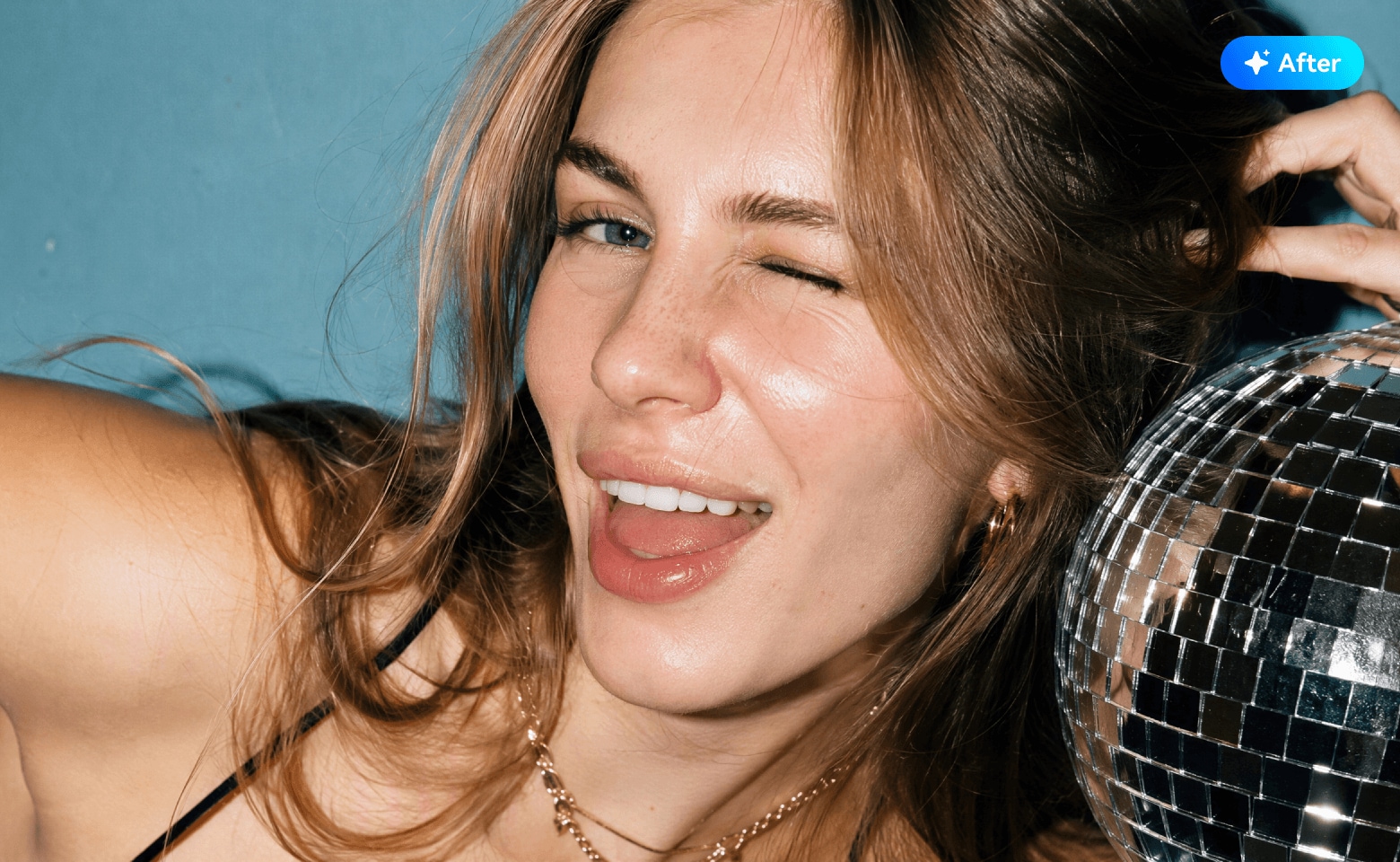
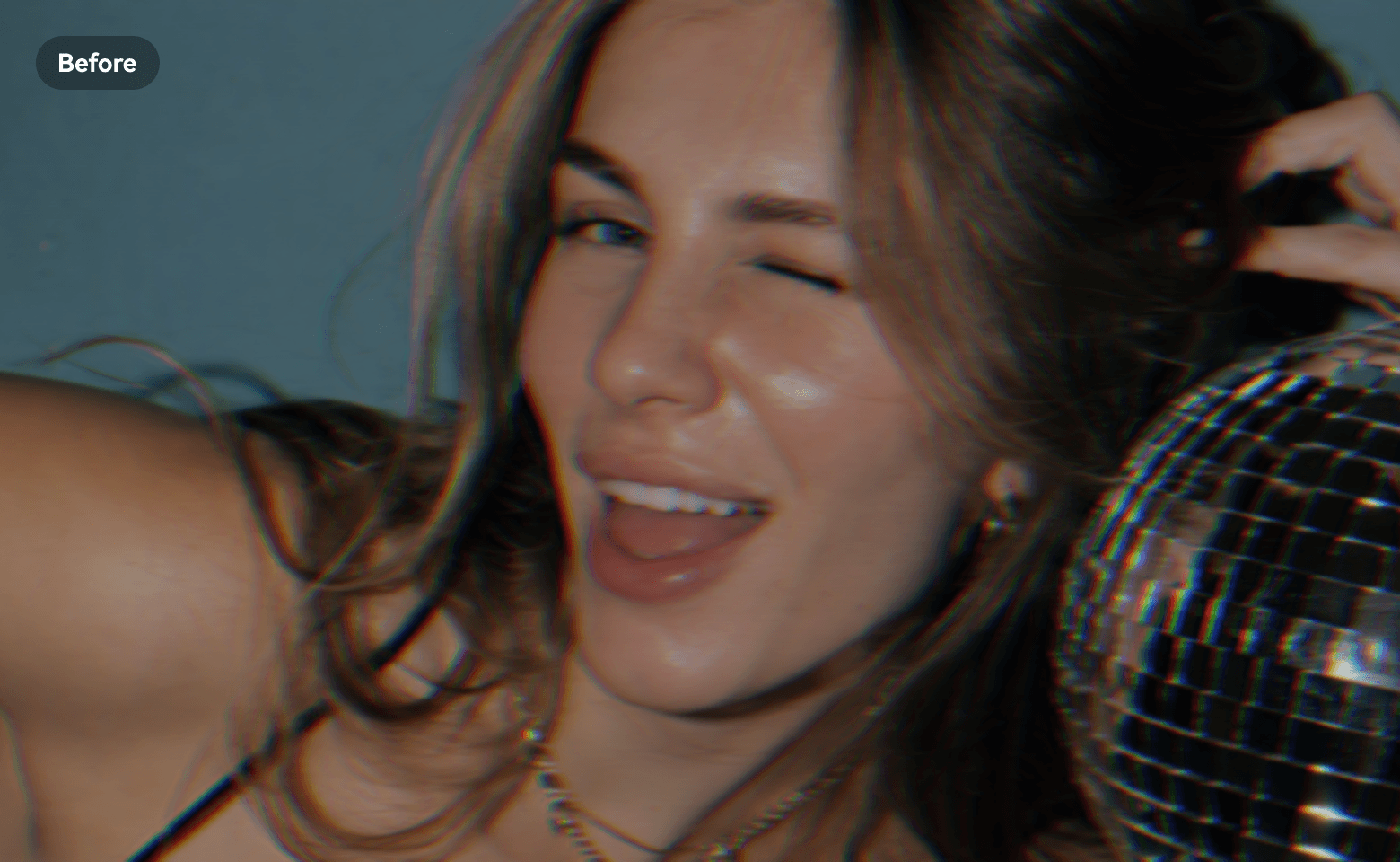
Repairit AI Portrait Enhancer recognizes key facial features and refines visible details for clearer, more natural-looking portraits. It enhances facial definition while preserving the person's original appearance and character.
Experience precision like never before with this Accurate Face Focus feature. Repairit AI Portrait Enhancer identifies and sharpens the focus on faces in your portraits, ensuring they stand out with crystal clear detail.
This AI Portrait Enhancer effortlessly brightens up your portraits. It intelligently adjusts the light balance, making faces appear lighter and more radiant while maintaining natural skin tones.
AI Image Sharpener:
Revitalize Your Blurry Photos
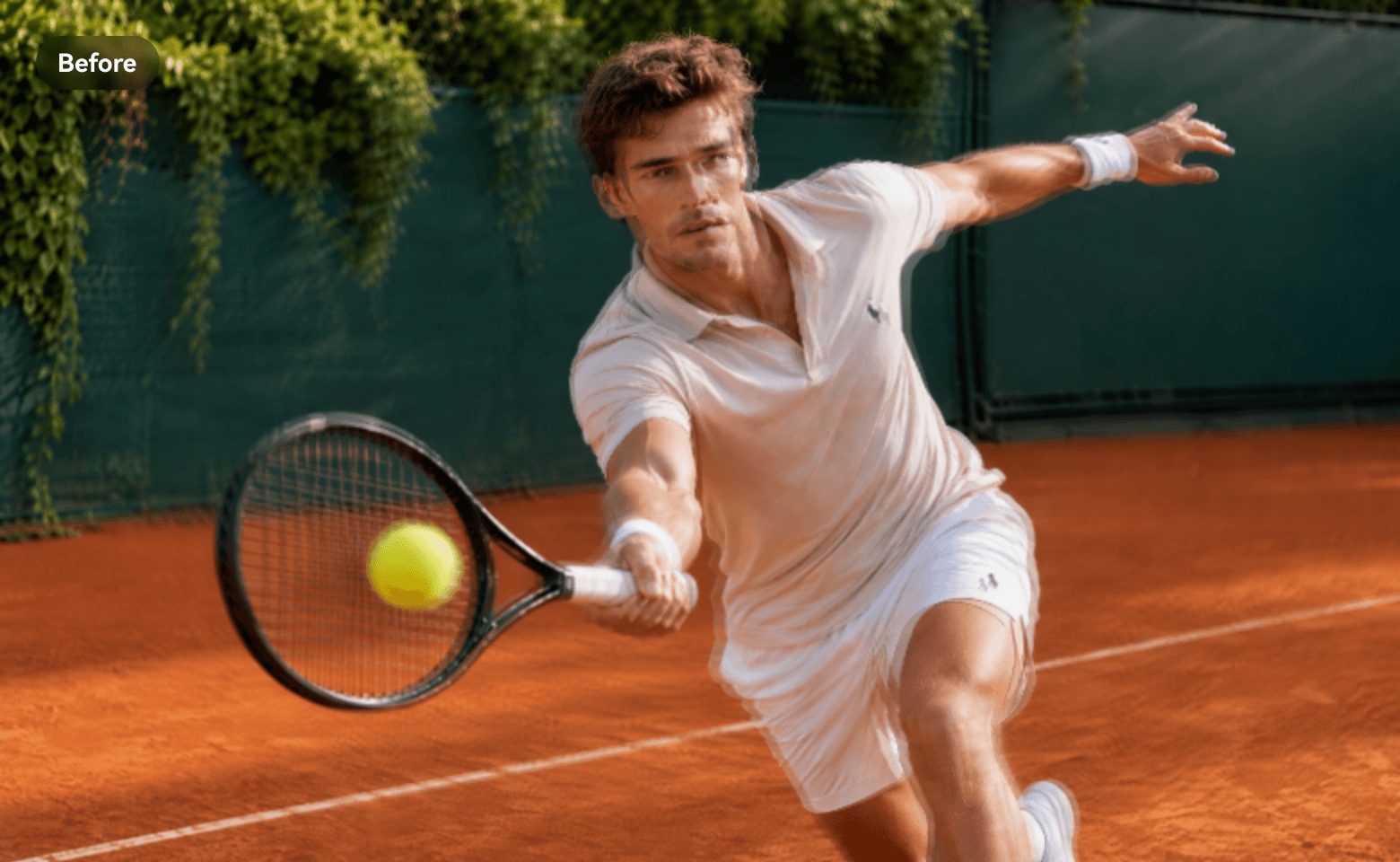
With Repairit AI Image Sharpener, static blur is no longer a hindrance. This advanced technology enhances edges and fine details in your images, transforming blurred visuals into sharp, clear masterpieces.
Repairit AI Image Sharpener effectively tackles motion blur, analyzing the blur pattern and restoring lost details. Experience crystal clear images that perfectly capture every dynamic moment.
Lens blur can obscure crucial elements in your photos, but this AI Image Sharpener corrects it without compromising on quality. Enjoy crisp, clear images that retain their original aesthetic appeal.

AI Photo Denoiser:
Clean Up Your Noisy, Grainy Photos
Repairit AI Photo Denoiser reduces unwanted image noise caused by low light, high ISO, or poor shooting conditions. It cleans up distracting pixels while preserving important edges and details for a clearer, smoother photo.
Powered by advanced AI, this photo denoiser effectively reduces noise and grain, resulting in smoother, clearer images without sacrificing important details.
With Repairit AI Photo Enhancer, you can effortlessly remove gridlines and other distortions, transforming your printed pictures into high-quality digital images.


AI Photo Color Enhancer:
Restore Natural Light & Color
Repairit AI Photo Color Enhancer corrects overly bright or washed-out photos by intelligently balancing brightness and contrast. It helps recover a more natural appearance and restores richer, better-balanced colors to overexposed images.
Our AI-powered tool enhances visibility in underexposed pictures, bringing out hidden details and improving color balance for stunning results even in challenging lighting conditions.
Bring richer, better-balanced colors back to flat, washed-out photos while keeping the natural look of the original scene.





Natural Results
Keep enhanced photos clear and polished while preserving their original look and character.

Free Preview
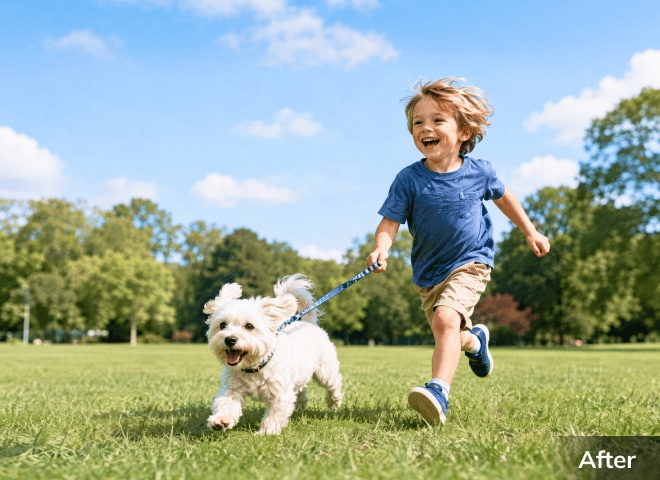
Compare the original and enhanced photo before export, so you stay in control of the final result.

Batch Enhancement
Process multiple photos in one workflow for faster, more efficient enhancement.

Data Privacy
Protect your photos throughout the enhancement workflow with secure processing.
Unlock More Creativity and Possibilities with AI Picture Enhancement
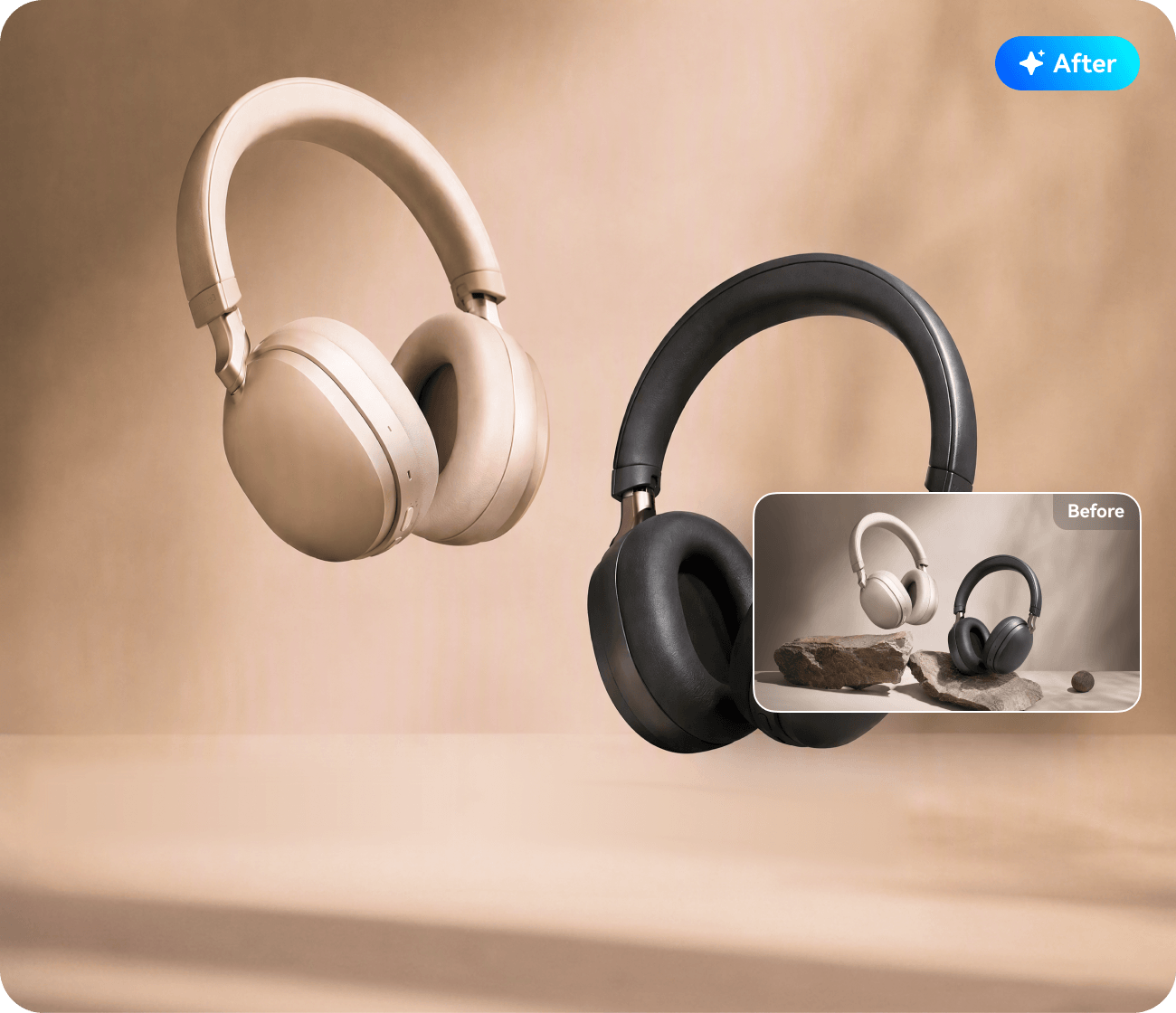
Make Product Details Stand Out
Polish product photos for online stores, marketplace listings, catalogs, and product showcases, giving every item a clean, professional look across different sales channels.
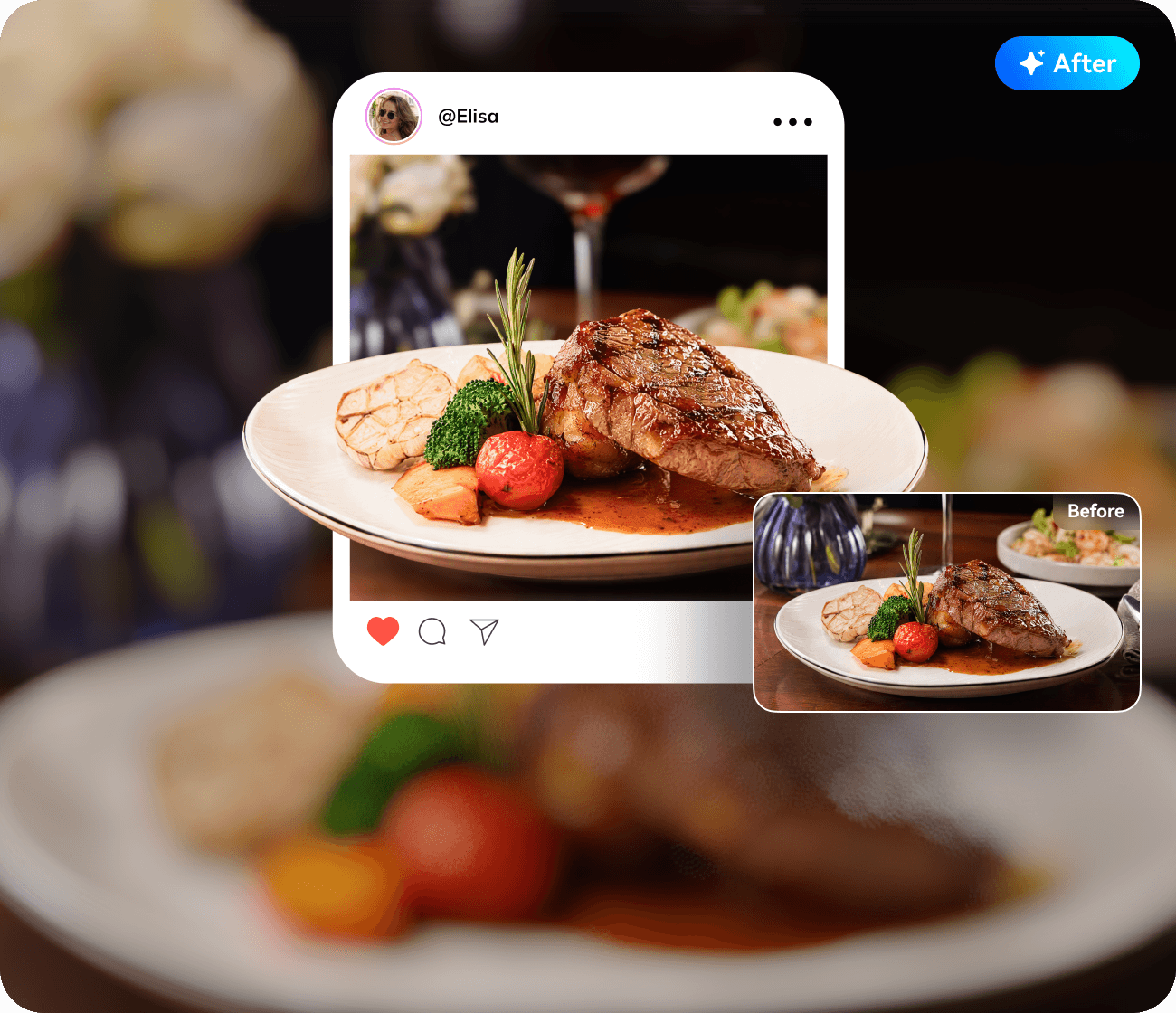
Make Every Post Look More Polished
Polish social posts, thumbnails, carousel images, creator portfolios, and branded visuals for a more consistent look across social platforms and creative projects.
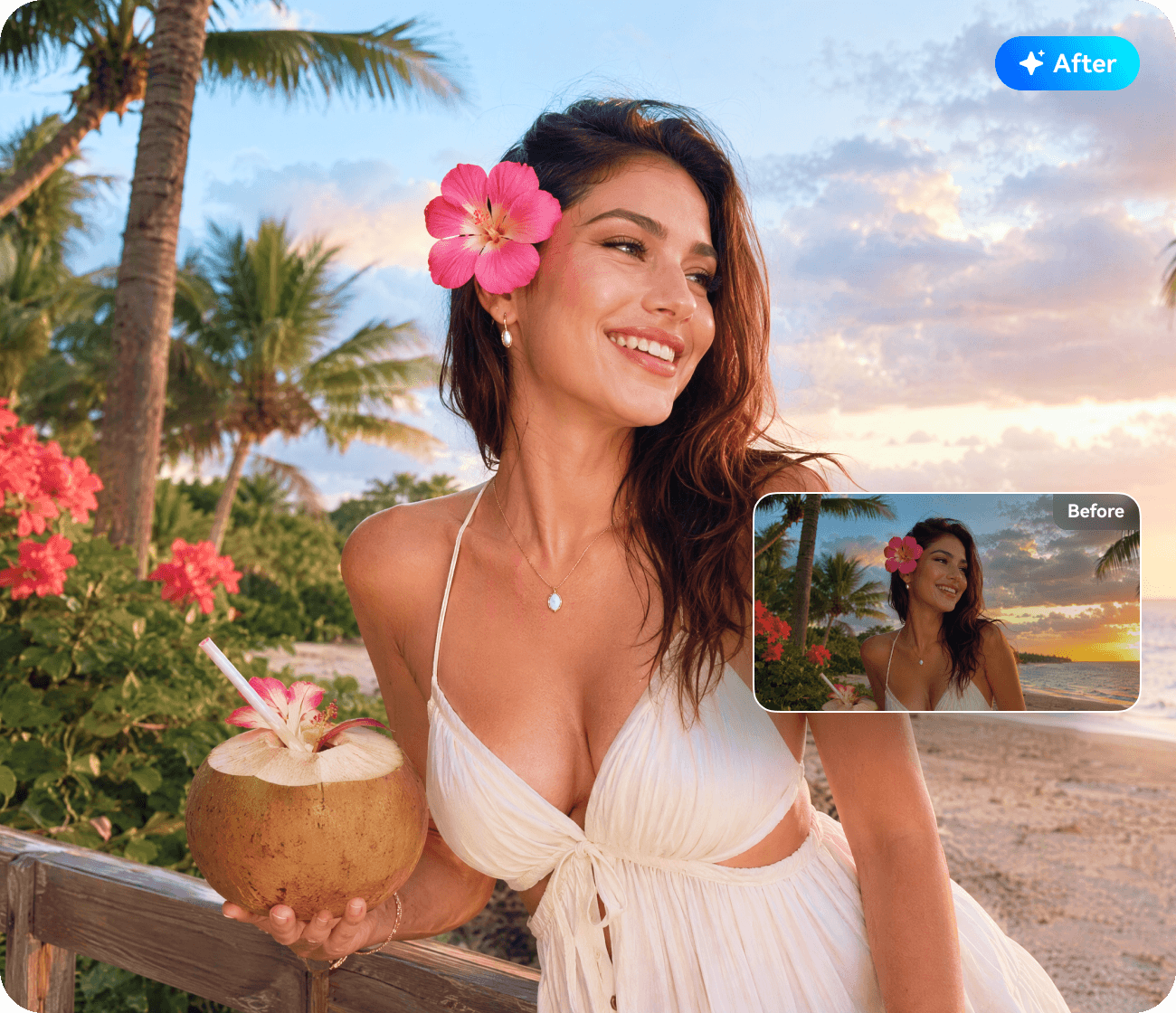
Bring More Life to Every Moment
Polish travel shots, food photos, street snaps, selfies, and everyday moments for photo dumps, travel journals, photo diaries (Plogs), and lifestyle posts while keeping the original mood of each shot.
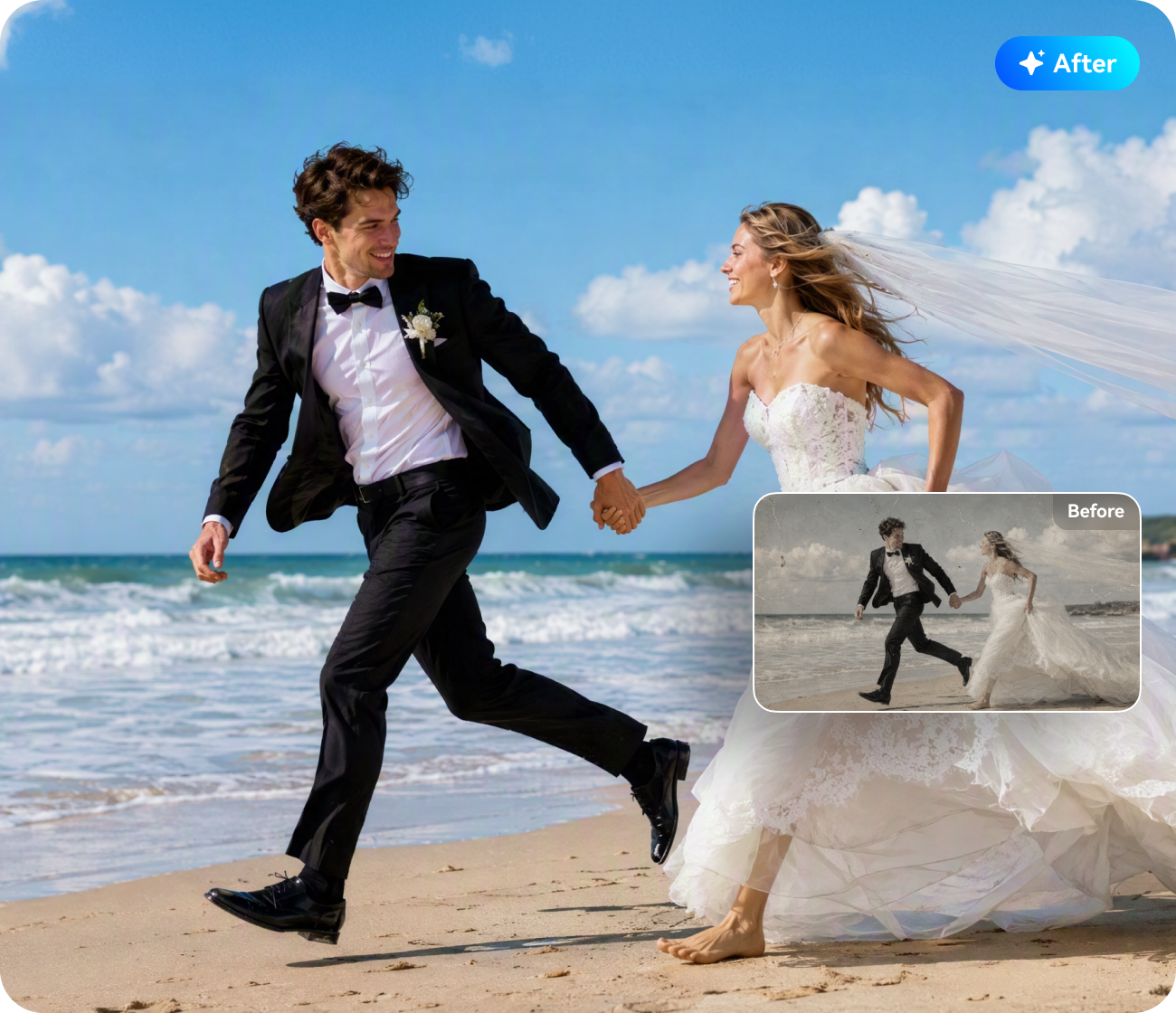
Give Printed Photos a Cleaner Digital Finish
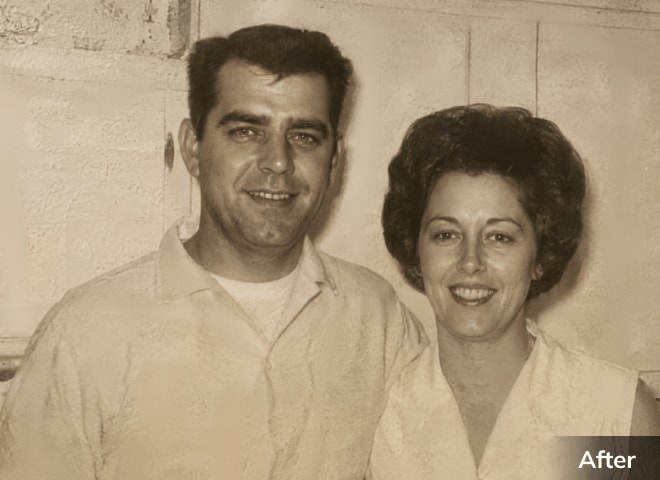
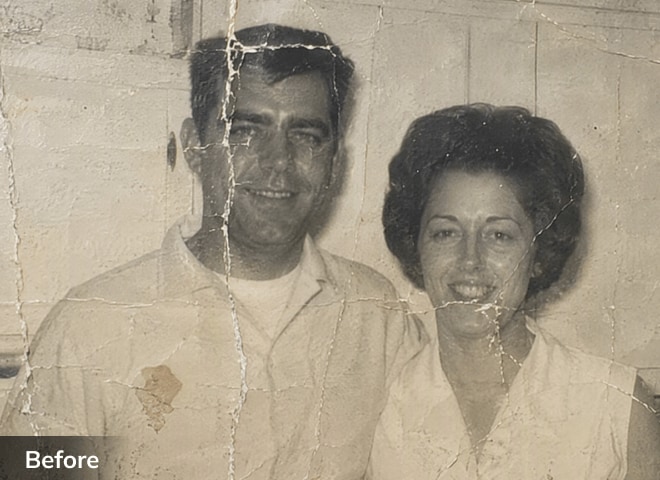
Refine scanned and digitized photos from family albums, framed prints, wedding photos, school portraits, and old snapshots for easier archiving, sharing, or reprinting.

Polish AI-Generated Images With Finer Detail
Refine AI-generated portraits, product mockups, concept art, thumbnails, ad creatives, and social visuals before editing, publishing, presenting, or printing them.
How to Enhance Photo Quality
Online Free with AI

Step 1
Access to AI Photo Enhancer. Download and launch Repairit and go to "AI Photo Enhancer" to start.

Step 2
Upload photos to enhance with AI. Upload your photos and perform AI photographic enhancement.

Step 3
Preview and save the enhanced photos. Preview the enhanced results and save the best one that satisfies your taste.
Your Best Desktop & Online Photo Enhancer Solutions

Repairit For Desktop
 All Your Tools in One
Place
- Windows & Mac Ready
- Built for Creator
Workflow

Repairit Online
- Enhance Anywhere, No
Install
- Enhance on Mobile,
Anytime
- Easy to Use, Quick to
Start
What Our Customers Say About Repairit AI Photo Enhancer?




As a professional photographer, image quality is paramount to me. I've tried many photo enhancement tools, but Repairit AI Photo Enhancer has truly impressed me. It has significantly reduced the time I spend on post-processing. The AI-driven noise reduction and sharpening features are simply exceptional. I can now confidently enhance my images knowing they will retain their natural look. It's a game-changer!

Repairit AI Photo Enhancer is an absolute lifesaver! It's easy to use and incredibly efficient. As a graphic designer, it's important for me to present clear, detailed images to my clients. This tool helps me upscale low-resolution images without losing quality, and the results are always amazing. I highly recommend it to anyone in the creative field.

In real estate, high-quality images can make or break a sale. This AI Photo Enhancer has been instrumental in helping me showcase properties in the best light. It effortlessly improves resolution, sharpens details, and enhances colors, making each property look its best. It's a must-have tool for anyone who relies on quality images for their business.

Frequently Asked Questions About
Repairit AI Photo Enhancer
1Can Repairit AI Photo
Enhancer make a blurry photo clearer?
2Will AI Photo Enhancer
change how faces look?
3Can I enhance multiple
photos at once?
4Can I use Repairit AI
Photo Enhancer online?
5What photo formats does
Repairit AI Photo Enhancer support?
6How many photos can I
enhance with Repairit, and do I need AI Credits?
Explore More AI Photo Tools from Repairit

 Try It Free
 Buy Now

